
Character Creator GoZ Plus - One-Button Baking for Bodies, Clothing, Accessories, and Props
Learn to seamlessly transfer assets between Character Creator and ZBrush using GoZ PLUS. Master techniques for sculpting, texturing, and posing characters, props, and accessories for 3D printing and game development.
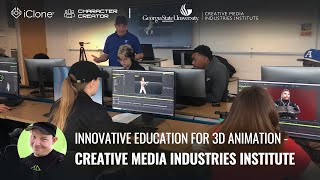
Innovating the Future of 3D Animation Education - Using iClone at CMII
Explore innovative 3D animation education at CMII using Reallusion iClone. Learn character animation, crowd simulation, and motion capture cleanup through practical, real-world production scenarios.
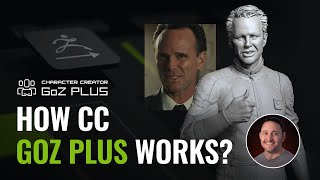
CC GoZ Plus Tutorial - Baking Bodies, Clothing, Accessories, and Props in ZBrush
Master CC GoZ Plus: Seamlessly transfer assets between Character Creator and ZBrush. Enhance 3D models with detailed sculpting, texturing, and posing for character creation and 3D printing.
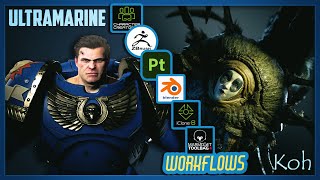
Character Creation Workflow: ZBrush, Character Creator, Substance Painter, Blender, iClone, and Marmoset
Comprehensive workflow for creating and customizing 3D characters using multiple software tools, covering modeling, texturing, rigging, animation, and rendering techniques for game-ready assets.
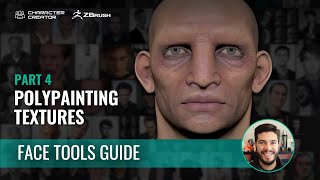
Easy Facial Rig in ZBrush with Face Tools - Polypainting Texture Sets - Part 4
Learn to create realistic facial textures using ZBrush Face Tools' polypaint feature. Master techniques for enhancing details, automating masking, and seamlessly transferring textures to Character Creator.
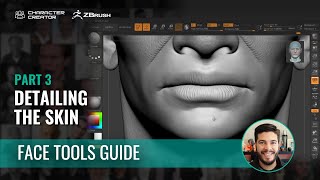
Sculpting Skin Details in ZBrush with Face Tools - Part 3
Learn advanced skin detailing techniques in ZBrush using Face Tools. Master smoothing, custom brushes, and pore creation to enhance character realism. Discover seamless transfer methods back to Character Creator.
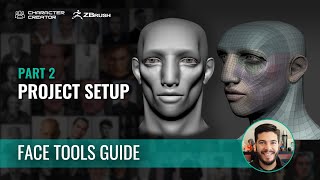
Easy Facial Rig in ZBrush with Face Tools - Basic Project Setup - Part 2
Aprenda a configurar um projeto básico de rigging facial no ZBrush usando Face Tools, desde o ajuste inicial no Character Creator até a escultura detalhada e a integração entre os softwares.
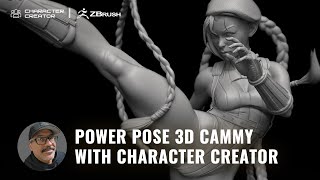
3D Sculpting Street Fighter's Cammy - Power Posing with ZBrush and Character Creator
Learn to create a 3D sculpt of Street Fighter's Cammy using ZBrush Pose Tools and Character Creator. Master digital sculpting techniques from award-winning artist Mike Thompson in this step-by-step tutorial.

Timeless Graphics Techniques from Riven: Lessons for Digital Artists
Explore timeless graphics techniques from Riven (1997) and learn to apply value, shading, color theory, and digital painting to create stunning art that stands the test of time.
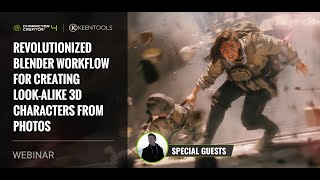
Revolutionized Blender Workflow for Creating Look-alike 3D Characters from Photos
Discover an innovative workflow combining Character Creator's Headshot and KeenTools' FaceBuilder for Blender to generate realistic 3D head meshes from photos, demonstrated by industry professionals.

How to Program a Game in Python
Learn to build a simple game in Python using Pygame. Create a screen, handle events, draw shapes, implement game mechanics, and add features like scoring and difficulty progression.
Space Invaders Clone in C# - Code Review and Optimization
Comprehensive code review of a Space Invaders clone in C#, covering optimization, abstraction, performance, and game programming concepts for aspiring developers.
Making a Game in One Hour Using a Custom Engine
Develop a game in one hour using a custom engine, covering 3D modeling, scripting, environment design, particle effects, audio integration, and gameplay refinement.
How to Create Tilemaps in Unity - Tile Maps and Tile Palettes in Unity
Learn to create 2D environments efficiently using tilemaps and tile palettes in Unity. Master sprite sheet importing, slicing, and proper tile updating to avoid common errors and gaps between tiles.
Open Projects: Chop Chop Game Development - Episode 8
Explore Unity's open-source game "Chop Chop", featuring combat system implementation, Addressables for improved loading times, and exclusive music reveals. Join the community-driven development journey.
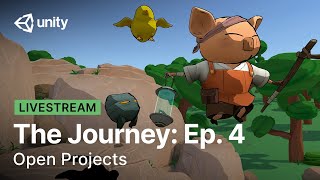
The Journey: Unity Open Project - Episode 4 - Audio System and Shader Improvements
Explore Unity's Open Project "Chop Chop" progress, focusing on audio systems, shader improvements, and community contributions. Learn about game development and collaboration in this informative session.
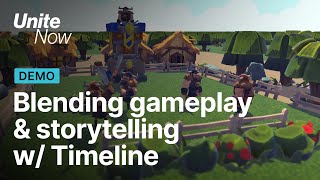
Blending Gameplay and Storytelling With Timeline - Cutscenes and Game Graphics - Unite Now 2020
Learn to create engaging gameplay-integrated cutscenes using Unity's Timeline. Explore clips, keyframing, markers, Signals, and custom tools to blend gameplay with storytelling for immersive player experiences.
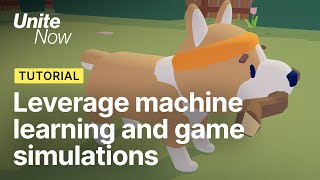
Leverage Unity ML-Agents and Game Simulation - Unite Now 2020
Discover how to enhance game mechanics using machine learning and simulations. Learn to train embedded player bots with Unity ML-Agents for improved game behavior and balance.
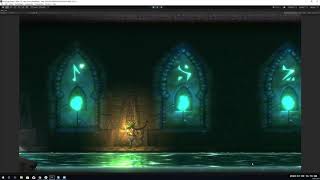
Lost Crypt - Exploring Unity's New 2D Features
Discover Unity's advanced 2D features through a sample project. Learn about lighting, shaders, and post-processing to enhance your 2D game development skills.

How to Make a Game in Python
Aprenda a criar um jogo 2D em Python usando Pygame. Tutorial passo a passo abrange configuração, gráficos, movimentação de personagens, colisões e lógica de jogo básica.

Doodle Jump in JavaScript
Learn to build Doodle Jump using JavaScript, HTML, and CSS. This tutorial covers game logic, doodler creation, platform mechanics, keyboard controls, and scoring in a hands-on, step-by-step approach.