
How to Animate in Clip Studio Paint - Tutorial for Beginners
Learn animation basics in Clip Studio Paint: setup, drawing frames, onion skinning, tweening, camera work, lip-syncing, and coloring. Perfect for beginners looking to create their first animated sequences.

How to Animate in Photoshop CS6 & CC - Tutorial for Beginners
Learn to create animated GIFs and frame-by-frame animations in Photoshop CS6 & CC. Covers basics, advanced techniques, and practical tips for beginners to enhance their digital art skills.
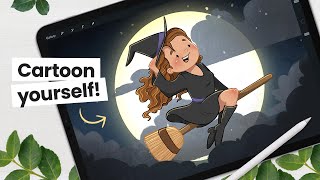
Let's Draw a Cute Witch - Intermediate Illustration Tutorial
Learn to create a charming cartoon witch using digital art techniques. Master line art, coloring, shading, and efficient workflows for character illustration in this step-by-step tutorial.
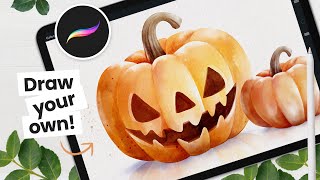
Let's Paint a Watercolor Pumpkin - Procreate Tutorial
Learn to create stunning watercolor pumpkins in Procreate with step-by-step instructions. Master sketching, coloring, shading, and even carving techniques for a perfect Halloween-themed digital artwork.
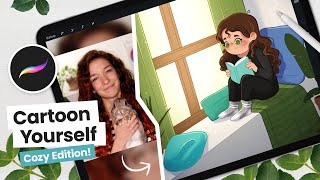
How to Cartoon Yourself, Cozy Edition - Intermediate Digital Art Tutorial
Learn to create a cozy cartoon self-portrait using digital art techniques. Master line art, coloring, shading, and efficient workflows in Procreate, with step-by-step guidance for all skill levels.
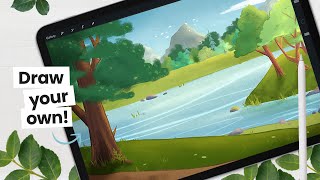
Let's Paint a River Background - Intermediate Digital Art Tutorial
Learn to paint a captivating river background using digital art techniques. Master sketching, coloring, tree rendering, and adding intricate details for a stunning environmental illustration.
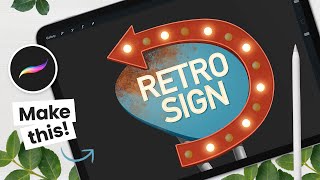
How to Draw a Retro Sign - Procreate Animation Tutorial
Step-by-step tutorial for creating and animating a retro sign in Procreate, covering sketching, coloring techniques, texturing, and animation. Includes free resources and tool recommendations.
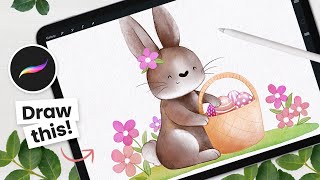
How to Draw a Watercolor Flower Bunny - Procreate Tutorial
Learn to create a charming watercolor flower bunny using Procreate. This step-by-step tutorial covers sketching, coloring, and refining techniques for a delightful Easter-themed digital illustration.
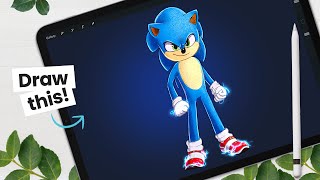
How to Draw Sonic - Movie Version - Character Breakdown
Learn to draw the movie version of Sonic The Hedgehog with step-by-step guidance. Master sketching, shading, and digital art techniques while exploring character design principles and Procreate tools.

How to Cartoon Yourself, Spring Edition - Procreate Tutorial
Learn to create a spring-themed cartoon self-portrait using Procreate. Master line art, coloring, shading, and digital art workflow techniques to bring your character to life with floral elements.
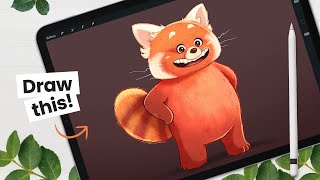
How to Draw the Red Panda from Turning Red - Character Breakdown
Learn to draw the red panda from "Turning Red" with step-by-step instructions. Master sketching, shading, and digital art techniques using Procreate on iPad Pro. Ideal for character design enthusiasts and aspiring animators.
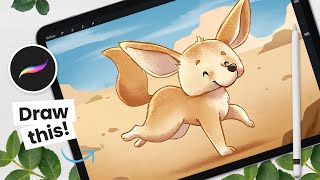
How to Draw a Cute Fennec - From Sketching to Shading - Procreate Tutorial
Step-by-step Procreate tutorial for drawing a cute fennec fox, covering sketching, coloring, outlining, shading, and background creation. Includes digital art tips and character design strategies.

How to Draw Your Fantasy Animal - From Sketching to Shading
Learn to create a fantasy animal in Procreate with step-by-step guidance on sketching, shading, and digital art techniques. Master clipping masks, blending modes, and texturing for a unique, stylized creature.
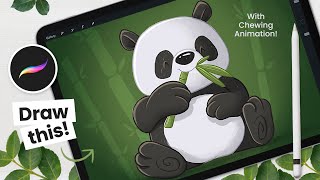
How to Draw and Animate a Panda - Procreate Tutorial
Step-by-step tutorial for drawing and animating a cute chewing panda using Procreate on iPad. Covers sketching, painting, shading, and basic animation techniques for digital artists.
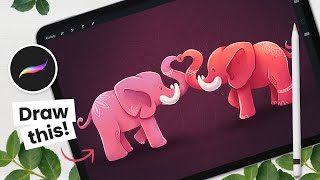
How to Draw Love Elephants Using Symmetry - Procreate Tutorial
Learn to draw adorable love elephants using Procreate's symmetry tool. Master sketching, shading, and digital art techniques while creating a charming Valentine's Day illustration with step-by-step guidance.
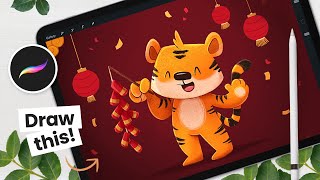
How to Draw a New Year Tiger - From Sketching to Shading - Procreate Tutorial
Learn to draw a cute Lunar New Year tiger in Procreate, covering sketching, coloring, outlining, shading, and background techniques. Gain insights into character design and digital art workflow.
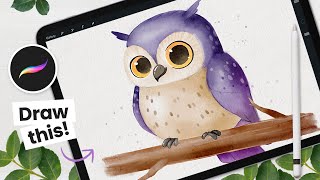
How to Draw a Watercolor Owl - Procreate Tutorial
Learn to create a charming watercolor owl using Procreate on iPad. This step-by-step tutorial covers sketching, coloring, and adding details for a beautiful digital artwork.
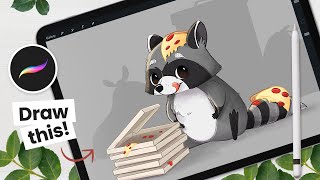
How to Draw a Cute Raccoon - Digital Art Tutorial
Step-by-step digital art tutorial for drawing a cute raccoon, covering sketching, outlining, coloring, and shading techniques. Includes Procreate tips and tricks for creating charming animal illustrations.
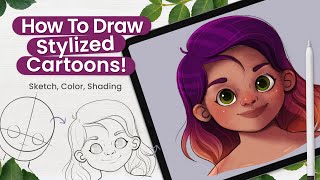
How to Draw a Stylized Cartoon Face - Digital Art Tutorial
Learn to draw and paint stylized cartoon characters using digital art techniques. Master sketching, coloring, shading, and final touches to create professional illustrations with life and character, perfect for children's books.
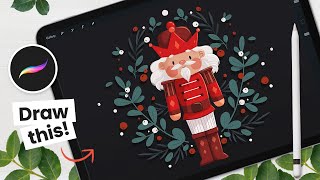
How to Draw a Cute Nutcracker - Procreate Tutorial - Draw With Me
Step-by-step Procreate tutorial for drawing a charming holiday nutcracker on iPad. Learn sketching, coloring, detailing, and shading techniques to create festive digital art perfect for Christmas cards.
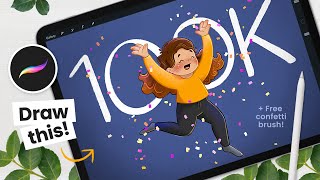
How to Draw a Celebrating Character and Confetti Animation - Procreate Tutorial
Learn to draw and animate a celebrating cartoon character with confetti in Procreate. Step-by-step tutorial covers sketching, coloring, shading, and creating a festive animation on iPad.