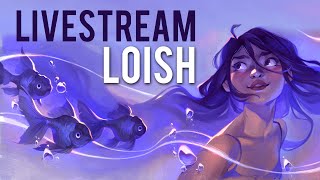
Stylization Exercise with Loish - Digital Art Techniques and Approaches
Livestream with artist Loish demonstrating stylization techniques in Procreate, exploring different approaches to departing from reference photos, and answering viewer questions about digital art and illustration.

How to Make Dope CG Hair - XGen Tutorial
Learn XGen for creating realistic CG hair, including techniques for brows, lashes, and advanced styling methods like clumping and noise application.
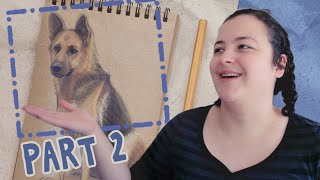
How I Paint With Grease Pencil - Day to Night Blender Grease Pencil Tutorial
Learn to create day-to-night scenes using Blender's grease pencil tool. Explore gradient materials, texturing techniques, and color selection methods for stunning digital illustrations.
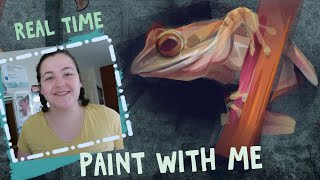
Making a Painting in One Hour Using Only a Gradient Material - Blender Grease Pencil
Learn to create a detailed frog painting in Blender Grease Pencil using only gradient materials. Follow along as the artist demonstrates techniques for efficient digital art creation.
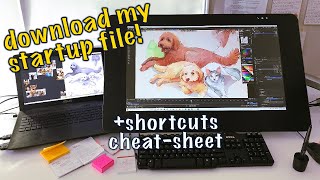
Turning Blender Into a Painting Program
Transform Blender into a digital painting powerhouse with custom shortcuts, settings, and workflow tips for efficient and creative digital art production.
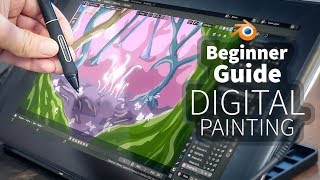
A Beginner's Guide to Digital Painting in Blender 2.8
Learn digital painting techniques in Blender 2.8 to create a fantasy forest. Master sketching, shading, and adding details like trees and mushrooms to bring your imaginative artwork to life.
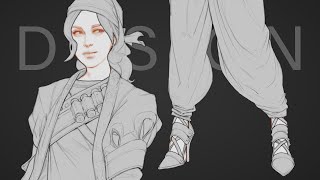
Character Design - Costume Detailing
Learn advanced costume detailing techniques for character design, including compression folds, triangle folds, and zigzag folds to enhance your digital art skills.
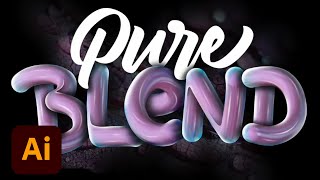
Creating 3D Lettering Effects in Photoshop - Part 1
Learn to create stunning 3D lettering effects in Photoshop with expert Angelo Konofaos. Master techniques for sketching, vectoring, shading, and adding depth to your typography designs.
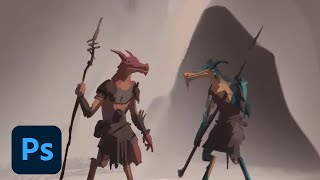
Drawing for Animation Storyboards - Fantasy Project in Photoshop
Illustrator Sam Peterson demonstrates storyboarding techniques for fantasy animation, covering sketching, coloring, and lighting in Photoshop. Learn professional tips for character design and digital painting workflows.
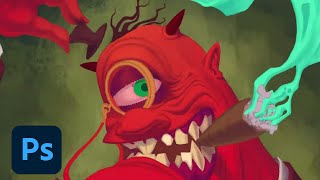
Illustrating a Monster Portrait - Part 2
Watch Chris Blackstock create a spooky monster portrait from sketch to final highlights. Learn character design techniques, color choices, and storytelling tips for creating captivating illustrations.
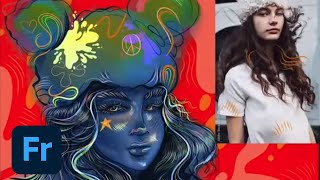
Designing Characters in Adobe Fresco - Part 1
Learn to create unique characters in Adobe Fresco with Melissa Showers. From sketches to vector and pencil techniques, explore the full creative process of character design, including colors, backgrounds, and animation tools.
Spatter Techniques in Digital Illustration - Episode 1
Learn versatile spatter techniques for textures, shading, foliage, and effects in digital illustrations. Customize your own spatter brushes and explore creative applications with expert guidance.
Illustration Masterclass - Painterly Brush Strokes in Photoshop
Learn techniques for creating expressive, painterly digital illustrations using custom brushes, color dynamics, and tools like the smudge tool in Photoshop, guided by expert Kyle T. Webster.

Getting Started in Adobe Fresco - Part 1
Learn Adobe Fresco essentials with Kyle T. Webster: illustration techniques, brush settings, colors, layers, and pro tips for creating, exporting, and live streaming your digital artwork.
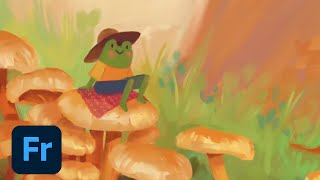
The Basics of Digital Painting in Fresco - Using Live Brushes
Explore digital painting techniques in Fresco, including live brushes for oils and watercolors, composition, and color theory. Learn to create art on iPad that mimics traditional painting methods.
Digital Inking Masterclass - Techniques for Photoshop and Fresco
Learn digital inking techniques, custom brush creation, and special effects in Photoshop and Fresco. Master various styles, textures, and patterns for professional illustrations.
Mixer Brushes, Smudge Tools, and Painting Techniques in Photoshop - Brush Hour with Kyle T. Webster
Learn advanced Photoshop techniques with Kyle T. Webster, including mixer brushes, smudge tools, and blending modes. Discover how to create painterly effects, customize brush settings, and enhance your digital art skills.
Photoshop Masterclass - Creating and Modifying Custom Brushes
Explore brush settings, create custom brushes, and master drawing techniques in Photoshop. Learn spacing, pressure, scatter, texture options, and color dynamics for digital painting.
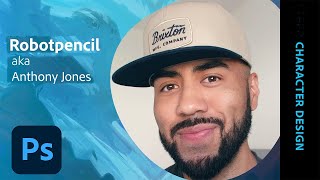
Character Design in Photoshop - Fantasy and Sci-Fi Concepts
Explore fantasy and sci-fi character design in Photoshop with conceptual artist Anthony Jones. Learn pragmatic workflows and helpful tips for creating compelling characters.
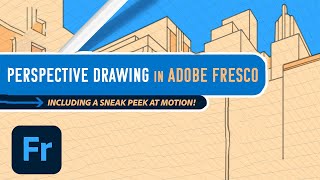
Adobe Fresco: Perspective Drawing and Motion Features Tutorial
Explore new Fresco features: guided perspective drawing and motion. Learn to create dynamic illustrations using grids, frames, timelines, and path animations for enhanced digital art.
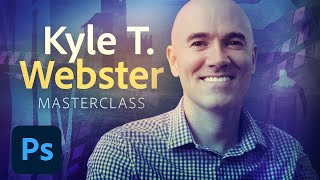
Illustration Masterclass: Creating an Art Deco Poster in Photoshop
Learn to create an Art Deco poster in Photoshop with Kyle T. Webster. Master custom brushes, coloring techniques, and design elements to craft a stunning vintage-inspired illustration.