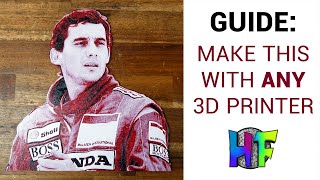
HueForge Getting Started Guide: Filament Painting with Your 3D Printer
Learn to create photo-realistic 3D prints using HueForge software. Explore interface, workflow, filament calibration, and job preparation for stunning results without multi-material printers.
Staying Creative on a Budget - Free Software Alternatives for Digital Artists
Discover budget-friendly alternatives to expensive software for digital artists, covering pre-production, production, and post-production tools to keep your creativity flowing without breaking the bank.
Turning Your Rendered Frames into a Video with Adobe After Effects
Learn to transform rendered frames into polished videos using Adobe After Effects. Master techniques for seamless frame sequencing, timing adjustments, and professional output.
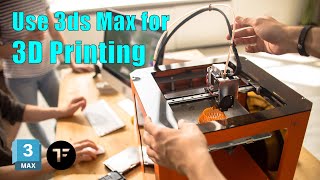
3D Printing with 3ds Max + TyFlow - Fastest Way to Clean Your Models
Learn efficient techniques to optimize 3D models for printing using TyFlow's VDB tools in 3ds Max. Discover how to create clean, water-tight meshes and avoid common printing issues.

FaceFilter3 Tutorial - Getting Started with Image Editing and Makeovers
Learn to enhance portraits with FaceFilter3's tools for foundation, makeup, blemish removal, facial morphing, and post-effects. Master versatile features to create stunning makeovers and transformations.
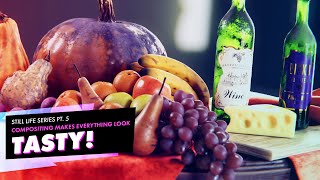
Enhancing 3D Renders in Post-Production - Still Life Tutorial Part 5
Enhance 3D renders using post-processing techniques like depth of field, color correction, lens distortions, and cryptomattes. Learn to manipulate render passes in the compositor for professional-looking results.
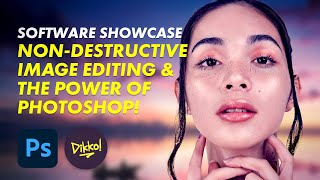
Non-Destructive Image Editing and the Power of Photoshop - Software Showcase
Explore non-destructive image editing in Photoshop, from finding free stock photos to using AI-driven tools and adjustment layers for powerful, flexible image manipulation.
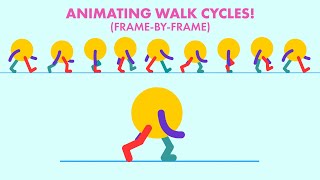
Animating a Traditional Styled Walk Cycle with Adobe Animate
Learn to create a basic walk cycle animation using Adobe Animate, covering essential poses and techniques for effective character movement.
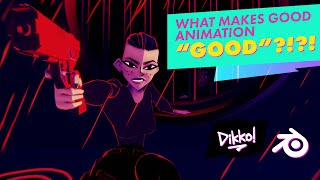
What Makes Good Animation Good
Explore the fundamentals of quality animation, focusing on subjective approaches and perspectives to help beginners grasp the essence of effective animated storytelling.
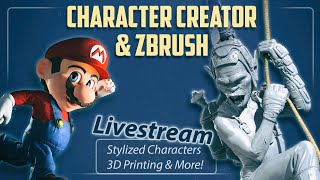
Character Creator and ZBrush: 3D Modeling Techniques for Stylized Characters and 3D Printing
Learn advanced character creation techniques, from stylized models to 3D printing. Master expression wrinkles, clothing swaps, and efficient workflows in ZBrush and Character Creator for stunning, print-ready designs.
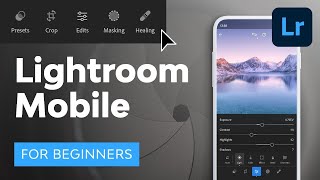
Lightroom Mobile Tutorial for Beginners
Master Lightroom Mobile: shoot RAW, edit on-the-go, create presets, and share high-quality images directly from your phone or tablet. Learn essential techniques for professional mobile photography.
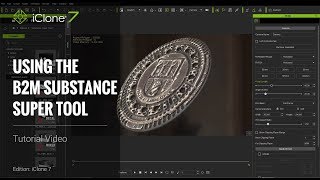
iClone 7 Tutorial - Using the B2M Substance Super Tool
Learn to create enhanced Substance materials in iClone 7 using the B2M tool. Explore applying textures, tweaking values, adding depth with tessellation, and baking Substance textures for improved visual results.
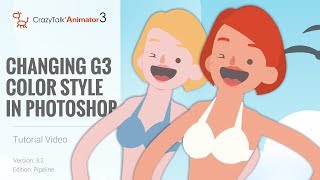
CrazyTalk Animator 3.2 Pipeline Tutorial - Changing G3 Color Style in Photoshop
Learn to customize G3 character colors in Photoshop for CrazyTalk Animator 3.2. Covers launching characters, adjusting skin and facial features, and updating changes in the animation software.
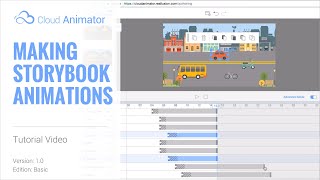
Cloud Animator Tutorial - Making Storybook Animations
Learn to create interactive storybook pop-up animations using Cloud Animator. Combine images, shapes, and pre-made motion effects to craft engaging animated projects easily shareable across devices.
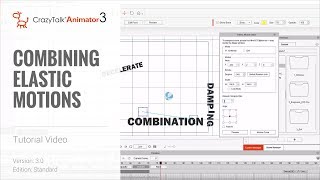
CrazyTalk Animator 3 Tutorial - Combining Elastic Motions
Learn to combine elastic motions in CrazyTalk Animator 3 for dynamic, polished animations. Master clip editing, alignment, motion key editing, and timing adjustments for props and camera.
Pirate Character Creation - Texturing Clothes in Substance Painter
Learn to texture pirate clothing in Substance Painter, including normal map baking, mesh preparation, and PBR to specular map conversion for use in Character Creator and iClone.

Creating and Animating a Character Scene in iClone
Learn to create engaging 3D scenes in iClone, from basic setup to character animation and camerawork. Master scene construction, lighting, dialogue, and filming techniques for storytelling.
iClone 6 Tutorial - Creating a Title Sequence for TV
Learn to create a TV title sequence using iClone 6 and image editing tools. Covers layer manipulation, animation, and 3D effects for professional-looking results.
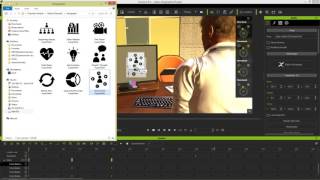
iClone 6 Demo - Super VFX 200 Pack
Explore Super VFX 200 pack for iClone 6: animated backgrounds, revealers, infographics, fire & smoke effects. Enhance video production with versatile, drag-and-drop alpha-masked elements from Digital Juice.
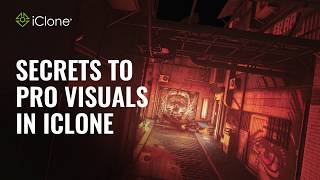
Going PRO with 3D Animation - Secrets to Professional Visuals in iClone
Discover professional 3D animation secrets with iClone. Learn material pickup, fire distortion, multi-camera techniques, lighting, and color grading for stunning visuals in record time.
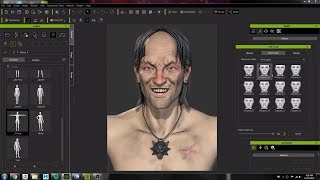
Character Creator 3 Workflow: Modeling and Animating a Witcher Character Concept
Crystal Bretz demonstrates modeling and animating a character from The Witcher series using Character Creator 3, ZBrush, and Substance Painter, showcasing the software's capabilities for 3D character creation.