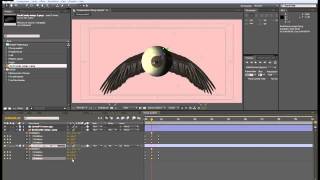
After Effects Stereoscopic Animation Tutorial - Part 1
Learn to create stunning stereoscopic 3D effects in After Effects, including tunnel effects, flying eyeballs, and color correction techniques for immersive visual experiences.
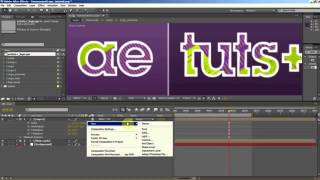
Time Warped Logo Tutorial
Create a distorted, time-warped logo effect using Adobe Illustrator's powerful tools and techniques in this step-by-step tutorial.
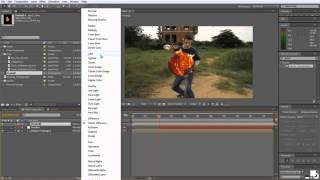
Fireball Tutorial - Creating Dynamic Visual Effects in Motion Graphics
Create a blazing fireball effect using digital art techniques. Learn to manipulate color, light, and texture for stunning visual impact.
How to Make a Fire Logo Design
Learn to create a detailed fireball logo in Adobe Illustrator, from initial setup to final stylization. Master flame shapes, 3D effects, brushes, and text integration for eye-catching designs.
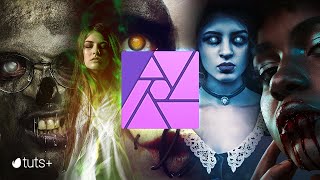
Super Creepy Photo Manipulation Horror Effects - Affinity Photo Manipulation Tutorial
Learn to create five spooky photo manipulation effects in Affinity Photo, including blood, zombies, magic glows, ghosts, and Halloween face paint. Perfect for enhancing your Halloween-themed designs.
Create Cinematic Lighting in After Effects
Learn to create stunning cinematic effects in After Effects. Master depth, texture, and lighting techniques to enhance footage and produce professional-looking visuals for your projects.
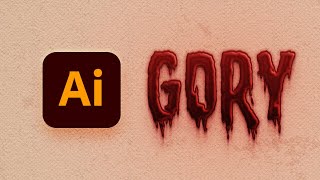
How to Create a Dripping Blood Text Effect in Adobe Illustrator
Learn to create a spooky dripping blood text effect in Adobe Illustrator using fonts, the Appearance panel, and textures. Perfect for horror-themed designs and Halloween projects.
How to Animate a Podcast Audiogram - After Effects Audio React Tutorial
Create animated podcast audiograms in After Effects using spectrum visualizers, waveforms, and camera angles. Learn to customize animations and frame compositions for visually appealing results.
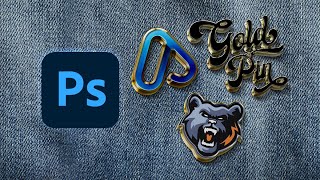
How to Make an Enamel Pin Mockup
Learn to create realistic enamel pin mockups in Photoshop using smart objects, layer styles, and drop shadows. Master techniques for glossy 3D effects and professional-looking designs.

How to Make a Moroccan Pattern in Illustrator
Learn to create and apply intricate Moroccan patterns in Adobe Illustrator, from constructing the base structure to coloring and saving as a reusable swatch for various design projects.
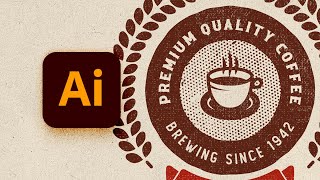
How to Design a Vintage Circular Logo in Illustrator
Learn to create a vintage circular logo in Illustrator using vector shapes, pattern brushes, textures, and text. Master techniques for designing retro-style graphics with professional results.
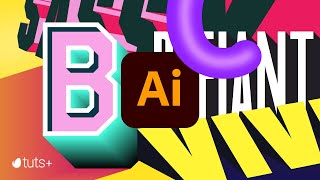
Mastering 3D Text in Adobe Illustrator
Learn to create striking 3D typography in Adobe Illustrator with eight different text effects. Gain skills to design bold, engaging visuals that stand out in your graphic design projects.
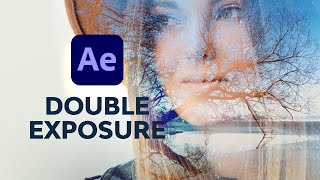
Double Exposure Titles Tutorial in After Effects - True Detective Style Titles
Learn to create stunning video-based double exposure title sequences in After Effects, from using templates to crafting the effect from scratch. Master techniques for backgrounds, subjects, camera setup, text animation, and transitions.
How to Process Voice Recordings With Fairlight - DaVinci Resolve Audio Tutorial
Master DaVinci Resolve's Fairlight tools to enhance audio quality. Learn navigation, target levels, mono fixes, dynamics, EQ, and presets for professional-grade sound in your video projects.
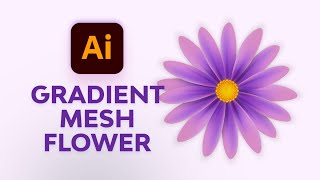
Create Simple Flowers With Gradient Mesh in Adobe Illustrator
Learn to create beautiful, realistic flowers using Adobe Illustrator's Gradient Mesh tool. Master petal formation, shading techniques, and leaf creation for stunning floral designs.
Using Color to Change the Mood of a Scene - DaVinci Resolve
Explore DaVinci Resolve's Color Page to learn how colorists use different palettes to dramatically alter scene moods, with examples from Dr Strange's trailer showcasing multiverse color techniques.
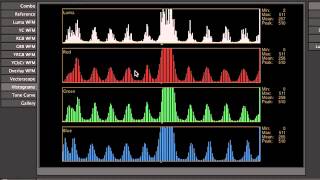
Introduction to Color Correction
Learn essential techniques for enhancing and balancing colors in digital images, improving visual appeal and professional quality in your photo editing workflow.
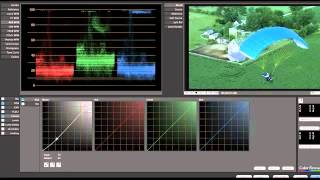
Color Correction Example Tutorial
Learn essential color correction techniques to enhance your video footage and achieve professional-looking results in post-production.
How to Create a Hanging Monkey Illustration in Adobe Illustrator
Learn to create a charming hanging monkey illustration using basic shapes and tools in Adobe Illustrator. Master warp effects, Pathfinder panel, and essential tools to bring your design to life.
How to Create the Naruto Logo in Adobe Illustrator
Learn to create iconic Naruto logos and symbols in Adobe Illustrator, including the original logo, Shippuden logo, Konohagakure headband, and Akatsuki cloud using shapes, strokes, and effects.

UI Design for Beginners
Learn UI design fundamentals using Adobe XD or Figma. Create wireframes, choose colors, and master essential techniques like spacing, alignment, and visual hierarchy for effective app interfaces.