
Understanding Our Users: Validating Ideas for iOS App Development
Discover effective strategies for validating app ideas by understanding user problems, ensuring your iOS developments meet real needs and gain user love.
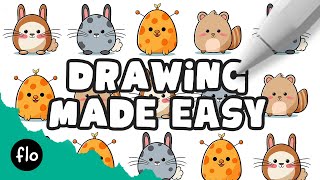
Create Your Own Creature in Procreate - Easy Drawing Tutorial
Step-by-step guide to create unique creatures in Procreate. Learn to draw bodies, features, and add colors and details for cute, personalized illustrations.
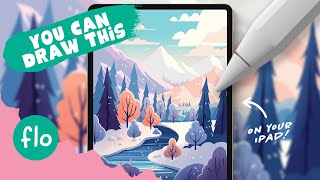
Drawing a Winter Landscape in Procreate - Easy Tutorial
Step-by-step tutorial for creating a winter landscape illustration in Procreate, covering techniques from basic gradients to detailed tree shading and snow effects.

Figma Tutorial - Beginners' Quick Start Guide
Comprehensive 46-minute guide covering Figma basics to intermediate topics like auto layout, components, and prototyping. Ideal for beginners seeking a quick start in UI/UX design.

Figma Tutorial - Beginners' Quick Start Guide
Comprehensive guide covering Figma basics to advanced features. Learn interface, design elements, auto layout, components, and prototyping in under an hour. Perfect for beginners seeking quick proficiency.
How to Create a Fun, Red-Haired Boy Character in Adobe Photoshop
Learn to design a lively, red-haired boy character in Photoshop using sketching, shapes, layer styles, and brush techniques to bring your creation to life.
Create a Chalkboard Icon Using Photoshop and IconBuilder
Learn to craft a chalkboard icon in Photoshop, mastering layer styles, brushes, and IconBuilder. Gain essential skills for creating professional-quality icons with a vintage touch.
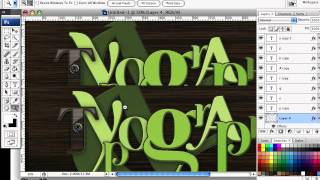
How to Create a Richly Ornate Typographic Illustration
Create an intricate typographic illustration using free resources and self-made elements, combining ornate designs with lettering for a visually stunning result.
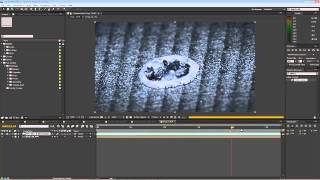
TV Opener Tutorial - Creating Dynamic Broadcast Graphics
Create a dynamic TV opener using After Effects, learning essential techniques for motion graphics and visual effects in broadcast design.
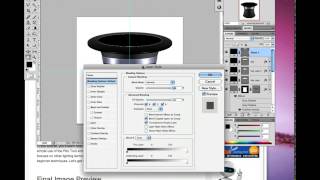
How to Create a Magician's Hat in Photoshop
Learn to design a magician's hat using Photoshop's Pen Tool, Shape Tools, blending modes, and lighting techniques. Master beginner-friendly shadow creation for a magical result.
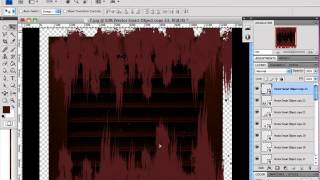
How to Create a Rusty Texture in Photoshop
Learn to create realistic rusty textures using Photoshop's layers, filters, and color adjustments for enhancing your digital illustrations and designs.
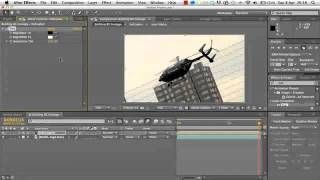
2D Helicopter Game Development Tutorial
Learn to create a dynamic 2D helicopter animation using Adobe After Effects, mastering techniques for realistic movement and visual effects.
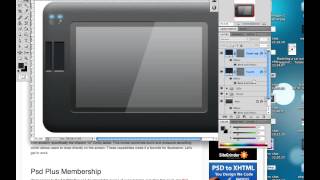
Creating a Set of Digital Painting Icons: Digital Tablet Icon - Part 4
Learn to design a realistic Wacom Cintiq tablet icon using digital illustration techniques, enhancing your icon creation skills for professional-quality graphics.
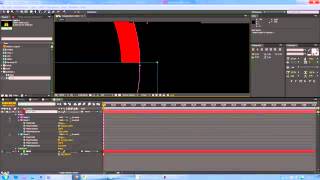
Logo in Chains Tutorial - Creating Dynamic 3D Logo Designs
Create a captivating logo design featuring interlocking chains using Adobe Illustrator techniques in this step-by-step tutorial.
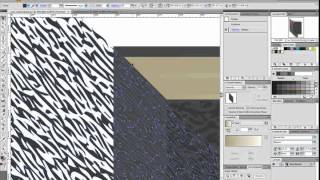
How to Create a Customizable Vector Sketchbook
Create a customizable vector sketchbook using basic shapes, Shear transforms, and Effects to achieve a leather texture in this intermediate-level tutorial.
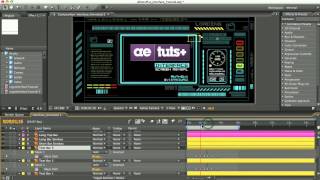
Glitchy Display Tutorial
Create a glitchy display effect using After Effects, exploring techniques for distortion, displacement, and color manipulation to achieve a unique visual style.
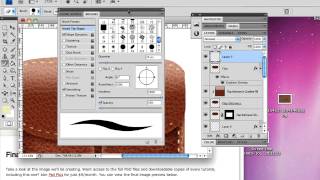
Create a Leather-Textured, Realistic Briefcase Icon
Learn to create a photorealistic leather briefcase icon using Photoshop's layer styles and brush engine. Master techniques for texturing, stitching, and adding metallic details.
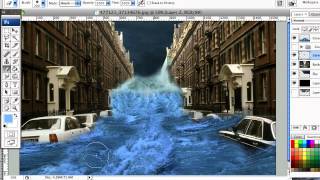
How to Create a Photo Manipulation of a Flooded City Scene
Learn techniques to transform a simple photo into a dramatic flooded cityscape using semi-realistic, stylized effects in this step-by-step digital manipulation tutorial.
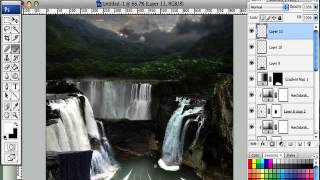
How to Create a Fantasy Landscape Photo Manipulation
Learn to craft enchanting fantasy landscapes using simple Photoshop techniques. Master stock selection and manipulation to bring imaginative scenes to life.
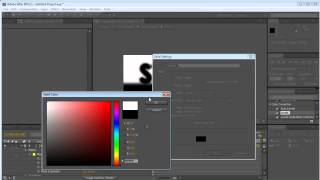
Stormy Electric Effect Tutorial in Photoshop
Create a stormy electric effect using Photoshop's powerful tools and techniques. Learn to manipulate layers, blend modes, and filters for dramatic results.
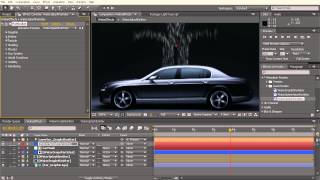
Fluidic Designs Tutorial
Create dynamic, flowing designs using Adobe After Effects in this comprehensive tutorial on fluidic animation techniques and effects.