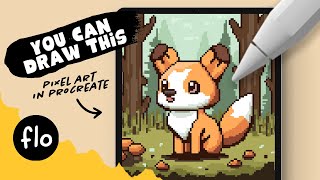
You Can Draw This Pixel Art in Procreate - Step by Step Procreate Tutorial
Step-by-step guide to creating charming pixel art fox illustration in Procreate. Learn essential techniques, from grid setup to shading, perfect for beginners exploring digital art on iPad.
Figma Variables - The New Toy You Didn't Know You Wanted
Explore Figma's new variables feature for storing reusable values in design. Learn creation, editing, working with tokens, and using variable modes to enhance your design workflow.
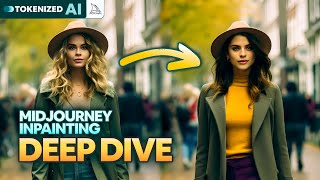
The Good, the Bad & the Ugly of Midjourney Inpainting
Explore Midjourney's new "Vary (Region)" feature: its strengths in object manipulation and facial adjustments, limitations in character replacement, and potential for creative image editing.
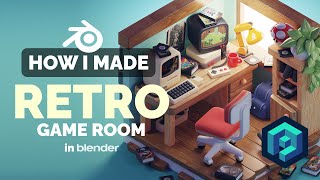
Retro Game Room in Blender - 3D Modeling Process
Learn to create a nostalgic retro game room in Blender with this 3D modeling tutorial. Master low-poly techniques and isometric rendering to bring pixelated memories to life in stunning detail.
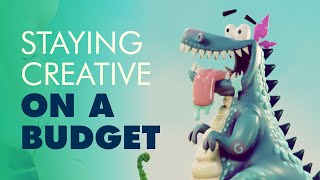
Staying Creative on a Budget - Free Software Alternatives for Digital Artists
Discover budget-friendly alternatives to expensive software for digital artists, covering pre-production, production, and post-production tools to keep your creativity flowing without breaking the bank.
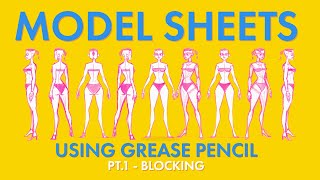
Creating a Model Sheet with Grease Pencil - Part 1 - Blocking
Learn techniques for creating 2D character model sheets using Blender's Grease Pencil tool, focusing on blocking and traditional styling approaches for effective character design.
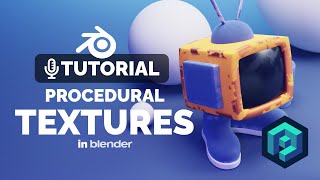
Blender Procedural Texture Tutorial
Learn to create procedural grunge masks for edge textures in Blender, enhancing your 3D illustrations with unique and interesting visual effects.
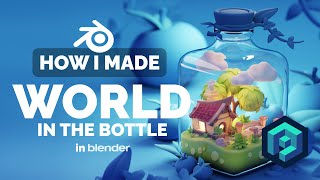
World in the Bottle in Blender - 3D Modeling Process
Learn to create a captivating 3D diorama of a world inside a bottle using Blender. Explore advanced modeling techniques and discover tips for crafting intricate, low-poly illustrations.
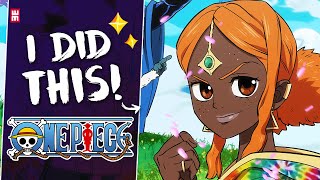
One Piece Art Style and How I Mastered It
Learn to master ONE PIECE's iconic art style through step-by-step guidance on sketching, inking, coloring, and shading. Explore character design, background art, and special effects to capture the essence of Eiichiro Oda's world.
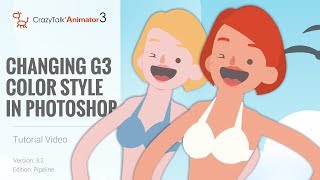
CrazyTalk Animator 3.2 Pipeline Tutorial - Changing G3 Color Style in Photoshop
Learn to customize G3 character colors in Photoshop for CrazyTalk Animator 3.2. Covers launching characters, adjusting skin and facial features, and updating changes in the animation software.
Creating a Complete Animated Scene with CrazyTalk Animator 3 - Day 1: Introduction and Scene Setup
Learn to create animated scenes using CrazyTalk Animator 3. Covers UI basics, prop customization, environment creation, animation techniques, and sound integration for beginners in animation production.
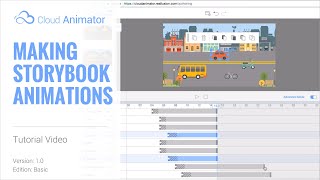
Cloud Animator Tutorial - Making Storybook Animations
Learn to create interactive storybook pop-up animations using Cloud Animator. Combine images, shapes, and pre-made motion effects to craft engaging animated projects easily shareable across devices.
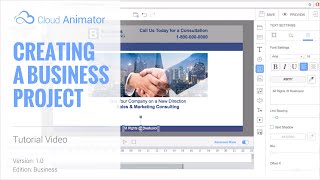
Cloud Animator Tutorial - Creating a Business Project
Learn to create professional animated business presentations using Cloud Animator. Master shapes, images, motion effects, and timeline adjustments for impactful, shareable projects across devices.
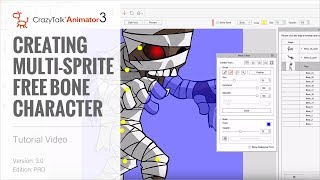
CrazyTalk Animator 3 Tutorial - Creating Multi-Sprite Free Bone Characters
Learn to create animated characters from single images using CrazyTalk Animator 3. Master sprite separation, masking, layer adjustment, and basic animation techniques for unique character designs.
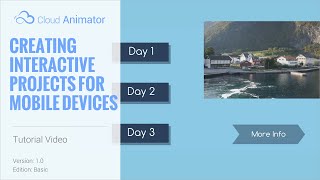
Cloud Animator Tutorial - Creating Interactive Projects
Learn to create interactive animated projects for promotions, invitations, and more using Reallusion's free web-based Cloud Animator service. Discover how to set up hyperlinks, select viewing paths, and share across devices.
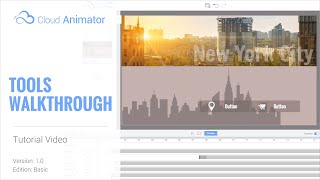
Cloud Animator Tutorial - Walkthrough of Tools and Features
Explore Reallusion's Cloud Animator: create interactive animations for promotions, invitations, and more. Learn about scenes, assets, and features in this comprehensive walkthrough.
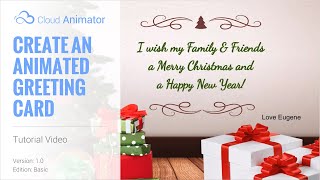
Cloud Animator Tutorial - Create an Animated Holiday Greeting Card
Learn to create interactive animated holiday greetings using Cloud Animator. Customize templates, add images, edit text, and apply motion effects for engaging, shareable projects across multiple devices.
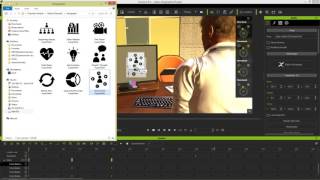
iClone 6 Demo - Super VFX 200 Pack
Explore Super VFX 200 pack for iClone 6: animated backgrounds, revealers, infographics, fire & smoke effects. Enhance video production with versatile, drag-and-drop alpha-masked elements from Digital Juice.
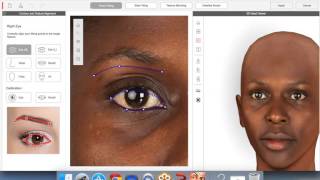
CrazyTalk 8 - Quickly Create a 3D Head from One Image - March 10th, 2016
Learn to create realistic 3D heads from single images using CrazyTalk 8. Master face fitting techniques, texture blending, and calibration for lifelike digital characters. Ideal for animators and digital artists.

iClone 7.2 Tutorial - PopcornFX Text Emitter Super Tool
Learn to create dynamic text effects using PopcornFX Super Tools in iClone 7.2. Master input modes, line display, text styling, animation, and font changes for professional-looking visual enhancements.
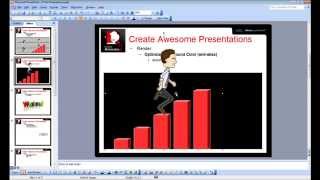
CrazyTalk Animator 2 Tutorial - Capture PNG and AniGIF for PowerPoint-Keynote
Learn to capture and export transparent PNGs and animated GIFs in CrazyTalk Animator 2 for use in presentations. Covers Windows and Mac environments, export range adjustment, and image quality optimization.