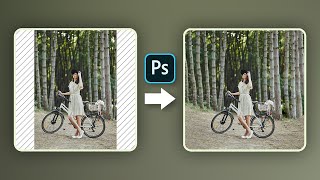
Hate Cropping? - Ways to Expand Photos in Photoshop
Learn three effective techniques to expand photos in Photoshop without cropping, including Content-Aware Fill, Content-Aware Scale, and Mirroring. Perfect for adapting images to various aspect ratios seamlessly.

Difference Between "Save As" and "Export As" in Photoshop
Comprehensive guide comparing "Save As" and "Export As" in Photoshop, covering file formats, scaling options, and multiple layer exports for optimal workflow efficiency.
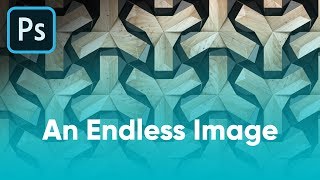
Ways to Convert an Image to Seamless Pattern - Photoshop Tutorial
Learn three effective techniques to transform images into seamless patterns using Photoshop, including inversion, content-aware fill, and precise cropping for professional-looking results.
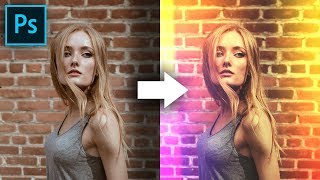
Build Creative Light Overlays and Presets in Photoshop
Create stunning light overlays in Photoshop using gradients, clipping masks, and blend modes. Learn to make customizable presets for light leaks and flares, plus add texture and color grading to enhance your images.
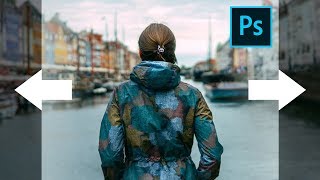
Stretch Complex Images with Buildings or Trees - Photoshop Tutorial
Learn techniques to stretch complex images with buildings or trees using Content-Aware Fill and additional tricks in Photoshop, with three examples covering various scenarios.

Secret Steps to Nail Instagram Quality - Photoshop Tutorial
Learn 6 crucial steps to enhance Instagram photos using Photoshop, covering color accuracy, sharpness, and compression techniques for standout images that maintain quality after upload.

The Expressiveness of Photo Editing - Affinity Photo Talk and Tutorial
Explore diverse photo editing techniques to create unique expressions and artistic styles, emphasizing experimentation with various tools, adjustments, and effects to find your personal aesthetic.

Easy 360 Photo Guide - Affinity Photo Tutorial
Learn to create stunning 360° photos using smartphones or GoPro, edit them in Affinity Photo, and view them in VR headsets. Discover budget-friendly options and expert tips for impressive results.
How Should You Adjust Your Photos? Find Your Style - Affinity Photo Tutorial - Beginner Friendly
Discover how to develop your unique photography style through adjustments in color, contrast, and composition. Learn to express your vision and create impactful images.
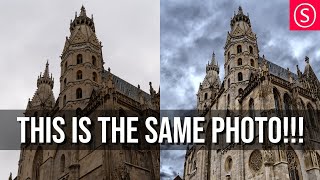
Viveza 3 - Affinity Photo Plug-In Tutorial - Nik Collection
Explore Viveza 3, a powerful Nik Collection plug-in for Affinity Photo. Learn to relight scenes, recover highlights, and make precise selections using Control Points, Luminance, and Chrominance Mask Sliders.

Child Layers Explained - Affinity Photo Tutorial
Comprehensive tutorial on child layers in Affinity Photo, covering basics, practical applications, masking techniques, and troubleshooting common issues like glow effects.
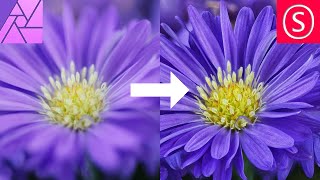
Focus Stacking - Focus Merging in Affinity Photo - How to - Beginner Tutorial
Comprehensive guide to focus stacking in Affinity Photo, covering camera setup, equipment tips, settings, and post-processing techniques for improved macro photography results.

How to Remove Background from Drawings - Affinity Photo + Tourbox Review
Discover techniques for removing backgrounds from drawings, enabling digital colorization and crisp outlines. Learn to create perfect selections and convert drawings to PNGs using Affinity Photo.
Custom Brush - Affinity Photo Tutorial
Learn to create custom, realistic brushes in Affinity Photo for digital painting, retouching, and design. Master techniques for textures, tips, and brush creation in this easy-to-follow tutorial.

Affinity Designer - Easter Card Tutorial
Learn to design an Easter card using simple shapes, color tricks, and adjustable shadows in Affinity Designer. Create eye-catching eggs with custom stripes and a stylish background.

Affinity Photo - How to- Consistent Style - Build Your Brand on Instagram - Tutorial
Create a consistent Instagram brand style using Affinity Photo. Learn to build a master file for uniform photo editing, enhancing your artistic concept and growing your follower base.
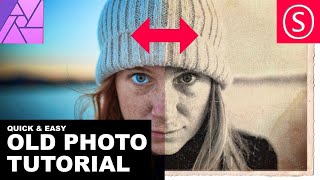
Affinity Photo - Old Photo Look Tutorial
Learn to create authentic 19th-century photo effects in Affinity Photo. Master techniques for aging images, adding textures, and simulating vintage camera characteristics for quick and realistic results.
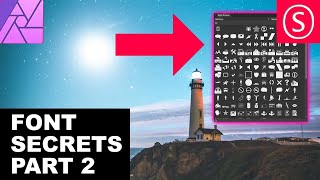
Affinity Photo - Font Secrets Part 2
Discover advanced font techniques in Affinity Photo: identify, install, adjust paragraphs, create swashes, use glyph browsers, and enhance your text designs with professional tips.

Affinity Photo - Liquify Persona Explained
Master Affinity Photo's Liquify Persona: Create caricatures, prepare fashion prints, and explore creative image manipulation. Detailed tool explanations and practical tips for beginners and professionals alike.
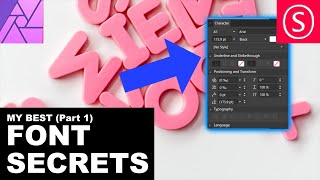
Affinity Photo - Font Secrets
Discover essential font techniques in Affinity Photo, including kerning, superscript, and text manipulation. Master character settings and learn to handle complex fonts with ease.
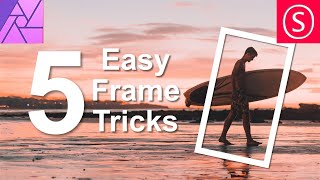
Easy Frame Tricks - Affinity Photo Tutorial
Discover 5 easy techniques for creating stunning frames in Affinity Photo, from pixel layer borders to colorful image masks and layer effect outlines.