
Glass Effect in Photoshop - Ripley Poster Tutorial
Create a Netflix-inspired "Ripley" poster using Photoshop's glass effect, while mastering selections, masks, and color adjustments in this hands-on tutorial.
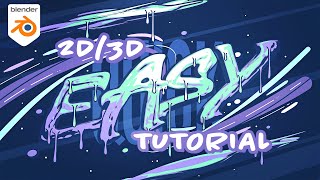
2D/3D Typography Tutorial in Blender Using Grease Pencil
Learn to create stunning 2D/3D typography in Blender using Grease Pencil. Master importing SVGs, shading, outlining, sculpting, and advanced Grease Pencil techniques for eye-catching designs.

Pixels and Principles - Ethics of AI Art
Explore ethical implications of AI-generated art with Melody Liu, addressing human creativity, identity, and the future of artistic expression in an AI-driven world.
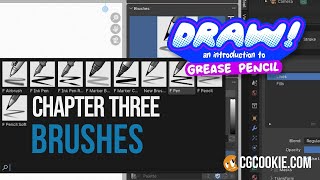
Grease Pencil Brushes in Blender - Draw Chapter Three
Explore Grease Pencil brushes in Blender: learn default options, customize existing brushes, create new ones like outline texture and graphite pencil, and get tips for brush creation.
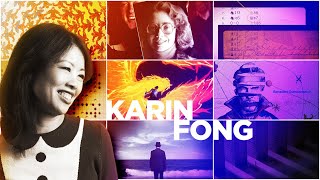
Art Direction, Mentorship, and Title Design - Insights from Karin Fong
Emmy-winning director Karin Fong discusses art direction, mentorship, and title design, sharing insights on art education, talent development, effective critique, and industry trends in this in-depth interview.
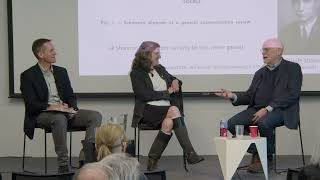
The Recycling Symbol: Born in Aspen - Origins and Aspen Connections
Explore the origins of the iconic recycling symbol, its Aspen connection, and creator Gary Anderson's insights in this engaging conversation with industry experts.

Pixels and Principles: Ethics of AI Art
Explore ethical implications of AI-generated art, questioning human identity and value in an automated world. Challenges viewers to reflect on uniqueness and humanity in the AI era.

Swiss Geometric Poster Design Tutorial in Adobe Illustrator
Learn to create clean, geometric Swiss-style posters in Adobe Illustrator. Master grids, typography, color, and layout techniques to design striking visual compositions inspired by Swiss design principles.

13 Common Photoshop Mistakes for Beginners and How to Fix Them
Uncover 13 common Photoshop mistakes beginners make and learn practical solutions to enhance your editing skills, from proper layer management to efficient retouching techniques.

Best Tools to Convert Image to Vector - Illustrator and Alternatives
Comprehensive guide to image vectorization tools, comparing Illustrator and alternatives. Explores features, results, and best options for converting complex images to vector graphics.
Beat Photoshop's Broken Photo Restoration Filter - Three Solutions
Discover three solutions to overcome Photoshop's Photo Restoration filter issues, including face detection problems and workarounds for enhancing old images effectively.
Bandwidth Ballet: Optimizing Video Performance for Web Maestros
Optimize video performance for web with expert techniques. Learn to enhance user experience and reduce bandwidth usage through effective video optimization strategies.

Smart Object Masking - Creating a Beetlejuice Poster in Photoshop
Learn to create a Beetlejuice character poster using advanced Photoshop techniques like smart objects, masking, blending modes, and selections. Enhance your design skills with this practical tutorial.
TK Selection Brush - First Look and Tips for Precise Object Selection
Explore the innovative TK Selection Brush with expert tips for precise object selections in photo editing. Learn to maximize its potential and transform your workflow with this free tool.
TK Magic Mixer, TK9, and NIK Detail Extractor - Black and White Conversion and Color Toning Techniques
Learn advanced techniques for black and white conversion, color toning, and detail extraction using TK Magic Mixer, TK9 Plugin, and NIK Detail Extractor. Enhance your photo editing skills with expert tips and tricks.
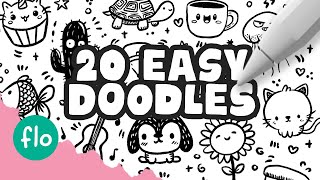
20 Easy Doodles to Draw in Procreate - Step-by-Step Tutorial
Step-by-step tutorial for creating 20 fun and easy doodles in Procreate, perfect for beginners looking to enhance their digital illustration skills and create cute artwork.

How to Remove Glare from Glasses Using Photoshop
Learn techniques to remove glare from glasses in Photoshop, from beginner to advanced levels. Master tools like Remove Tool, Generative Fill, and Curves to enhance your photo retouching skills.

Origami Alphabet - Uppercase Letters Tutorial
Learn to fold all uppercase letters in origami with step-by-step instructions. Master this unique paper art technique to create beautiful alphabetic designs using simple materials and methods.
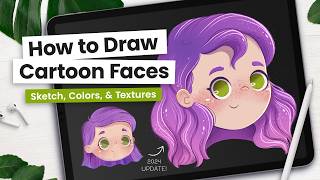
How to Draw Cute Cartoon Faces - Updated Tutorial
Learn to create adorable cartoon faces in Procreate with easy-to-follow steps. Master sketching, coloring, shading, and adding details for professional-looking illustrations perfect for children's books.

How to Create a Xerox Poster Effect in Photoshop
Learn to recreate a vintage xerox copy effect for character posters using Photoshop's Hard Mix blend mode and Knockout feature. Master smart-object based masks for unique, professional designs.
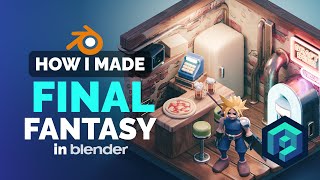
Final Fantasy Fan Art in Blender - 3D Modeling Process
Learn to create Final Fantasy-inspired 3D fan art using Blender, exploring cartoonish remastering techniques and low-poly illustration workflows for iconic scenes and characters.