
How to Create Depth in Photoshop - Tutorial
Learn techniques for creating depth in Photoshop using focal depth, atmosphere, and color. Includes three hands-on projects to practice applying these concepts for more visually engaging and realistic images.

How to Create an Animal-Human Hybrid Portrait in Photoshop
Learn to seamlessly blend animal and human features in Photoshop, mastering selection, masks, paths, channels, blending, color matching, and sharpening for stunning hybrid portraits.

How to Use "Blend If" in Photoshop - Recreating the "OLD" Movie Poster
Learn to recreate the "OLD" movie poster using Photoshop's "Blend If" feature, along with techniques for curves, color, gradients, and masks to achieve professional-level design results.

Wood God Photoshop Composite Tutorial
Learn to create a sci-fi wood god composite in Photoshop, mastering distort effects, image blending, and halo creation. Perfect for enhancing photo manipulation skills and unleashing creativity in digital art.

Dispersion Effect Tutorial in Photoshop
Learn to create a stunning dispersion effect in Photoshop, transforming images into particle clouds. Master techniques for background removal, liquify filters, custom brushes, and color grading to enhance your digital art skills.

How to Blend Two Images Creatively in Photoshop - Water in Pavement Effect
Learn creative image blending techniques in Photoshop, including the popular "water in pavement" effect. Master photo manipulation and compositing skills to create dramatic and eye-catching visuals.
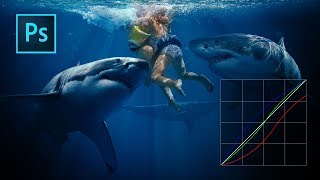
Color Grading with Curves in Photoshop
Master artistic color grading in Photoshop using curves. Learn to edit RGB curves separately, creating three distinct color grades with a single adjustment layer in this hands-on tutorial.
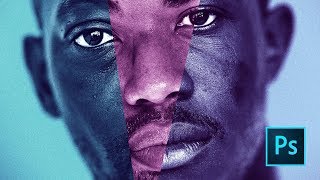
Moonlight Movie Poster Photoshop Tutorial
Learn to recreate the Moonlight movie poster using advanced Photoshop techniques like gradient maps, liquify tool, and blur gallery. Master compositing skills applicable to various design projects.
Understanding the Vignette Blur Filter in Nik Collection 5
Explore creative uses of the Vignette Blur Filter in Nik COLOR EFEX for enhancing various types of images, with a focus on flower photography techniques and practical application tips.
Topaz Photo AI - New RAW Support via Lightroom Classic (Version 0.9.0)
Explore TOPAZ PHOTO AI's new RAW support via Lightroom Classic, enabling efficient batch processing of RAW files with enhanced image quality and streamlined workflow.
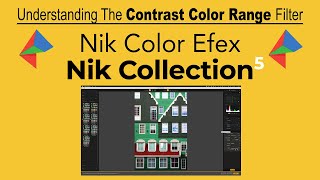
NIK COLOR EFEX: Understanding the Contrast Color Range Filter - Part 4 of Nik Contrast Filters
Explore the CONTRAST COLOR RANGE filter in Nik COLOR EFEX, adjusting contrast by selecting primary colors and their opposites for stunning visual effects.
Topaz Photo AI - Batch Processing RAW Files in Lightroom Classic
Discover efficient batch processing of RAW files using Topaz Photo AI in Lightroom Classic, enhancing image quality with advanced AI-powered tools for sharper, cleaner results.
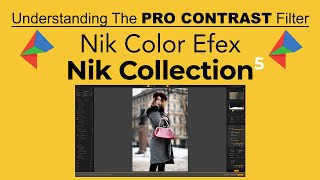
Understanding the Pro Contrast Filter in Nik Color Efex - Part 1
Explore the powerful PRO CONTRAST filter in COLOR EFEX PRO, part of Nik Collection 5. Learn to enhance image contrast while protecting shadows and highlights for stunning results.
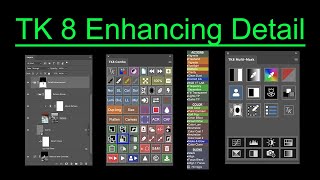
TK8 Enhancing Detail - New Technique for Photoshop
Aprenda uma nova técnica para realçar detalhes em fotografias usando o plugin TK8 para Photoshop. Inclui exemplos práticos e dicas para melhorar a clareza e o impacto visual das suas imagens.
Creating and Installing NIK COLLECTION 5 Actions in TK8 - My Actions Panel Tutorial
Learn to create and install NIK COLLECTION 5 actions in TK8's MY ACTIONS PANEL. This tutorial offers step-by-step guidance, including a free downloadable action set, to enhance your photo editing workflow.
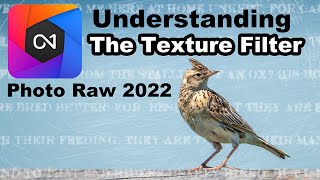
ON1 PhotoRaw 2022.5 - Understanding the Texture Filter Deep Dive
Explore ON1 PhotoRaw's Texture Filter, including its 5 unique modes and their correlation to blend modes. Learn to enhance your photos with this powerful tool.
NIK Collection 5 - Color Efex Pro 5 and TK8 Plugin for Photoshop Workflow Tutorial
Discover advanced photo editing techniques combining NIK Collection 5's Color Efex Pro and TK8 Plugin for Photoshop. Learn a powerful workflow to enhance your images with professional-grade tools and filters.
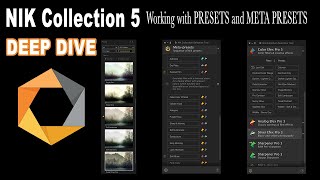
NIK Collection 5 - Deep Dive into Presets, Meta Presets, and the NIK Selective Tool
Explore advanced techniques for enhancing photos using NIK Collection 5, focusing on presets, meta presets, and the NIK Selective Tool for precise editing and creative effects.
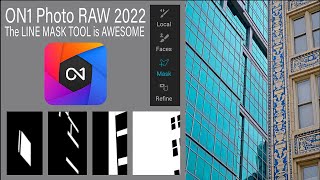
ON1 Photo RAW 2022 - Line Mask Tool Tutorial
Discover the precision and versatility of the Line Mask Tool in ON1 Photo RAW 2022, perfect for creating both straight and curved masks to enhance your photo editing workflow.
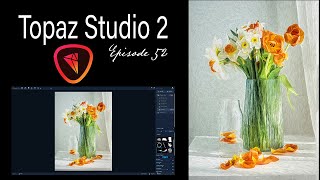
Topaz Studio 2 Creative Toolbox - Painterly Flower Effects - Episode 52
Learn to create painterly photo art using Topaz Studio 2. Master techniques for transforming images, saving custom effects, and applying them to various photos. Enhance your digital art skills with this practical tutorial.
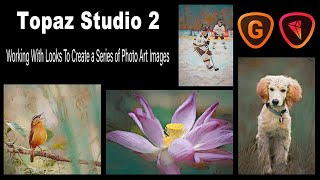
Topaz Studio 2 - Creating Photo Art Series with LOOKS and Upsizing with GigaPixel AI
Learn to create consistent photo art using Topaz Studio 2's LOOKS feature, explore stock image usage, and upsize images for large prints with GigaPixel AI. Enhance your digital art skills and maximize your creative potential.