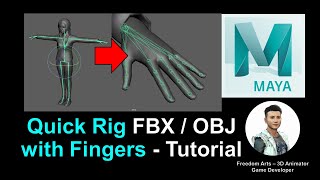
Quick Rig FBX/OBJ with Fingers - Maya 2022 Rigging Tutorial
Step-by-step guide for rigging humanoid 3D avatars with fingers in Maya 2022, including quick rig, skeleton adjustment, finger creation, and FBX export for use in various 3D software and game engines.
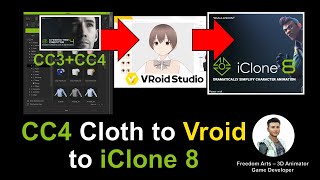
Vroid Studio Avatar with CC3/CC4 Clothes to iClone iAvatar - Full Tutorial
Learn to create a Vroid Studio avatar with CC3/CC4 clothing, export to Maya for rigging, and import into iClone as a fully-functional iAvatar with facial expressions and lip sync capabilities.
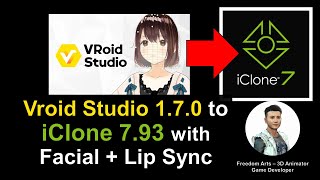
Vroid Studio to iClone - Importing Manga Avatars with Facial Expressions and Lip Sync - Tutorial
Learn to import Vroid manga avatars into iClone 7.93 with full facial expressions and lip sync. Create awesome 3D animations using this step-by-step guide for seamless integration between the two software.
How to Embed Texture in Exported FBX Files - Blender 3.1 Tutorial
Learn to embed textures in exported FBX files using Blender 3.1. Troubleshoot missing textures, ensure proper export, and maintain texture integrity when importing to third-party software like iClone and Maya.
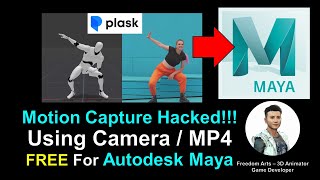
AI Motion Capture for Maya Using Camera or MP4 Video - Plask Tutorial
Learn to create AI-powered motion capture animations in Maya using webcam or video footage. Step-by-step guide covers Plask.ai integration, 3DXchange Pipeline, and iClone workflow for seamless character animation.
Maya 3D Avatar to Unreal Engine Game Character - Full Tutorial
Learn to export Maya 3D avatars to Unreal Engine, creating playable game characters. Master rigging, animation retargeting, and integration for custom 3D game avatars and NPCs.
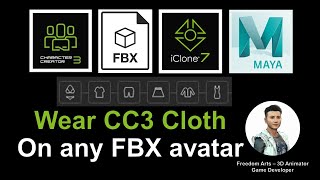
Wearing CC3 Clothes on FBX Avatars - Character Creator, iClone, and Maya Tutorial
Step-by-step guide to applying Character Creator 3.4 clothes to third-party FBX avatars, animating in iClone 7, and using Maya for custom fitting. Ideal for 3D animators and game developers.
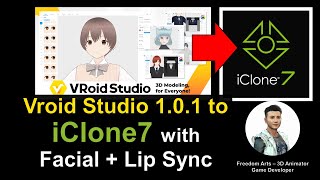
Vroid Studio to iClone 7.9 - Character Import with Facial Animation and Lip Sync Tutorial
Learn to import Vroid Studio manga avatars into iClone 7, enabling facial expressions and lip sync for 3D animation. Step-by-step guide covers essential tools, workflows, and tips for seamless integration.
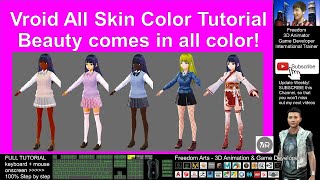
Creating Different Skin Colors in VRoid Studio - Full Tutorial
Step-by-step guide for creating diverse skin tones in Vroid Studio, enabling users to design manga characters with African, Asian, and European features for 3D animation projects.
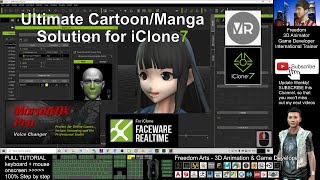
Ultimate Solution for Vroid Studio/Mobile to iClone - Full Facial, Skeleton, and Faceware Profile
Comprehensive tutorial for integrating Vroid Studio/Mobile characters into iClone with automated facial animation, skeleton rigging, and Faceware compatibility for manga-style animations.
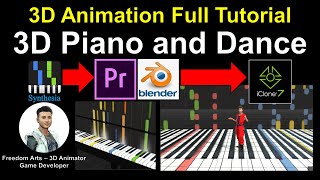
How to Create 3D Piano and Dance Animation - Full Tutorial
Learn to create a 3D animated piano and dance sequence using Blender, iClone, and video editing software. Master modeling, texturing, and animation techniques for realistic musical performances.
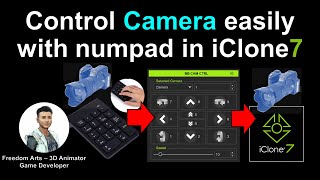
BB EZ CAM Controller Plugin Tutorial for iClone 7
Learn to control cameras in iClone 7 using the BB EZ CAM Controller plugin. Master FPS-style camera movements, automate timeline pausing, and enhance your 3D animation workflow with easy-to-use numpad controls.
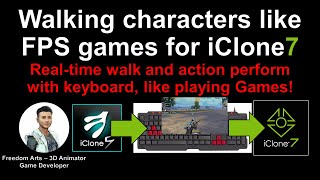
Walking Characters in iClone 7 and CC3 Using Director Mode
Learn to animate characters in iClone 7 and CC3 using Director Mode, enabling FPS-style movement and real-time motion recording. Master keyboard controls and camera techniques for dynamic 3D animations.
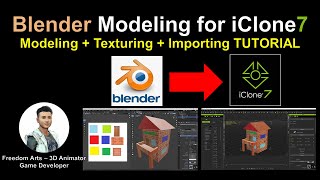
Blender Modeling for iClone - Tutorial
Learn to create custom 3D props in Blender, add textures, and import them into iClone for animation. Step-by-step guide covers modeling, UV mapping, and file conversion for seamless integration.
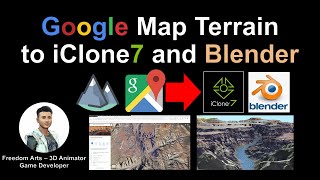
Google Map Terrain to iClone and Blender
Learn to extract 3D terrain from Google Maps and import it into iClone and Blender for 3D animation and game development. Step-by-step guide with real-time demonstrations using the Grand Canyon Skywalk.
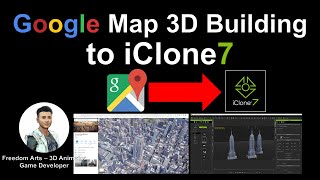
Extracting Empire State Building 3D Model from Google Maps for iClone
Learn to extract 3D building models from Google Maps and import them into iClone for animation projects. Step-by-step guide covers necessary tools and processes for accurate model extraction.
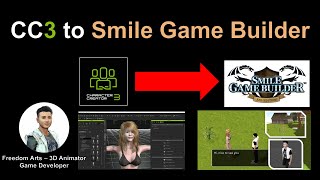
CC3 to Smile Game Builder - Maya Bone Reduction Method
Step-by-step tutorial on reducing bones in Maya for exporting CC3 characters to Smile Game Builder, with real-time demonstrations and helpful links for game development tools.
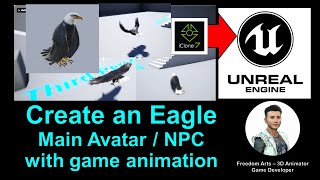
Creating an Eagle Avatar with Animation for Unreal Engine - iClone and Unreal Engine Tutorial
Step-by-step guide to create an animated eagle avatar for Unreal Engine using iClone. Learn to model, animate, and integrate a fully functional eagle NPC with flying and gliding capabilities.
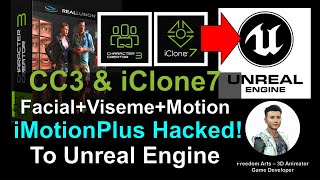
iClone and Character Creator 3 Animation Pipeline for Unreal Engine 4 and 5
Learn to transfer Character Creator 3 avatars with facial expressions, visemes, and body animations to Unreal Engine 4 & 5 using iClone's iMotionPlus system. Master advanced animation workflows for game development.
Character Creator 3 to FBX - 3D Modeling Animation and Game Development Tutorial
Learn to create and export 3D human characters from Character Creator 3 as FBX files with full rigging and facial shapekeys, compatible with various 3D modeling and game development software.
Lip Sync and ARKit Facial Mocap Animation Tips and Techniques
Explore advanced facial animation techniques using iClone, including ARKit motion capture, AI-powered lip-sync, and real-time integration with Unreal Engine for creating lifelike character dialogues.