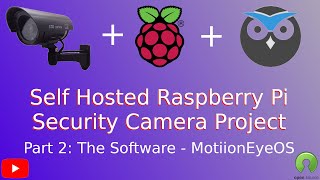
MotionEyeOS - Open Source, Self Hosted Security Cam Operation and Monitoring for Raspberry PI
Learn to set up and optimize MotionEyeOS, an open-source security camera software for Raspberry Pi. Discover installation, network configuration, settings optimization, and performance improvement techniques.
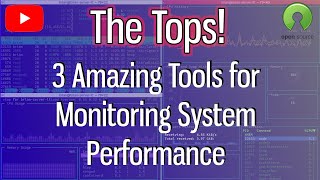
Amazing, Free, Open Source Command Line System and Performance Monitoring Tools
Explore three powerful open-source command-line tools for system performance monitoring: htop, vtop, and gtop. Learn installation and usage for enhanced system oversight.
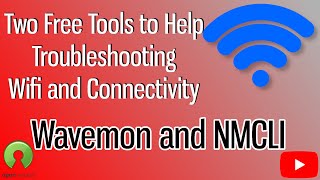
Wavemon and NMCLI - Troubleshooting Wifi Connectivity in the Shell
Explore Wavemon and NMCLI, powerful open-source tools for diagnosing WiFi connectivity issues in Linux. Learn installation, usage, and settings to effectively troubleshoot network problems from the command line.
Two Open Source Utilities for Docker You Should be Using to Monitor Performance
Discover two powerful open-source utilities for monitoring Docker container performance, enhancing your ability to track and manage resources efficiently.
Jellyfin - A Fully Open Source Alternative to Plex, Emby, and Other Media Centers
Explore Jellyfin, an open-source media server for streaming TV, movies, and music to various devices. Learn installation, configuration, and usage on different platforms.

Pritunl - A Free, Self-Hosted, Open Source VPN Tunnel with a Simple Web UI and Cross-Platform Clients
Explore Pritunl: A free, self-hosted VPN solution with user-friendly interface, multi-tenant capabilities, and cross-platform support for secure, customizable network access.
Subspace - A GUI Front End for the Wireguard VPN Server
Learn to install and configure Subspace, a free open-source GUI for Wireguard VPN servers. Covers manual setup on Ubuntu with Docker and includes an automated installation script option.
Webmin - Server Administration GUI Tool for Linux
Learn to manage Linux servers efficiently with Webmin, an open-source GUI tool for remote administration. Simplify tasks and control multiple servers from a single web interface.

MusicBrainz - Open Source, Self Hosted, Music Identification to Make Your Music Collection Rock
Learn to install and use MusicBrainz Picard, an open-source tool for identifying and organizing your music collection, with step-by-step Docker installation and practical usage instructions.
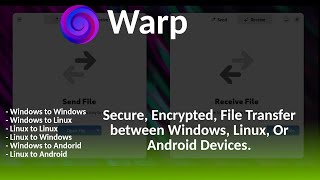
Warp - Open Source, Secure, Fully Encrypted File Transfer Between Devices With a Simple Interface
Secure, encrypted file transfer between devices with a simple interface. Warp offers an easy way to send files to family, friends, and colleagues, ensuring seamless and protected data sharing.

Backing Up Your Docker Configurations and Data
Learn essential techniques for safeguarding Docker configurations and data, ensuring seamless recovery and continuity for your containerized applications.
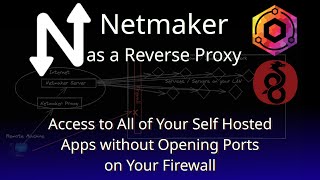
Create a Reverse Proxy for Self-Hosted Services Using Netmaker and Wireguard
Learn to set up a reverse proxy using Netmaker and Wireguard for secure, remote access to self-hosted services. Covers installation, configuration, and practical implementation.

Run Linux Desktops in Your Browser with Docker and Webtops
Learn to run Linux desktops in your browser using Docker and Webtops, enabling remote access to full desktop environments and applications like GIMP through containerization technology.
Duplicati - A Set It and Forget It Backup Tool for Local and Remote Backups of Your System
Learn to set up and use Duplicati, an open-source backup tool for local and remote system backups. Covers installation, configuration, and monitoring of backups through the web interface.
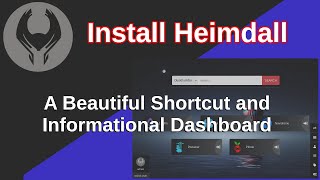
Heimdall - An Amazingly Clean, User-Friendly Shortcut and Informational Dashboard
Learn to install and configure Heimdall, a clean and user-friendly dashboard for organizing shortcuts and information, using Docker in this comprehensive tutorial.

Monitor Your Self Hosted Sites with Uptime-Kuma - Notifications, Dashboard, All at Your Fingertips
Learn to monitor self-hosted sites with Uptime-Kuma. Explore its user interface, settings, notifications, and status features. Install via Docker and set up monitoring for your websites.

Install Docker-CE, Docker-Compose, NGinX Proxy Manager, and Portainer in Under 5 Minutes With 1 Script
Streamline Docker setup with a single script to install Docker-CE, Docker-Compose, NGinX Proxy Manager, and Portainer in under 5 minutes, simplifying open-source software deployment.
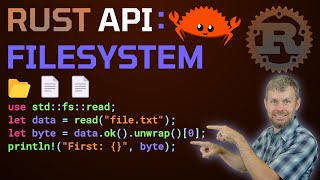
Beginner's Guide to Rust Filesystem APIs - Rust Tutorial
Explore essential Rust filesystem operations: create, read, write, and delete files/directories. Learn to manipulate paths, create symlinks, and leverage core functionality for efficient file system management.
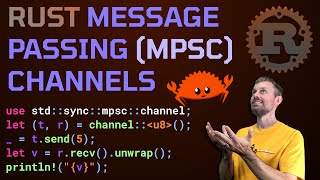
Message Passing With Rust MPSC Channels - Rust Tutorial
Learn to use Rust's MPSC channels for efficient inter-thread communication. Explore sending and receiving messages, handling timeouts, and implementing closures in this practical tutorial.
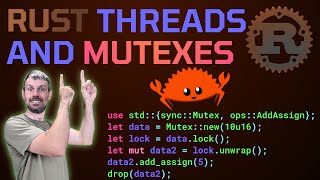
Share Rust Thread Data With Mutexes - Rust Tutorial
Hands-on tutorial demonstrating how to use Mutexes in Rust for safe data sharing between threads, covering creation, locking, and practical implementation.
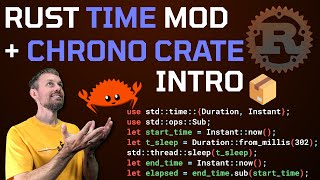
Rust Time Module and Chrono Crate Intro
Explore Rust's time module and Chrono crate for handling dates and times in programming. Learn essential skills for working with APIs, file systems, and databases.