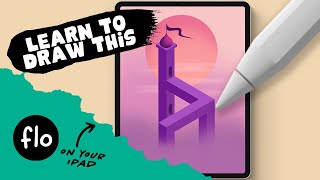
You Can Draw This Isometric Artwork in Procreate - Inspired by Monument Valley
Learn to create an isometric artwork inspired by Monument Valley using Procreate on iPad. Master techniques like symmetry, shading, and optical illusions to bring your digital illustration to life.

Blender 2D Animation Tutorial for Beginners - Grease Pencil Tutorial
Learn 2D animation in Blender's Grease Pencil: drawing, coloring, shading, character animation, and rendering. Perfect for beginners, this tutorial covers essential techniques for creating and sharing 2D animations.
Manga, Comics, Illustration
Explore diverse illustration techniques from manga to comics, featuring expert tutorials on character design, dynamic poses, inking, coloring, and more for aspiring artists.
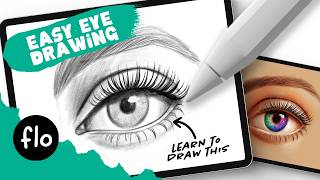
How to Draw an Eye for Beginners - Easy Drawing Tutorial
Learn to draw a realistic eye step-by-step, from basic shapes to shading, eyelashes, and coloring. Master essential techniques for creating lifelike eyes in digital art.
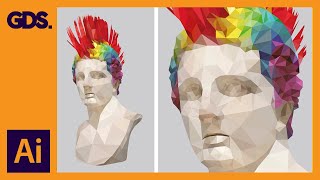
Polygonal - Low Poly Art - Flat Effect in Adobe Illustrator
Learn to create stunning polygonal artwork in Adobe Illustrator with step-by-step guidance on preparation, tracing, coloring, and exporting your designs for a unique low-poly effect.

Draw and Make Your Own Christmas Nativity Scene
Create your own Christmas Nativity scene with step-by-step guidance on drawing and crafting the stable, characters, and animals. Learn techniques for scoring, folding, and coloring to bring your festive scene to life.
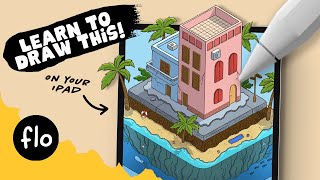
Anyone Can Draw This Isometric Mini World in Procreate
Learn to create an isometric mini world in Procreate with step-by-step guidance on building blocks, sketching, lineart, coloring, and lighting effects. Perfect for beginners exploring isometric design.
Learn Grease Pencil in Blender - 2D Animation and Storyboard - English
Explore 2D animation and storyboarding in Blender 2.82 using Grease Pencil. Learn drawing techniques, animation principles, and advanced features for creating professional-quality 2D animations.
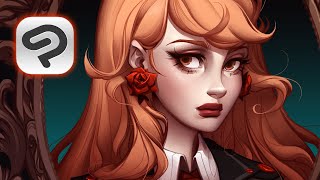
How I Paint a Character Portrait - Walkthrough Using CLIP STUDIO PAINT
Detailed walkthrough of character portrait creation using Clip Studio Paint, covering sketching, inking, coloring, and polishing techniques for digital artists.
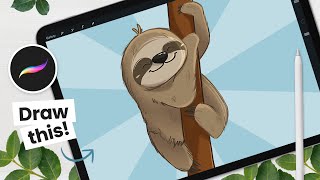
How to Draw a Cute Sloth - Procreate Tutorial
Learn to draw an adorable sloth using Procreate in this step-by-step tutorial. Master sketching, coloring, shading, and adding details to create a charming digital illustration.
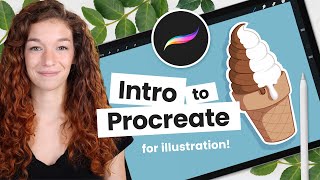
Intro to Procreate - Key Tools and Features for Illustration, in Context
Learn essential Procreate tools for digital illustration through a hands-on ice cream cone drawing tutorial. Covers sketching, coloring, shading, and finishing techniques with step-by-step instructions.
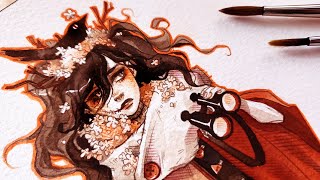
INK Illustration Full Art Process - HaeJin! Traveler Character Design
Step-by-step illustration process for character design, from initial sketch to final details using ink and color techniques.
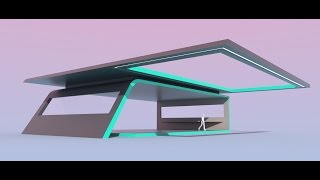
Intro to Design Using Modo - Abstract Building
Learn to create abstract architectural models in MODO using basic tools and shaders. Master freeform modeling, extrusion, beveling, and rendering techniques to produce visually appealing ideation designs.
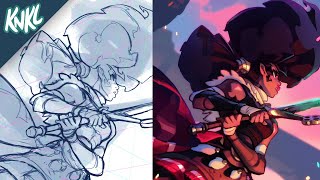
Illustration Tutorial - Using Thumbnails, Perspective and Color Comps to Improve Your Artwork
Learn to enhance your artwork using thumbnails, perspective, and color compositions. Improve your illustration skills with practical techniques and expert guidance.
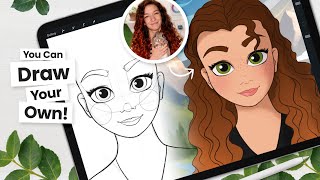
Draw Like Disney - Step by Step Tutorial, for All Drawing Tools
Learn to draw Disney-style characters with step-by-step guidance on sketching, line art, coloring, and shading. Master digital art techniques and Procreate tricks for creating stunning illustrations.
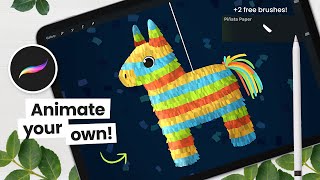
How to Draw and Animate a Piñata - Procreate Tutorial
Learn to draw and animate a piñata using Procreate on iPad. Step-by-step tutorial covers sketching, coloring with free brushes, shading, and basic animation techniques for digital artists.

Master Shadows & Lighting in Compositing with Photoshop
Learn advanced techniques for creating realistic shadows and matching lighting in Photoshop composites. Master layering, coloring, and blurring to enhance image realism and depth.
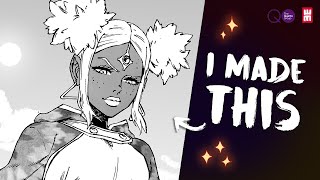
How to Make Manga Explained
Comprehensive guide on manga creation, covering concept development, art techniques, tools, digital processes, and publishing strategies for aspiring manga artists.
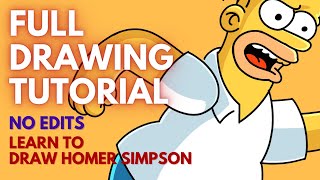
How to Draw Homer Simpson - Full Digital Art Process by Artma August 2022
Step-by-step digital art tutorial on drawing Homer Simpson using Procreate, covering sketching, inking, coloring, and shading techniques for beginners and intermediate artists.
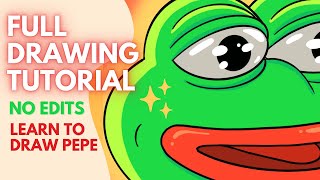
How to Draw Pepe the Frog - Internet's Favorite Meme - Full Digital Art Process by Artma August 2022
Step-by-step digital art tutorial for drawing Pepe the Frog meme using Procreate on iPad Pro. Learn sketching, detailing, coloring, and adding highlights and shadows to create a complete artwork.
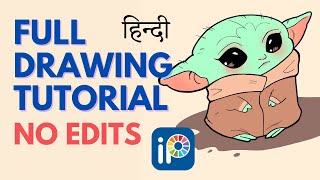
How to Draw Baby Yoda - Step by Step - Ibis Paint X Tutorial - No Edit Full Process
Step-by-step tutorial for drawing Baby Yoda using IBIS PAINT X. Learn sketching, lineart, coloring, shading, and background creation techniques for digital art on mobile devices.