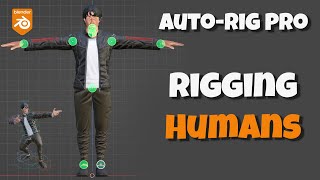
Auto-Rig Pro Tutorial - Rigging Humans
Learn to rig human and humanoid characters using Auto-Rig Pro's smart tools. Master complex model rigging, facial setup, and manual weight painting techniques for professional character animation in Blender.
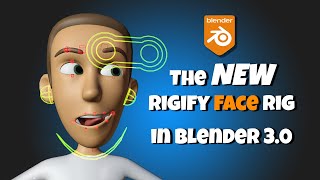
The New Rigify Face in Blender 3+
Learn to use Blender 3+'s improved Rigify face rig. Covers creation, alignment, generation, binding, features, widgets, properties, and troubleshooting for effective 3D character facial rigging.
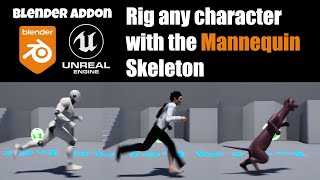
Blender to UE4 - Rig Any Character With the Mannequin Skeleton
Learn to rig any character with the Mannequin skeleton for Unreal Engine 4 using a Blender addon. Covers installation, setup, weight painting, exporting, and advanced techniques for various character types.
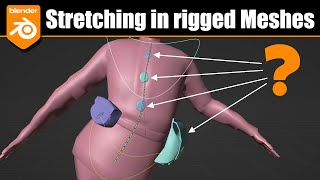
Blender - Unwanted Stretching, Bending and Twisting in Rigged Characters
Learn techniques to fix unwanted stretching, bending, and twisting in rigged Blender characters. Covers Bendy Bones issues, weight painting, and solutions like removing BBones, adding bones, and pinning props to mesh.
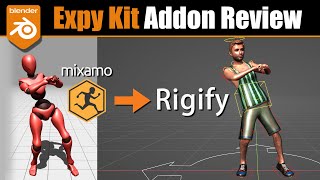
Blender Expy Kit Addon - Mixamo to Rigify
Learn to convert Mixamo rigs to Rigify in Blender using the Expy Kit addon. Explore workflows for retargeting animations, batch renaming, and efficiently working with Mixamo animation packs.
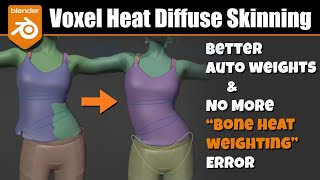
Blender - Voxel Heat Skinning Addon - Automatic Weights on Steroids
Explore advanced weight painting techniques in Blender using the Voxel Heat Skinning addon. Learn to combine methods for optimal character rigging results, with a focus on facial weighting.
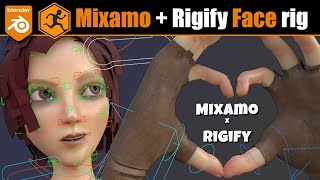
Blender - Mixamo Control Rig + Rigify Face Rig
Learn to add a Rigify face rig to Mixamo-rigged characters in Blender. Covers mesh prep, bone alignment, weight assignment, and animation retargeting for enhanced character facial expressions and game exports.

Blender to Godot - Rigged Character Workflow
Learn to seamlessly transfer rigged characters from Blender to Godot, covering rig setup, GLTF export, and Godot implementation for 3D game character animation and movement.

Blender Rigify - How to Get New Rig Types - Featuring Advanced Tentacle and More
Learn to expand Blender Rigify's capabilities with new rig types. Discover how to find, install, and use extensions for advanced rigging options like tentacles and more, enhancing your 3D character animation toolkit.
Blender 2.9 - Character Rigging Tutorial - How to Rig a Character
Learn to rig a character in Blender 2.9 with this comprehensive tutorial, covering meta rigging, finger setup, and generating a complete rig for your 3D models.

Blender Character Modeling - Stylised Character
Learn to model stylized characters in Blender with this comprehensive tutorial. Master techniques for creating unique, expressive 3D characters from scratch, enhancing your digital art and animation skills.
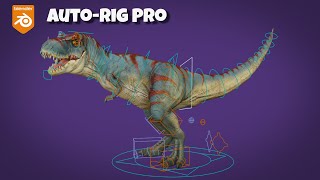
Auto-Rig Pro - T-Rex Rigging - Blender Tutorial
Learn to rig a T-Rex in Blender using Auto-Rig Pro. This tutorial covers model setup, hand and face rigging, weight painting, and advanced techniques for creating a fully animated dinosaur character.
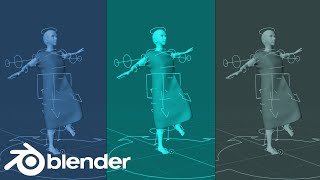
Add Clothing to Rigged Characters - Blender 2.83
Learn to add cloth simulation to rigged, animated characters in Blender 2.83. Master techniques for realistic clothing dynamics on 3D models, enhancing character design and animation skills.
Import Animals and Dinosaurs into Blender - Rigging and Animation Tutorial
Step-by-step guide to import, rig, and animate animal and dinosaur models in Blender. Includes resources for free model downloads and real-time on-screen demonstrations for beginners.
Spore Creature Creator to iClone 7 - Fast 3D Character Creation Tutorial
Learn to create and animate diverse creatures quickly using Spore Creature Creator and iClone 7. Master efficient techniques for designing, rigging, and exporting unique 3D characters for animation and game development.
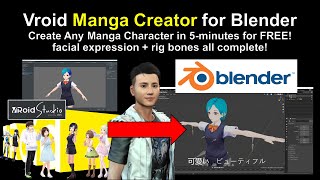
Vroid to Blender and FBX Conversion Tutorial
Step-by-step guide to import Vroid characters into Blender, convert to FBX, and add animations and facial expressions. Includes software setup and troubleshooting tips.
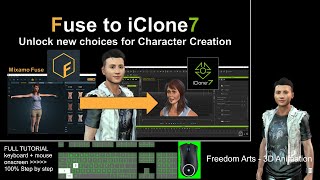
Exporting Mixamo Fuse Characters to iClone - Rigging and Animation Tutorial
Step-by-step guide for exporting Mixamo Fuse character creations to iClone with full rigging, facial animation, expressions, and morphs. Learn to utilize multiple 3D software tools for seamless character integration.
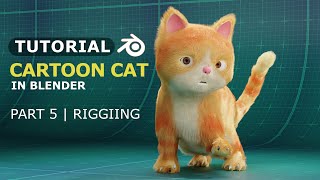
3D Cat in Blender - Rigging - Part 5
Learn to rig a 3D cat model in Blender, a crucial step in character animation. This tutorial covers essential rigging techniques for creating lifelike feline movements.
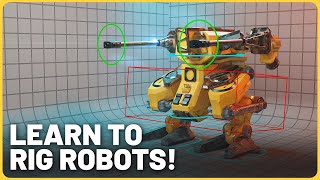
Animating and Rigging Robots in Blender 3D
Learn advanced techniques for rigging and animating robotic characters in Blender 3D. Master efficient rigging methods and create believable mechanical movements for compelling futuristic designs.
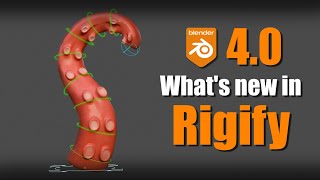
Blender 4.0 - New Features in Rigify
Explore new Rigify features in Blender 4.0, including improved UI, enhanced leg and face rigs, spline tentacle rig, and ghost entries for feature sets. Learn practical applications and update guidelines.

Blender Beginner Tutorial - T-Rex Cinematic Animation for Jurassic World Project
Learn to create a cinematic T-Rex animation in Blender. Master scene setup, lighting, and composition techniques to bring a realistic dinosaur model to life in this step-by-step tutorial.