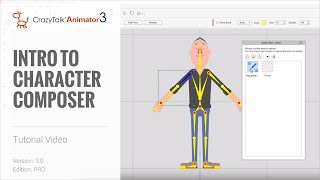
Cartoon Animator 4 Tutorial - Introduction to Character Composer
Learn to create and customize characters using Cartoon Animator 4's Character Composer. Explore bone structure, sprite editing, facial animation, and more in this comprehensive tutorial.
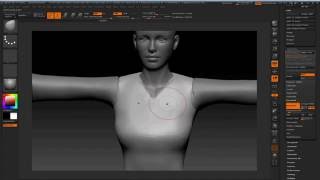
Modeling 3D Clothes in ZBrush and Blender for Character Creator - Part 3
Learn to model 3D pirate clothing in ZBrush and Blender, including high-res creation, retopology, UV mapping, and hair geometry requirements for Character Creator and iClone.
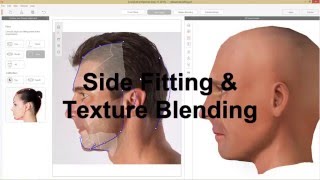
CrazyTalk 8 Tutorial - Two Image 3D Face Fitting
Learn to create realistic 3D heads from two facial images using CrazyTalk 8. Master feature point marking, texture alignment, side-fitting, and morphing for natural-looking 3D models.
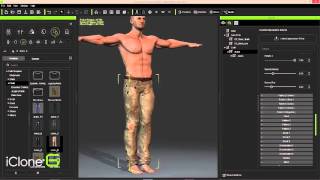
iClone Character Creator to Unity3D - Part 1: Character Design and Customization
Design and build game-ready 3D characters using iClone Character Creator. Shape bodies, customize faces, edit clothing and skin, and finalize designs with powerful morphing tools and appearance editors.
ZBrush Pipeline: Generating Assets for Dynamic Clothing System - Part 2
Learn to create clothes and assets in ZBrush for Character Creator, with automatic skin weight application. Enhance your 3D character creation workflow and speed up the sculpting process.
Cartoon Animator Character Creation and Customization - Day 2
Learn character creation in Cartoon Animator 4, from free-bone actors to custom designs using Photoshop Pipeline. Master 360-degree heads, motion application, and animation templates for impressive results.
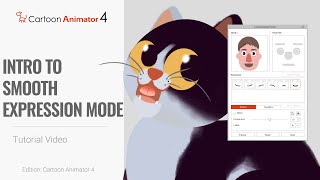
Cartoon Animator 4: 360 Head Tutorial - Introduction to Smooth Expression Mode
Learn to set up Smooth Expression mode in Cartoon Animator 4 for seamless 360-degree facial animation. Master this new feature to create fluid and realistic character expressions in your 2D animations.
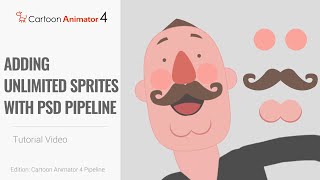
Cartoon Animator 4 - 360 Head Tutorial: Adding Unlimited Sprites with PSD Pipeline
Learn to add unlimited facial components to 360-degree character heads using Cartoon Animator 4's PSD import/export features. Master advanced sprite addition techniques for enhanced character customization.
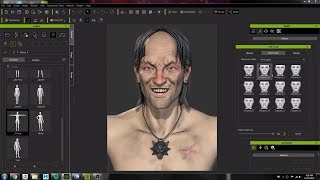
Character Creator 3 Workflow: Modeling and Animating a Witcher Character Concept
Crystal Bretz demonstrates modeling and animating a character from The Witcher series using Character Creator 3, ZBrush, and Substance Painter, showcasing the software's capabilities for 3D character creation.
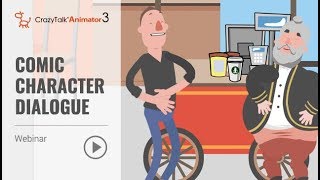
Animate Your Story - Comic Character Dialogue with CrazyTalk Animator 3 - Part 2
Learn to create dynamic comic character animations with CrazyTalk Animator 3. Master prop handling, camera work, facial expressions, lip-sync, and interactive character animations for engaging storytelling.
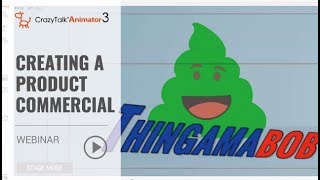
Animate Your Story - Creating a Product Commercial with CrazyTalk Animator 3 - Part 1
Learn to create a 30-second animated commercial using CrazyTalk Animator 3. Discover easy character creation, preset animations, dynamic titles, and scene transitions without advanced animation skills.
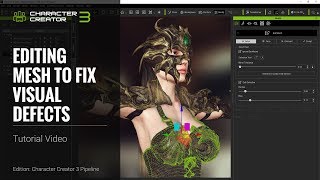
Character Creator 3 Tutorial - Fixing Visual Defects: Mesh Editing - Part 1
Learn to fix visual defects in Character Creator 3 through mesh editing techniques, including clothing import, skin weighting, selection modes, sculpting, and vertex/face/element editing.
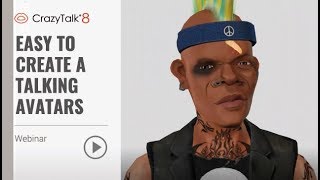
Easy to Create a Talking Avatars with CrazyTalk 8 - June 5, 2018
Learn to create and animate 2D and 3D talking avatars using CrazyTalk 8's face-fitting technology. Explore customization, auto motion, and facial animation techniques for realistic character animations.
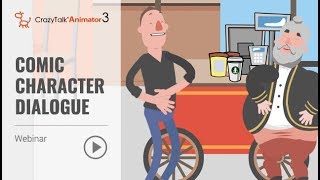
Animate Your Story - Comic Character Dialogue Using CrazyTalk Animator 3
Learn to create dynamic comic character dialogues using CrazyTalk Animator 3. Master prop handling, camera animation, facial expressions, lip-sync, and interactive character animations for engaging storytelling.

iClone 7.2 Tutorial - Applying Magic Particle Effects
Master iClone's PopcornFX Library to create stunning magical effects. Learn to apply character auras, lightning attacks, and ambient lighting for captivating visual scenes in your 3D projects.
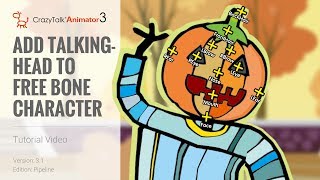
CrazyTalk Animator 3.1 Pipeline Tutorial - Add Talking Head to Free Bone Character
Learn to add talking heads to G3 Free Bone characters in CrazyTalk Animator 3.1 using content manager or Photoshop. Covers head creation, bone repositioning, and facial feature customization.
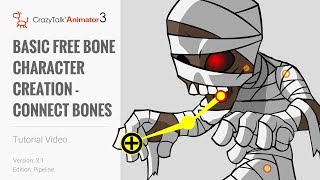
CrazyTalk Animator 3.1 Pipeline Tutorial - Basic Free Bone Character Creation
Learn to create and animate G3 free bone characters in CrazyTalk Animator 3.1 Pipeline using single and multi-layer PSD files. Master bone structure and animation techniques for custom cartoon characters.

Create Talking Characters from Photos - CrazyTalk Animator Tutorial
Learn to create animated talking characters from photos using CrazyTalk Animator 2. Master face fitting, adding virtual features, background removal, and voice integration for lifelike 2D animations.
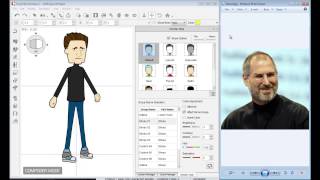
CrazyTalk Animator 2 Tutorial - Character Composer
Learn to create unique sprite characters using CrazyTalk Animator's Character Composer. Mix & match body parts, customize colors, and apply animations to bring your creations to life.
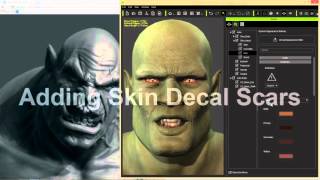
Advanced Facial Modification - Creating an Orc Character in iClone Character Creator
Learn advanced facial modification techniques to create a realistic orc character using Character Creator, including morphing, texturing, custom decals, and RGB masking for intricate details.
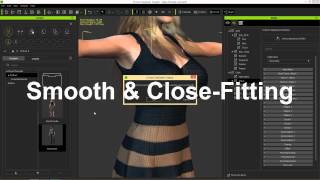
iClone Character Creator Tutorial - Conforming and Layering Clothing
Learn techniques to fix mesh overlap issues when applying clothing to different body shapes in Character Creator, including collision settings, opacity maps, and layering.