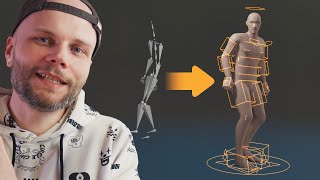
How to Clean Up Motion Capture in Blender
Learn techniques to refine motion capture data in Blender, including knee pole fixes, NLA additive cleaning, rotation corrections, and foot sliding solutions for improved animation quality.
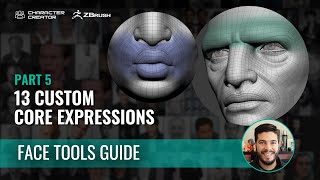
Custom Expressions in ZBrush Face Tools - Part 5: The Power of Custom Expressions
Learn to create custom facial expressions in ZBrush using Face Tools. Master techniques for designing iconic expressions, from smiles to frowns, and seamlessly integrate them into Character Creator 4.
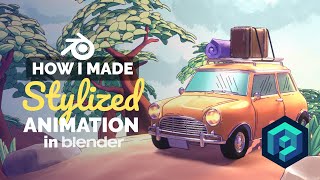
Adding Toon Style Elements to 3D Animation in Blender
Learn to enhance 3D animations with toon-style elements in Blender, creating a whimsical forest adventure scene featuring a Mini car. Explore techniques for blending 2D and 3D styles.
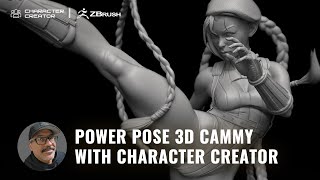
3D Sculpting Street Fighter's Cammy - Power Posing with ZBrush and Character Creator
Learn to create a 3D sculpt of Street Fighter's Cammy using ZBrush Pose Tools and Character Creator. Master digital sculpting techniques from award-winning artist Mike Thompson in this step-by-step tutorial.
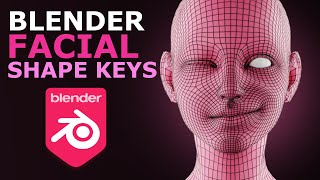
Blender 4.2 - Shape Keys for Beginners Tutorial
Discover facial shape key creation in Blender 4.2. Master expressive 3D character poses with this beginner-friendly guide to enhancing your character design skills.
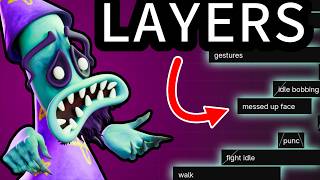
Improve Your Blender Animation with Layers - NLA Editor Tutorial
Enhance your Blender animations using layers in the NLA editor. Learn techniques for holding, replacing, combining, and blending animations to create complex, efficient, and professional-quality results.

Walk Cycles in Blender for Lazy People - The Easy Method
Learn to create smooth, realistic walk cycles in Blender with this beginner-friendly tutorial. Master key poses, animation principles, and practical tips for bringing characters to life through dynamic movements.
Ogre Rig - Creating Muscle Bones for Improved Deformation
Improve elbow deformation and simulate flesh squashing with automated bones in Rigify. Advanced techniques for customizing and extending rigs beyond default metarigs.
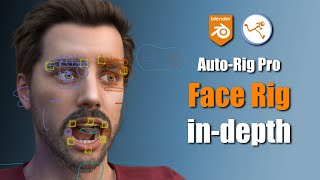
Auto-Rig Pro Face Rig In-Depth Tutorial
Comprehensive tutorial on Auto-Rig Pro's face rigging features, covering smart rigging, customization options for eyes and mouth, and advanced tips for efficient character animation in Blender.
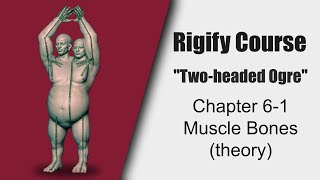
Rigify Course: Creating Muscle Bones for Ogre Rig - Theory and Raw Copy
Aprenda técnicas avançadas de rigging com Rigify, incluindo ossos musculares e cópia bruta, para melhorar as deformações de personagens e criar rigs personalizados.
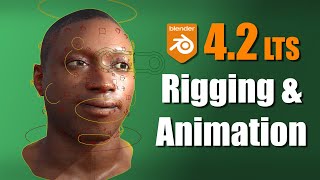
New Rigging and Animation Features in Blender 4.2
Explore new rigging and animation features in Blender 4.2, including improved armatures, widgets, pose library, and animation editors. Learn about bone subdivide, motion paths, and more enhancements.
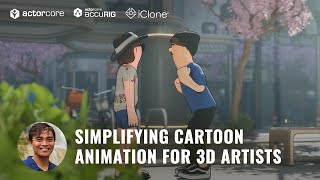
Simplifying Cartoon Animation for 3D Artists - AccuRIG and ActorCore Workflow
Learn to create 3D cartoons efficiently using AccuRIG for rigging, ActorCore for motion, iClone for editing, and Blender for rendering. Streamline your workflow and produce high-quality animations.

Maya to Unreal Engine Animation Live Link Tutorial
Learn to seamlessly transfer Maya animations to Unreal Engine using Live Link. Master setup, character data transfer, multi-character workflows, and advanced techniques for efficient game animation pipelines.
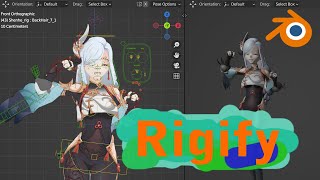
How to Rig MMD Character Shenhe Using Rigify in Blender
Learn to rig the MMD character Shenhe using Rigify in Blender. Master advanced rigging techniques for 3D character animation and customization.
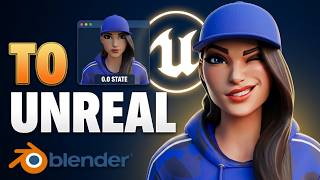
Blend Shapes Creation and Exporting to Unreal Engine
Learn to create and utilize blend shapes in Blender for Unreal Engine 5, enabling realistic and versatile effects in games and animations. Master techniques for simple and complex character expressions.
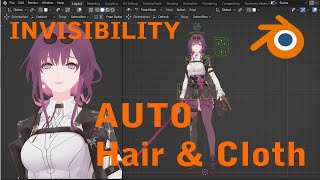
Blender Rigging - Auto Cloth and Invisibility
Aprenda técnicas avançadas de rigging no Blender, incluindo roupas automáticas e efeitos de invisibilidade para criar personagens 3D dinâmicos e interativos.
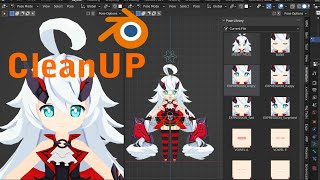
Blender Rigging Clean-up and Pose Library Creation
Optimize Blender character rigging with cleanup techniques and create a pose library for efficient animation workflows.
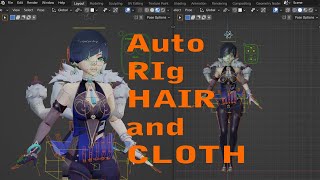
AUTO Hair and Cloth for Blender - Yelan from Genshin Impact
Learn to create dynamic hair and cloth simulations in Blender using Yelan from Genshin Impact as a model. Master advanced techniques for realistic character animation.

Create Awesome 3D Character Animation in Blender 4.2 - 10-Minute Tutorial
Learn to create impressive 3D character animations in Blender 4.2 with this quick tutorial. Discover techniques for bringing characters to life and creating engaging animated sequences.
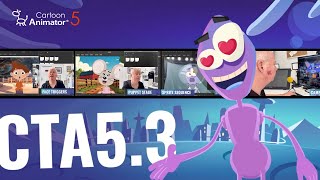
Control Diverse Characters for Live Performances with Cartoon Animator 5.3
Discover real-time animation with Puppet Stage in Cartoon Animator 5.3. Master customizable triggers, dynamic facial animations, and lip-syncing for enhanced live performances and creative versatility.

Mastering Posing for 3D Animation in Maya or Blender
Master posing techniques for 3D animation in Maya or Blender. Learn anatomy, gesture drawing, and advanced tricks to create dynamic and expressive character poses. Improve your animation skills and workflow efficiency.