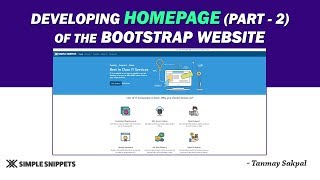
Developing Home Page of the Bootstrap Website - Part 2
Complete the Bootstrap portfolio website homepage with requirements, newsletter, qualities, and clients sections. Learn form controls and enhance your web development skills.
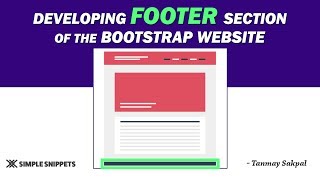
Developing the Footer Section of a Bootstrap Website - Tutorial 8
Learn to create a responsive footer for Bootstrap websites, including top and bottom sections, columns, styling, and embedding elements like maps and social media links.
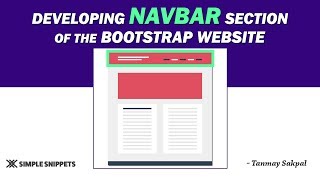
Developing the Navbar in Bootstrap from Scratch - Tutorial 7
Learn to build a responsive Bootstrap navbar from scratch, covering key components, classes, and customization options for modern web navigation.
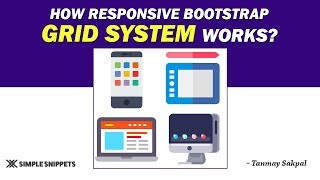
Responsive Working of Bootstrap Grid System - Part 2
Explore Bootstrap's responsive grid system, focusing on device-specific column classes and layout control for optimal mobile-friendly design across various screen sizes.
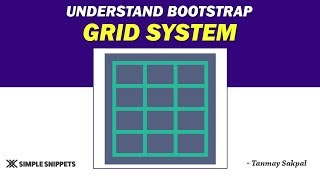
Understanding the Bootstrap Grid System - Part 1
Learn Bootstrap's grid system for responsive web design, including media queries, breakpoints, and container-row-column structure for effective mobile-first layouts.
Build a Landing Page Using Bootstrap 5 - Full Step by Step Tutorial
Step-by-step guide to creating a responsive landing page using Bootstrap 5 and CSS. Learn to build professional-looking websites for various businesses with modern design elements.
Bootstrap 5 Tutorial - Crash Course for Beginners
Comprehensive guide to Bootstrap 5, covering key components and features. Learn responsive design, grid system, UI elements, and more in this beginner-friendly tutorial.

How to Make Responsive Electronic E-commerce Website Using HTML CSS & Bootstrap 5
Learn to build a responsive electronic e-commerce website using HTML, CSS, and Bootstrap 5. Gain practical skills in modern web development and create an attractive, mobile-friendly online store.
Forms in Bootstrap 5 - Learn Basics and Discover Hidden Options
Learn to create responsive forms in Bootstrap 5, from basic usage to advanced features. Discover hidden options, explore form templates, and master various input types and form elements.
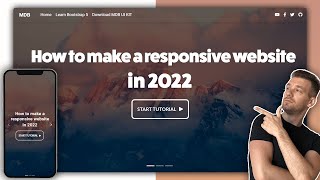
How to Make Responsive Website Using HTML, CSS, and Bootstrap - Code & Deploy
Learn to create and deploy a responsive website using HTML, CSS, and Bootstrap. Master modern web development techniques, including navigation, sliders, flexbox, grid, and more.
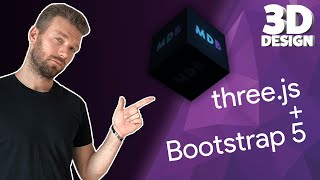
Create Stunning 3D Website - Three.js & Bootstrap 5 Tutorial
Learn to create interactive 3D websites using Three.js and Bootstrap 5. Master 3D object manipulation, cursor tracking, and UI design. Deploy your stunning project online in just 40 minutes.
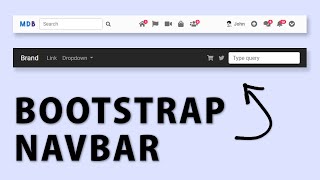
Bootstrap Navbar - Tutorial on the Latest Bootstrap 5
Learn to create and customize Bootstrap 5 navbars, including responsive design, color options, and advanced techniques. Discover useful tools like the Navbar Generator for efficient development.
Build a Gmail App with MDB - Bootstrap 5 & Material Design 2.0 Tutorial
Learn to build a Gmail-like app using MDB 5, Bootstrap 5, and Material Design 2.0. Create customized interfaces with buttons, contacts, lists, and data tables for a modern email application.
Build Instagram UI Layout with MDB - Bootstrap 5 & Material Design 2.0
Step-by-step guide to recreate Instagram's news feed UI using MDB5, featuring a two-column layout, story row, and navigation. Learn to build a responsive social media interface with Material Design 2.0 and Bootstrap 5.
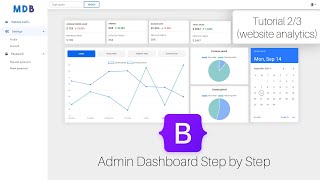
Admin Dashboard - Website Analytics with Bootstrap 5 & Material Design 2.0
Learn to build a traffic dashboard with Bootstrap 5 & Material Design 2.0. Create charts, tabs, date pickers, and enhance sidenav and navbar for effective data visualization in admin panels.
Portfolio with Bootstrap 5 & Material Design 2.0 - MDB 5 Tutorial
Build an impressive portfolio using Bootstrap 5 and Material Design 2.0. Learn to create a responsive, visually appealing resume showcasing your skills and projects to potential employers.
Node.js and Express Tutorial for Absolute Beginners
Learn to develop web applications using Node.js, Express.js, PostgreSQL, and Bootstrap. Gain hands-on experience creating web servers and interacting with databases in this comprehensive tutorial.
Django Tutorial Sample Code Walkthrough - Bootstrap Menu and Crispy Form
Comprehensive walkthrough of Django sample code, covering bootstrap menu and crispy form implementation. Ideal for developers seeking practical insights into Django web development.

Programming a Text Formatting App - Web Development Tutorial
Learn to build and deploy a text analyzer web app with features like case conversion and space removal. Covers Bootstrap, JavaScript, and Linode deployment in a step-by-step tutorial.

Build Your Own AI Chatbot with OpenAI API and Linode - A Step-by-Step Guide From Code With Harry
Step-by-step guide to building an AI chatbot using OpenAI API and Django, covering project setup, frontend development, API integration, and deployment on Linode.
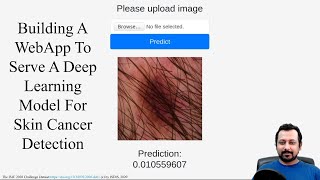
Build a Web-App to Serve a Deep Learning Model for Skin Cancer Detection
Learn to build a Flask web app that serves a deep learning model for skin cancer detection, covering file uploads, predictions, and UI design with Bootstrap.