
Secret Tips for Generative Fill in Photoshop
Discover advanced techniques for Photoshop's Generative Fill tool, including layer blending, context enhancement, depth of field creation, intensity adjustment, and seamless pattern generation.
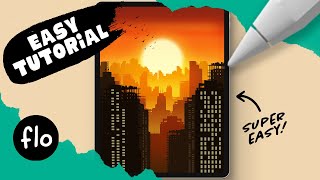
Draw This Sunset City Skyline in Procreate
Learn to create a stunning sunset city skyline in Procreate with step-by-step guidance. Master digital drawing techniques like gradients, layering, and detailing to bring your urban landscape to life.

Draw a Spider in Procreate
Step-by-step tutorial for drawing a realistic spider in Procreate, covering body structure, leg details, highlights, patterns, and shadow effects to create a lifelike digital illustration.
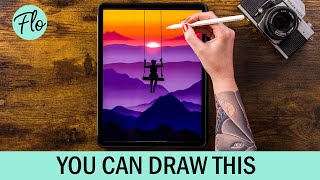
Draw This Sunset Landscape in Procreate
Step-by-step tutorial for creating a stunning sunset landscape in Procreate, covering techniques from basic mountains to adding mist and clouds for a realistic digital artwork.
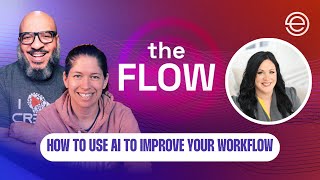
How to Use AI to Improve Your Podcasting Workflow
Discover how AI tools like ChatGPT, Descript, and Opus can streamline your podcasting workflow, enhance content creation, and save time. Learn practical tips for leveraging AI effectively in podcast production.
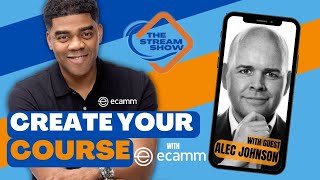
How to Create Your Course in Ecamm - The Stream Show
Comprehensive guide on creating and launching online courses using Ecamm Live, covering planning, recording, editing, and marketing strategies, with insights on leveraging AI tools for content creation.
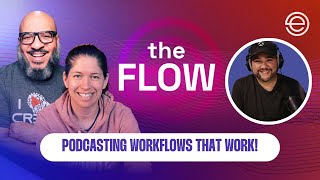
Podcasting Workflows That Work - Automation and Efficiency Strategies
Discover efficient podcasting workflows with expert Joe Casabona. Learn automation techniques, time tracking, guest scheduling, hiring VAs, creating SOPs, and optimizing file management to streamline your podcasting process.

How to Launch Your Facebook Live Show - A Comprehensive Guide
Discover a comprehensive launch plan for your Facebook Live show, covering chatbots, promotions, teasers, and templates to captivate audiences and maximize viewer engagement.
Music Generation via Masked Acoustic Token Modeling
Explore innovative music synthesis using acoustic token modeling and parallel iterative decoding. Learn about flexible audio generation techniques and their applications in music creation.
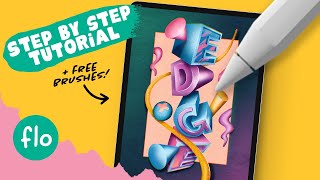
Create Amazing 3D Text in Procreate - Step by Step Procreate Tutorial
Learn to create stunning 3D text in Procreate with step-by-step guidance. Master techniques like alpha lock, layer clipping, blur effects, and chromatic aberration to design eye-catching digital illustrations.
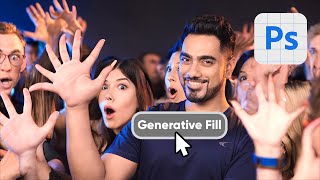
Reasons Why Generative Fill Will Not Replace You - Photoshop
Explores limitations of Photoshop's Generative Fill, discussing resolution, precision, inconsistency, legal issues, and edge quality. Emphasizes continued relevance of traditional editing techniques for creative professionals.
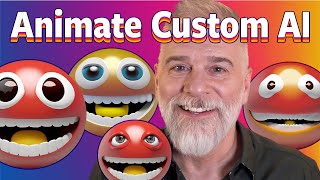
Animate Your Own Custom A.I. Emoji
Learn to create and animate custom AI-generated emojis using Adobe Firefly and Photoshop's Timeline panel. Master techniques for smooth looping, masking, and enhancing with generative AI tools.

Making a Spaceship in 1 Hour vs 10 Hours vs 100 Hours
Explore 3D spaceship modeling in Blender at three time scales, from basic shapes to intricate details and advanced techniques like 3D tracking and compositing.

Master Filters - Photoshop for Beginners
Explore essential Photoshop filters, from simple blurs to complex effects. Learn practical applications, overcome common issues, and discover powerful third-party plugins to enhance your editing skills.
Descript Tutorial - Best AI Video Editor?
Comprehensive guide to Descript's AI-powered video editing features, including text-based editing, filler word removal, AI voice generation, and advanced tools for streamlining video production workflows.
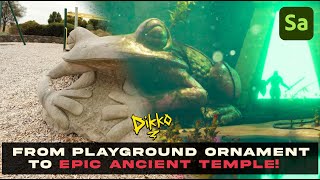
Exploring New Photogrammetry Apps for 3D Modeling
Explore cutting-edge photogrammetry apps and their capabilities in 3D modeling. Learn about innovative tools for creating realistic digital assets from photographs.
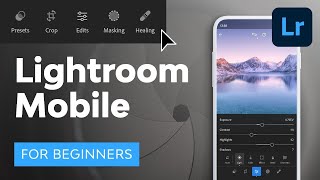
Lightroom Mobile Tutorial for Beginners
Master Lightroom Mobile: shoot RAW, edit on-the-go, create presets, and share high-quality images directly from your phone or tablet. Learn essential techniques for professional mobile photography.
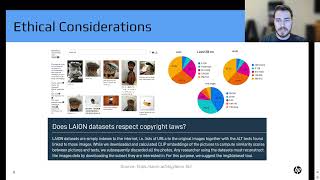
Introduction to Generative Art with Stable Diffusion - Hunter Kempf
Explore Stable Diffusion's architecture, ethical implications, and practical applications in generative AI art. Learn tips for image generation and gain insights into future possibilities for AI-driven creativity.
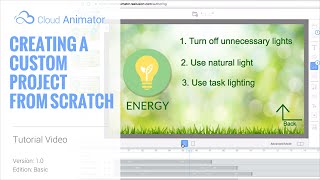
Cloud Animator Tutorial - Creating a Custom Project from Scratch
Learn to create interactive animated projects using Cloud Animator. Upload custom materials, add motion effects, and use text-to-speech for quick audio generation in this hands-on tutorial.
Quickly Create a 3D Head from One Image - CrazyTalk 8 Tutorial
Learn to create realistic 3D heads from single images using CrazyTalk 8's face fitting technology. Master tools, techniques, and tips for optimal results, including texture blending, morphing, and character customization.
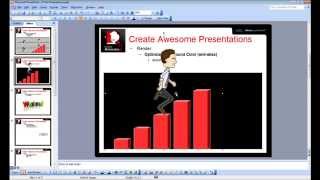
CrazyTalk Animator 2 Tutorial - Capture PNG and AniGIF for PowerPoint-Keynote
Learn to capture and export transparent PNGs and animated GIFs in CrazyTalk Animator 2 for use in presentations. Covers Windows and Mac environments, export range adjustment, and image quality optimization.