Digital Manufacturing
Learn essential techniques for preparing 3D models for printing, including mesh settings, model repair, part thickness, and selecting prototyping services. Master the art of successful 3D printing with expert guidance.
Dragonframe Tutorials
Comprehensive guide to Dragonframe animation software, covering animation basics, cinematography, audio, DMX lighting, motion control, and advanced features for stop-motion projects.
Dragonframe Cinematography Workspace
Master Dragonframe's Cinematography workspace: camera settings, composition techniques, color tools, 3D stereo review, and multi-camera setups for perfect stop-motion shots.
Dragonframe Animation Workspace Tutorials
Learn essential Dragonframe 4 features for stop-motion animation, including timeline, X-sheet, guide layers, live view, increment editor, and more. Enhance your animation workflow.
Dragonframe Motion Control Tutorials
Master ARC motion control for stop motion films: program camera moves, set up axes, adjust keyframes, create indexed moves, and explore advanced techniques like stereo 3D and time warp.
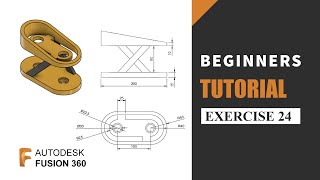
Fusion 360 Beginners Tutorials & Practice Exercises
Master Fusion 360 basics through hands-on exercises, from simple designs to complex models. Ideal for beginners seeking practical experience in 3D modeling and CAD design fundamentals.
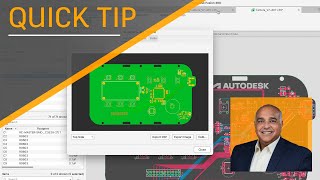
Electronics Design
Explore electronic CAD capabilities in Fusion 360 through comprehensive video tutorials covering PCB design, manufacturing, and integration with mechanical design workflows.
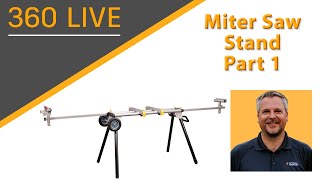
Miter Saw Stand
Learn to design and build a functional miter saw stand using Autodesk software in this comprehensive, hands-on project spanning five detailed sessions.
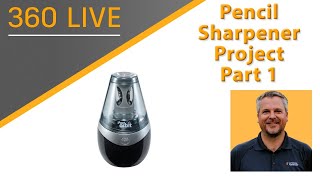
Pencil Sharpener Project
Learn to design a multi-part pencil sharpener assembly using advanced techniques like top-down design, edit-in-place, in-context design, and motion links in this comprehensive 10-part series.
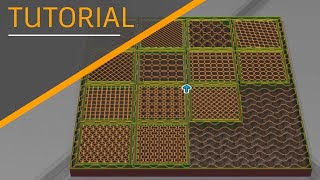
Additive Manufacturing
Explore 3D printing capabilities in Fusion 360, covering FFF settings, support structures, lattices, process simulation, and integration with various printers and platforms.
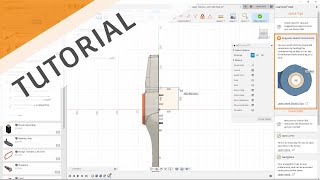
Solidworks Transition Guide
Comprehensive guide for SolidWorks users transitioning to Autodesk software, covering UI, modeling techniques, data management, collaboration, and advanced features.
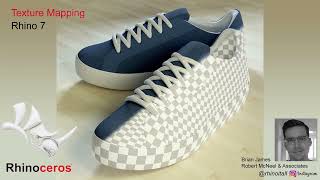
Rendering & Visualization
Explore advanced rendering techniques in Rhino, covering texture mapping, lighting, materials, and post-effects. Learn to create stunning visualizations and enhance your 3D models.
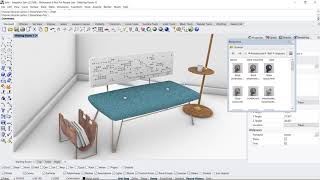
Rhino Tech Tips
Learn advanced Rhino 3D modeling techniques, from material basics to complex SubD modeling. Master tools like Gumball, UV editor, and QuadRemesh for efficient 3D design and rendering across various applications.
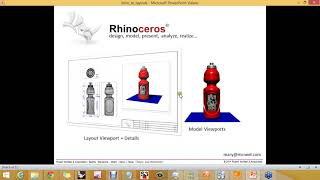
2D & Layouts
Learn to create professional layouts in Rhino 5, including arranging views, scaling, annotations, and printing. Master essential skills for presenting 2D and 3D models effectively in architectural and product design contexts.
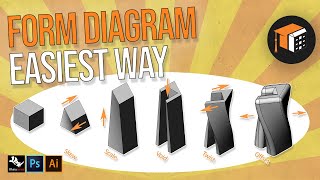
Rhino Tutorials
Learn architectural modeling techniques in Rhino, from site topography and concept diagrams to advanced facades. Covers Rhino-Revit workflow, VRay rendering, and Photoshop integration.
FreeCAD - The Complete Beginners Guide to Part Design
Comprehensive guide to FreeCAD's Part Design workbench, covering essential 3D modeling techniques from basic sketching to advanced multi-body modeling and Boolean operations.
FreeCAD Beginners Guide Chapter 2 - Part, Surfacing, Analysis, CNC and More
Comprehensive guide to FreeCAD 2022, covering Part, Surface, Path, Sheet Metal, FEM Analysis, and Assembly workbenches. Learn advanced 3D modeling techniques and practical applications.
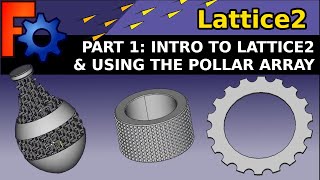
FreeCAD- Lattice2 Workbench
Learn to create complex 3D structures using FreeCAD's Lattice2 workbench, including polar arrays, text on paths, custom finishes, matrix lattices, and spiral wrapping techniques.
Understanding FreeCAD - Beginners Course
Learn FreeCAD's Part Design Workbench through practical projects, from basic parts to complex assemblies. Master parametric modeling, multi-body designs, and advanced features for 3D printing and mechanical engineering.
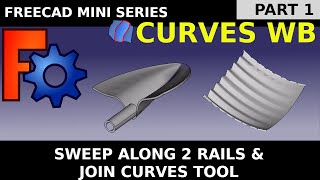
FreeCAD Curves Workbench
Master advanced curved and NURBS surfaces in FreeCAD Curves Workbench. From beginner-friendly basics to practical applications like boat hulls, architectural elements, and 3D-printable designs.
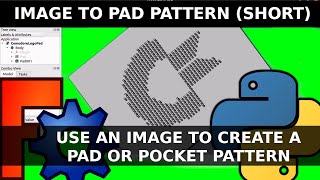
FreeCAD Tips and Tricks - Beginners & Expert Guides and Tutorials
Comprehensive guide to FreeCAD techniques, from beginner to expert level, covering various workbenches, Python scripting, and practical applications for 3D modeling and design.