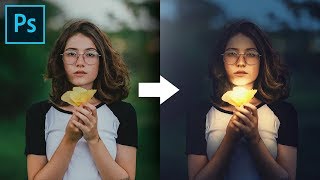
Shape the Light with Creative Color Grading in Photoshop
Master creative color grading in Photoshop to transform light and atmosphere. Learn curves, masks, and blend modes to enhance drama and create stunning visual effects in your images.
How to Set Up a Wacom Tablet for Retouching
Optimize your Wacom tablet for efficient photo retouching in Photoshop. Learn essential settings, shortcuts, and tips to enhance your workflow and editing speed.

Master Hue-Saturation from Start to Finish in Photoshop
Comprehensive guide to mastering Hue/Saturation in Photoshop, covering fundamental concepts, global adjustments, targeted color manipulation, and advanced techniques for enhancing images.
New Features and Updates in Photoshop CC 2019
Explore 20 new features in Photoshop CC 2019, including Content-Aware Fill, Blend Mode Preview, and Color Wheel. Learn to enhance productivity and creativity with these powerful tools and updates.

Amazing Photoshop Actions by PiXimperfect
Discover 10 premium Photoshop actions for portrait retouching and landscape editing. Learn to customize and apply these versatile tools for professional-quality image enhancements.
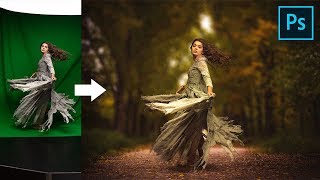
Use Green Screen to Create Composites in Photoshop
Master green screen compositing in Photoshop with advanced techniques for background removal, subject-background matching, shadow creation, and special effects to achieve professional-looking results.

Transform a Photo to a Realistic Oil Painting - Photoshop Tutorial
Learn to transform photos into vibrant oil paintings using Photoshop. Master brush techniques, color selection, and special effects to create stunning digital art with a renaissance flair.
The Complete Guide to Smart Objects in Photoshop
Comprehensive guide to Smart Objects in Photoshop, covering core concepts to advanced applications. Learn techniques for compositing, designing, and editing images non-destructively with practical examples and tips.
The Best Color Grading Tool for Photoshop
Explore the Infinite Color Panel for Photoshop, offering unlimited professional color grading options. Learn techniques to create unique, customizable looks and enhance your photo editing skills.
Cut Out Hair with Very Busy Background in Photoshop
Advanced hair masking technique for complex backgrounds using custom brushes and painting methods to achieve natural-looking results in Photoshop.
Make the Perfect Head Swap in Photoshop
Master head swapping in Photoshop with techniques for perfect placement, brightness matching, color adjustment, and lighting refinement. Learn to seamlessly blend faces onto new bodies for realistic results.

Talking Design with Dave Clayton
Renowned designer Dave Clayton discusses graphic design, fonts, software, and creative insights in this engaging interview at Photoshop World Conference in Orlando.
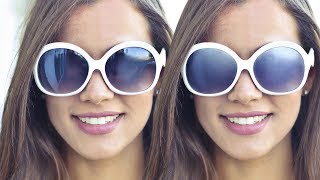
How to Remove Reflections from Sunglasses in Photoshop
Learn advanced Photoshop techniques to realistically remove reflections from sunglasses, paint over surfaces, add texture, and create clean reflections for a natural, dimensional look.
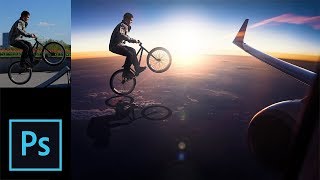
Photo Manipulation Step-by-Step Tutorial in Photoshop
Comprehensive Photoshop tutorial on photo manipulation, covering selection, background change, shadow creation, subject blending, and special effects for realistic composites.
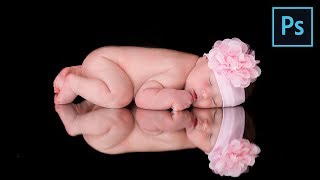
How to Retouch Newborn Photos in Photoshop
Learn comprehensive newborn photo retouching in Photoshop: from Camera Raw adjustments to skin softening, color correction, and advanced sharpening techniques for stunning results.
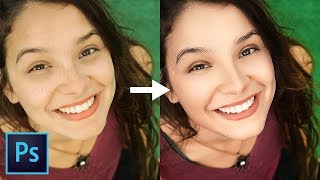
Master Dodging and Burning - Photoshop In-Depth Tutorial
Comprehensive guide to mastering dodging and burning techniques in Photoshop, from basics to advanced applications, enhancing portrait depth and dimension for stunning results.

Compositing Made Simple with Smart Objects in Photoshop
Learn to create complex composites easily using Smart Objects in Photoshop. Master adding elements, matching colors, applying filters, and modifying text for efficient photo manipulation.

How to Create Photo Album Templates From Scratch in Photoshop
Learn to create custom photo album templates in Photoshop using clipping masks. Master design techniques for beautiful layouts, and easily drag-and-drop images into placeholders for efficient album creation.

Master the Pen Tool in 30 Minutes - Photoshop In-Depth Tutorial
Comprehensive tutorial on mastering Photoshop's Pen Tool, covering basics to advanced techniques for creating precise shapes, paths, and selections.

Understanding Layer Masks in Photoshop - Live Replay
Discover advanced layer mask techniques in Photoshop, including combining masks, utilizing channels, and creating double exposures. Learn tips and tricks for enhancing your image editing skills.
Complete Guide to Clone Stamp Tool in Photoshop
Comprehensive tutorial on Photoshop's Clone Stamp Tool, covering basics to advanced techniques. Learn to remove distractions, tattoos, and facial hair while mastering blend modes and the Clone Source panel.