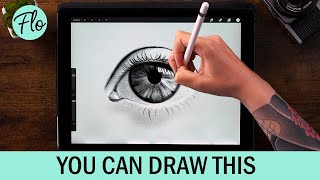
You Can Draw This Eye in Procreate
Step-by-step tutorial for drawing a realistic eye in Procreate, covering techniques from basic shapes to intricate details. Suitable for beginners using free brushes.
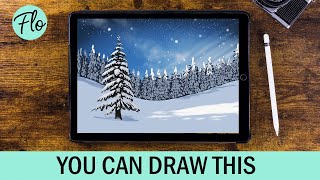
Draw This Winter Landscape in Procreate
Step-by-step tutorial for creating a serene winter landscape in Procreate. Learn techniques for painting snow, trees, and sky effects to capture the beauty of a snowy scene using digital art tools.
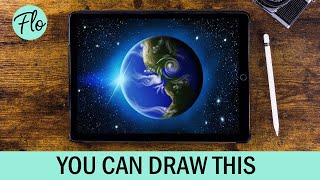
Draw Planet Earth in Procreate
Step-by-step tutorial for creating a realistic planet Earth illustration in Procreate, covering techniques like layering, texturing, and adding atmospheric effects for a stunning digital artwork.
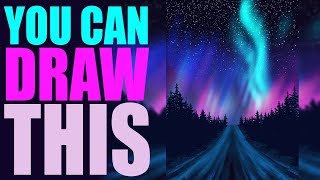
Drawing Aurora Borealis in Procreate - Step by Step Tutorial
Aprenda a criar uma paisagem com aurora boreal no Procreate usando pincéis gratuitos. Tutorial passo a passo com técnicas como simetria, desfoque de movimento e máscaras de camada.
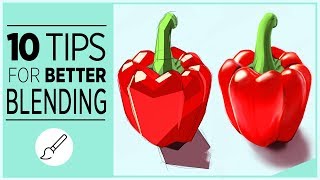
Tips for Better Blending in Procreate
Discover 10 essential tips for mastering blending in Procreate, including smudge tool techniques, brush selection, and innovative methods to enhance your digital art skills.
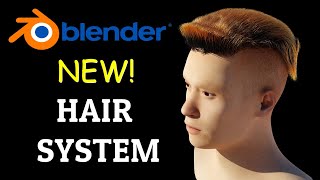
Blender 3.3 New Hair System
Comprehensive tutorial on Blender 3.3's new hair system, covering various brushes, geometry nodes, and rendering techniques for creating realistic hair in 3D models.
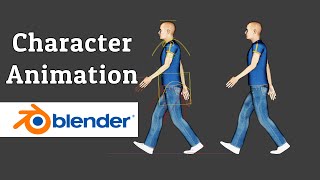
Character Animation - Blender Beginner Tutorial
Learn character animation in Blender 3.2, covering pose modes, keyframing, walk cycles, and animation techniques. Perfect for beginners looking to bring their 3D characters to life.
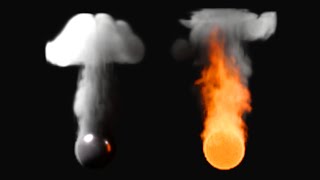
Fire and Smoke Simulation Domain Settings - Blender Tutorial
Comprehensive tutorial on Blender's Mantaflow smoke and fire simulation settings, covering domain creation, resolution, caching, physics parameters, and advanced features for realistic effects.
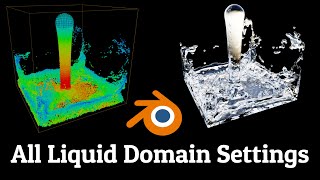
Fluid Simulation - Mantaflow Domain Settings - Blender Tutorial
Comprehensive guide to Mantaflow fluid simulation in Blender 3.2, covering domain settings, liquid properties, mesh generation, and advanced techniques for realistic water effects.
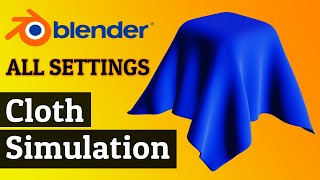
Cloth Simulation Settings - Blender 3.0 Tutorial
Comprehensive guide to Blender 3.0's cloth simulation settings, covering physics, properties, collisions, and advanced techniques for realistic fabric behavior in 3D animations.
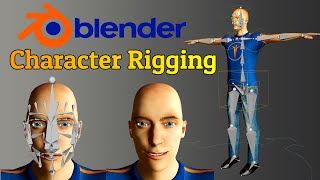
Blender 3.0 Tutorial - Human Meta Rig - Including Face Rigging
Learn to create a fully rigged 3D character in Blender 3.0, including face rigging. Master joint adjustments, control rig generation, weight painting, and facial expressions for realistic character animation.
How to Use Drivers in Blender - Tutorial
Learn to use drivers in Blender for object interactions. Covers adding drivers, editing F-curves, scripted expressions, value operations, transform channels, and applications with bones and custom properties.
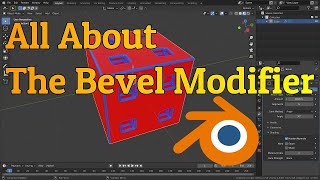
Bevel Modifier - Blender Tutorial
Comprehensive guide to Blender's bevel modifier, covering width types, offset, depth, limit methods, profile options, geometry settings, shading, and more for enhanced 3D modeling skills.
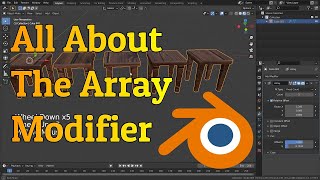
Array Modifier - Blender Tutorial
Comprehensive guide to Blender's array modifier, covering fit types, offsets, and practical applications like creating spiral staircases. Learn to efficiently develop large scenes and complex repetitive shapes.

Blender for Complete Beginners
Learn Blender basics: navigation, object manipulation, and scene creation. Master essential tools and techniques to build a simple low-poly scene, from adding objects to final rendering.
BlockBlender - How to Use It
Learn to transform images and 3D models into Minecraft-style blocks using BlockBlender, a Blender tool. Master techniques for block selection, material editing, and exporting for creative Minecraft builds.
Real-Time Fire With Geometry Nodes, Blender
Create realistic fire effects in Blender using geometry nodes and instance attributes. Learn efficient techniques for stunning visuals without heavy simulations, ideal for less powerful computers.
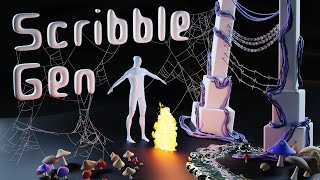
Scribble Gen for Blender - How to Use It
Learn to use Scribble Gen 0.20 in Blender, exploring new presets and tools for creating objects through drawing. Master particle emission, curve instances, fire effects, stylized water, and more.
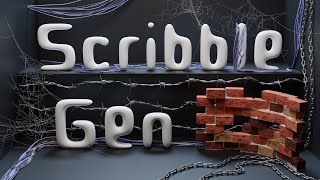
Scribble Gen for Blender - How to Use It
Learn to use Scribble Gen 0.11 in Blender for creating objects by drawing. Master tools for cables, barbed wire, chains, cobwebs, and brick walls. Explore features like collision, snap endpoints, and mesh conversion.
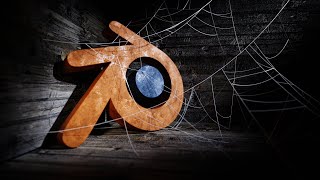
Cobweb Generator With Geometry Nodes - Blender
Learn to create realistic cobwebs in Blender using geometry nodes and the draw curve tool. Master techniques for branching, hanging, and layering to achieve authentic abandoned scene effects.
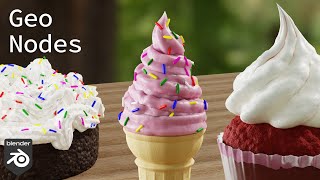
Frosting with Geometry Nodes, Piped Whipped Cream and Ice Cream - Blender 3.2
Learn to create realistic frosting, whipped cream, and ice cream in Blender 3.2 using Geometry Nodes. Master curve setup, displacement, materials, and sprinkle placement for stunning 3D desserts.