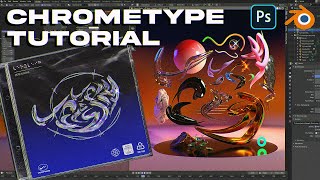
Chrometype Text & Art - Blender - Photoshop Tutorial
Create classic Chrometype style designs using Blender and Photoshop. Learn lighting, curve modifiers, iridescence, and freestyle techniques for stunning visual effects.
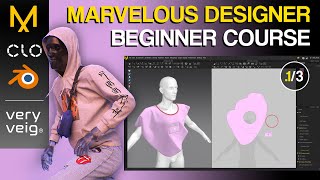
Marvelous Designer Beginner Course - The Basics
Learn essential features and tools for digital clothing design in Marvelous Designer, covering importing avatars, simulation, pattern creation, sewing, and detailing techniques.
Daz Studio Camera Settings
Learn to master Daz Studio camera settings, create Bokeh effects, use depth of field, and produce unique visual effects with distortion lens. Enhance your 3D rendering skills for stunning imagery.

Basic Comic Coloring Method - Part 1
Learn a beginner-friendly comic coloring process in Photoshop, covering color flats, selection techniques, and flexible methods for easy adjustments.
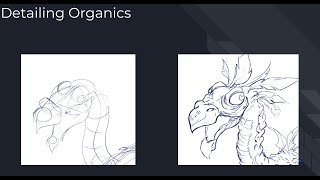
Line to Detail - Part 2
Learn techniques for adding organic details to creature designs, focusing on placement and avoiding common pitfalls. Ideal for novice high school artists.
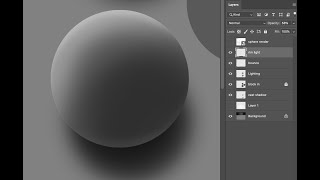
Basic Digital Workflow - Rendering Spheres
Learn to render spheres digitally using Photoshop, focusing on layer management and digital tools. Master silhouette, bounce, and rim lighting techniques for realistic 3D effects.
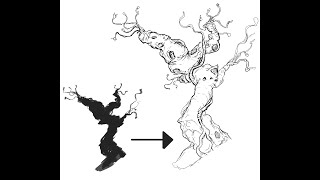
Line Art Extraction
Learn to extract detailed line art from loose silhouettes, a quick idea generation technique for production. Practice with provided silhouette or your own to enhance design skills.
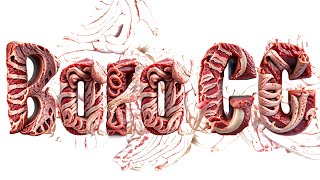
Adobe's New AI Tools
Exploring Adobe Firefly's AI capabilities for creative projects, showcasing its potential and limitations in generating and manipulating digital content.
Adobe Firefly AI Is Here - Stop Everything You're Doing and Watch This
Explore Adobe Firefly AI's revolutionary features for professional workflows, including vector generation, template creation, color transfer, image combination, and text generation, all commercially safe.

Adobe Firefly - AI for Professionals
Explore Adobe Firefly, a new generative AI tool competing with Stable Diffusion, DALL-E, and Midjourney. Learn about its features and potential impact on professional creative workflows.
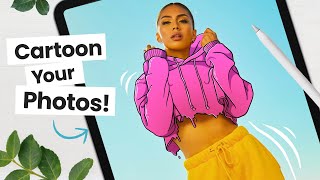
How to Cartoon Your Photos - Step-by-Step Tutorial
Learn to transform photos into cartoons using digital art software. Master line art, coloring, shading, and workflow techniques to add personality and create unique illustrations from your images.
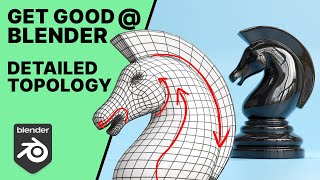
Get Good at Blender - Advanced Topology - The Knight
Advanced Blender tutorial on creating a knight chess piece, focusing on topology techniques like edge flow and pole placement. Covers modeling from base to final details, emphasizing best practices for 3D artists.
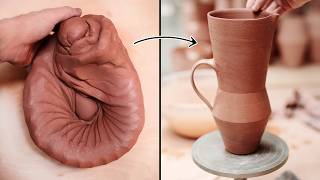
Throwing New Jug Shapes on the Potter's Wheel
Explore the process of creating a new angular jug shape, from clay preparation to final carving, with expert potter Florian Gadsby in this detailed pottery wheel demonstration.

Deke Demystifies Photoshop - Content Aware Fill Exposed
Demystifies Photoshop's Content-Aware Fill feature, explaining its functionality, settings, and applications through practical demonstrations and a comprehensive schematic diagram.
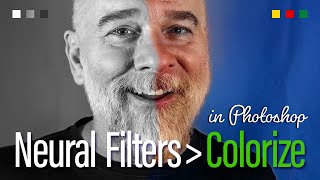
In the Old Days, There Was No Color - Check the Photos
Aprenda a colorir e restaurar fotos antigas em preto e branco usando os filtros neurais do Photoshop, incluindo Colorize e Photo Restoration, além de técnicas de edição não destrutiva.
Wrap City Buses with a Life-Size Dinosaur
Learn to create massive artwork in Adobe Illustrator, scaling designs beyond traditional limits. Discover techniques for expanding canvases and enlarging type for city-wide projects like bus wraps.
Warp to the Future!
Learn advanced text manipulation techniques in Adobe Illustrator, including type on a path, warping, and dynamic effects. Master smooth path creation, distortion values, and scaling for professional-looking designs.
Wrap Your Illustrator 3D in Real World-ish Materials
Learn to apply realistic 3D materials in Illustrator, exploring textures, roughness, metallic properties, and advanced techniques like shadow bounds and ray tracing for enhanced visual appeal.
Try Smart Portrait
Explore Photoshop's Smart Portrait feature to enhance and manipulate portraits, including adjusting age, expressions, and lighting. Learn techniques for achieving realistic and creative results.
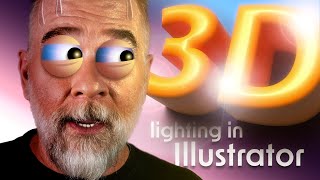
Let There Be Light and Shadows
Explore Adobe Illustrator's enhanced 3D lighting controls, including rotation, height, and softness. Learn to create realistic shadows and master the interplay of light in your digital designs.
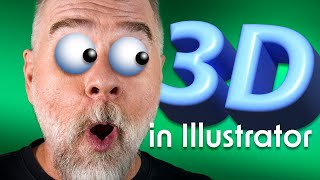
Illustrator 3D Never Went Away, But Now It’s Back
Explore Illustrator's enhanced 3D capabilities, including the 3D panel, on-screen widget, and bevel options. Learn to manipulate objects with pitch, yaw, roll, depth, and emboss for stunning visual effects.