Unity Character Movement Using Mouse Click - 3D Game Tutorial
Learn to implement click-to-move functionality in Unity 3D games using NavMesh and raycasting. Create realistic character movement with animations for RPGs, RTS, and TPS games.
Unity TextMesh Pro - Customizing Text in Games
Learn to enhance game text using Unity TextMesh Pro: create custom fonts, apply effects like glow and shadows, and master text styling for both 2D and 3D environments.
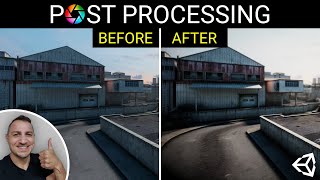
Unity Post-Processing - Every Effect and Technique
Comprehensive guide to Unity's post-processing effects, covering every available option from bloom to motion blur. Learn to enhance your game's visual quality through step-by-step demonstrations.
Camera Follow in 3D Unity Games - Smooth Player Tracking
Learn to implement smooth camera following in Unity 3D games. Covers player movement, camera scripts, and the use of lerp for fluid motion. Essential skills for creating immersive 3D game experiences.

Technical Quality on Google Play - Improving App Discoverability and Performance
Discover how to enhance app quality and visibility on Google Play. Learn best practices, monitor performance, and connect with Google Play team members and fellow developers.
Building Android Apps for Chrome OS Ecosystem
Explore best practices for developing Android apps optimized for Chrome OS, focusing on input methods, large screens, and innovative features to enhance user experience.

Jetpack Compose Basics - Building Your First Android App
Learn to build your first Android app using Jetpack Compose, exploring composable functions, previews, UI elements, state management, lists, animations, and Material Theme in this hands-on workshop.

What's New in Android - Latest Features and Enhancements
Discover the latest Android features and enhancements for developers, including UI improvements, system updates, new effects, graphics advancements, and privacy measures.

Jetpack Compose: Building Modern UIs with Declarative Toolkit
Explore Jetpack Compose's declarative UI toolkit through examples of theming, animation, and layout. Learn to customize components, simplify development, and unlock new possibilities in modern Android UI creation.

Easy Android Accessibility - Making Apps Usable for All
Learn to make Android apps accessible for all users, covering interaction models, common issues, testing tools, and best practices for inclusive app development.
Vector Assets: Improving Android Apps with Scalable Graphics
Learn to create and implement vector assets in Android apps for improved performance and smaller file sizes. Explore formats, capabilities, and animation techniques.
Engaging Players for the Long-Term - Improving Gaming Experience
Discover strategies to enhance player engagement, build lasting relationships, and improve gaming experiences while respecting players' time, money, and attention.

Building High Quality Experiences on Wear OS
Discover techniques to enhance Wear OS apps with engaging features like tiles and notifications. Learn about new updates for creating captivating watch faces and driving user engagement.
Android Architecture Refactoring - Lessons from Duolingo and Headspace
Discover how Duolingo and Headspace revamped their Android architectures, improving user experience and developer productivity. Learn from their strategies, challenges, and successes.

Developing for Success - Best Practices for App Quality and User Experience
Explore best practices for app quality and learn how Firebase and Flutter enhance user experience in this LATAM Apps Week session for developers.
Export Unreal Engine 5.1 Animation Sequence to iClone and Character Creator as rlMotion
Learn to transfer animation sequences from Unreal Engine 5.1 to iClone 8.22 and Character Creator 4.22 using rlMotion format, streamlining your workflow for game development and virtual production projects.
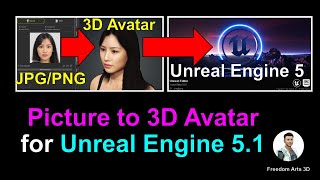
Picture to 3D Avatar for Unreal Engine 5.1 - Creating Player and NPC Characters
Transform pictures into fully rigged 3D avatars for Unreal Engine 5.1 using Headshot plugin and Freedom Animation Pipeline. Create realistic player characters or NPCs with step-by-step guidance.
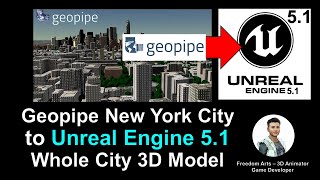
Importing Geopipe New York City 3D Models into Unreal Engine 5.1 - Game Ready with Collision
Step-by-step guide to import New York City 3D models from Geopipe into Unreal Engine 5.1, creating a game-ready scene with perfect collision for immersive game development projects.
How to Convert iClone 8 Motion to Unreal Engine 5.2 and Retarget on Any 3D Avatar - Tutorial
Learn to convert iClone 8 motion to Unreal Engine 5.2 and retarget it on any 3D avatar using Freedom Animation Pipeline V8.5 Plugin. Master FBX export, import, and animation sequence creation for game projects.
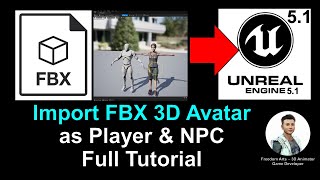
Import FBX Avatar as Player and NPC - Unreal Engine 5.1 Tutorial
Step-by-step guide for importing FBX avatars into Unreal Engine 5.1 as players or NPCs, covering root bone addition and retargeting for seamless integration in game projects.
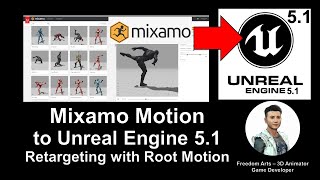
Mixamo Motion to Unreal Engine 5.1 - Retargeting 3D Avatars with Root Motion
Learn to import and retarget Mixamo animations onto custom 3D avatars in Unreal Engine 5.1, including those with and without root bones. Essential skill for game developers with step-by-step guidance.