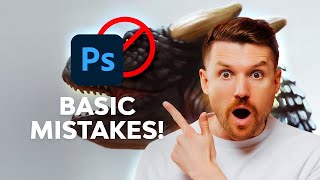
Basic Mistakes in Digital Painting - and How to Fix Them!
Discover common digital painting pitfalls and learn effective techniques to enhance your artwork. Improve canvas setup, color usage, shading methods, and texture application for more professional results.
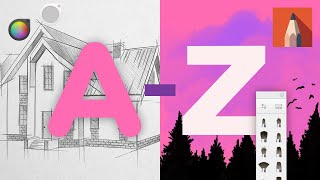
A to Z of Sketchbook Pro - Tips, Tricks, and Hacks
Discover 26 essential Sketchbook Pro features, from amazing pen pressure control to zooming shortcuts, enhancing your digital art skills and workflow efficiency.
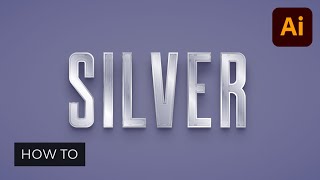
How to Make a Metallic Effect in Illustrator
Learn to create stunning brushed metal and silver text effects in Illustrator. Master techniques for realistic metallic textures, backgrounds, and graphic styles in this step-by-step tutorial.
Create Your First Figma Plugin
Learn to create Figma plugins step-by-step, from basic to complex with custom UI. Extend Figma's functionality and develop unique features to enhance your UI/UX design workflow.
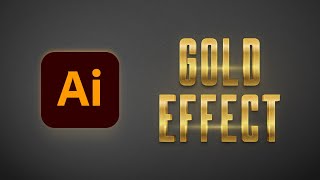
How to Create a Gold Effect in Illustrator
Learn to create stunning gold effects in Adobe Illustrator using metallic gradients, blending techniques, and various effects. Master four different methods to achieve luxurious, eye-catching designs.
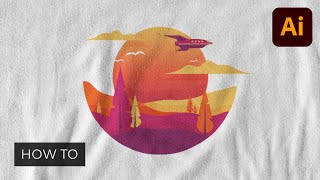
How to Design a Trendy T-Shirt in Illustrator
Step-by-step guide to creating a trendy t-shirt design in Illustrator, covering essential techniques like shape building, blending, gradients, and opacity masks to craft a unique landscape illustration.

Magazine Cover Design in InDesign
Learn to create eye-catching magazine covers in InDesign. Master cover anatomy, image selection, font choices, and custom designs for fashion and sports magazines. Gain skills for impactful cover design.
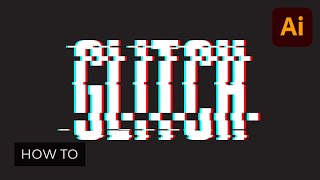
How to Create Vector Glitches Using Adobe Illustrator
Master three vector glitch techniques in Adobe Illustrator. Learn to create eye-catching designs with step-by-step guidance, enhancing your digital art skills and expanding your creative toolkit.
How to Design a Project Proposal in Adobe InDesign
Learn to create impressive project proposals using Adobe InDesign. Master template customization, develop professional layouts, and establish a strong visual style to win competitive projects and impress clients.
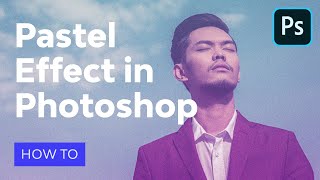
How to Make Pastel Effect in Photoshop - Aesthetic Edit Action
Learn to create aesthetic edits with soft pastel colors and vaporwave effects in Photoshop. Master action recording, text layers, smart objects, and achieve a faded look inspired by Windows 95 interface.
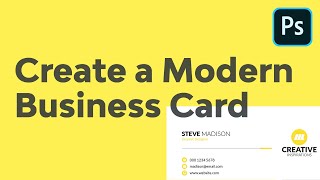
How to Create a Modern Business Card Using Adobe Photoshop
Learn to design impactful business cards in Photoshop using shapes, text formatting, and positioning. Create a powerful networking tool that makes a lasting first impression in just 21 minutes.
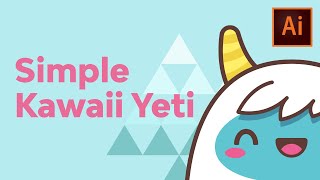
Creating a Simple Kawaii Yeti Character With Basic Shapes - Adobe Illustrator Tutorial
Learn to create a cute yeti character in Adobe Illustrator using basic shapes and tools. Master kawaii character design techniques, color editing, and outlining to bring adorable monsters to life.

Create Stunning Brush Effects With an After Effects Template
Learn to customize After Effects templates for polished brush effects in video openers and titles. Master template selection, installation, and quick editing for instant visual impact.
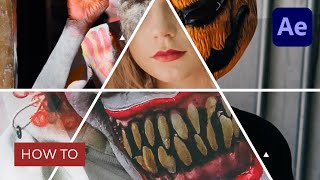
Create Eye-Catching After Effects Video Openers Fast with a Template
Learn to create captivating video openers using After Effects templates. Master template selection, installation, and customization for stunning results, suitable for beginners and experienced producers alike.
Learn After Effects Text Animation with a Template
Master text animation in After Effects using a template. Customize titles quickly for polished video projects. Suitable for beginners and experienced editors seeking efficient workflow techniques.
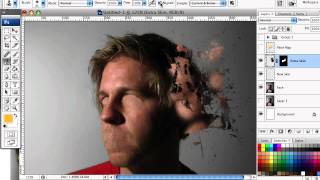
How to Mold Paint Splatter to a Face in Photoshop
Learn to apply splattered paint brushes to a model's face contours in Photoshop, creating artistic effects with a simple yet impactful technique.
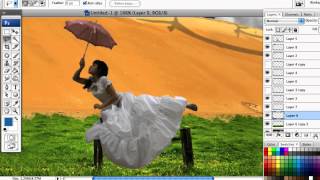
How to Create a Dark Surreal Illustration in Photoshop
Create a dark surreal illustration using Photoshop techniques. Learn to combine images, apply color settings, and add finishing touches for a polished, atmospheric artwork.
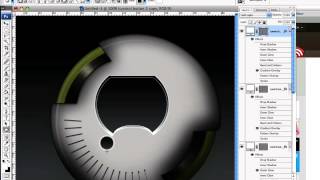
How to Create a Detailed Audio Player in Photoshop
Learn to design a realistic, vector-based audio player GUI in Photoshop using Shape Tools and Layer Styles. Master techniques for creating resizable, detailed interface elements from scratch.
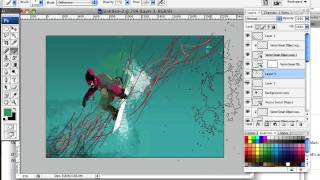
Create a High Flying Snowboard Illustration Using Motion Lines and Paint Splatters
Learn to craft dynamic snowboard illustrations using wavy lines for motion and paint splatters for snow, giving a fresh twist to the classic airborne snowboarder image.
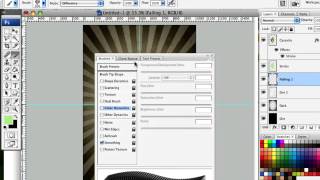
How to Design a Rockin' 80s Party Poster
Learn to create a vibrant 80s-themed party poster with photo manipulation, custom textures, and retro design elements in this step-by-step graphic design tutorial.
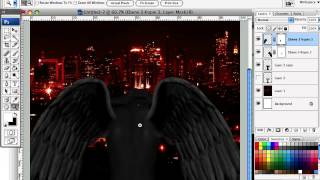
How to Create a Fiery Demon Montage in Photoshop
Learn to craft a striking photo montage of a demon wreaking havoc on a city using stock images and Photoshop techniques in this step-by-step tutorial.