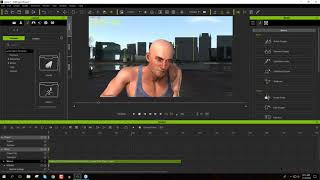
Creating an Action Movie Sequence with iClone 7
Learn to create action movie previsualization using iClone 7's motion tools and special effects. Discover techniques for efficient production planning and budget optimization in filmmaking.

iClone 7.2 Tutorial - PopcornFX Text Emitter Super Tool
Learn to create dynamic text effects using PopcornFX Super Tools in iClone 7.2. Master input modes, line display, text styling, animation, and font changes for professional-looking visual enhancements.
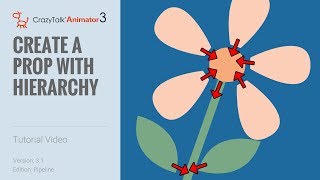
CrazyTalk Animator 3.1 Pipeline Tutorial - Create a Prop with Hierarchy
Learn to create and animate custom props with hierarchy in CrazyTalk Animator 3.1 Pipeline. Master PSD file preparation, layer naming conventions, pivot point creation, and hierarchical structure setup for dynamic animations.
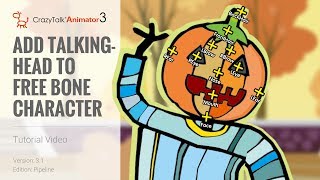
CrazyTalk Animator 3.1 Pipeline Tutorial - Add Talking Head to Free Bone Character
Learn to add talking heads to G3 Free Bone characters in CrazyTalk Animator 3.1 using content manager or Photoshop. Covers head creation, bone repositioning, and facial feature customization.
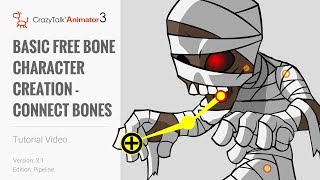
CrazyTalk Animator 3.1 Pipeline Tutorial - Basic Free Bone Character Creation
Learn to create and animate G3 free bone characters in CrazyTalk Animator 3.1 Pipeline using single and multi-layer PSD files. Master bone structure and animation techniques for custom cartoon characters.
iClone 7.1 Curve Editor Tutorial - Animating Props and Characters
Learn to animate props and fine-tune character motions using iClone 7's curve editor. Practical examples demonstrate creating traps, choreographing movements, and combining timeline features for precise animation control.
iClone 7.1 Curve Editor Tutorial - Animating Props and Characters
Explore iClone 7's curve editor for precise motion control. Learn to animate props, fine-tune characters, and combine timeline features for enhanced 3D animations.

iClone 7.2 Tutorial - PopcornFX Particle Types
Explore different particle effect types in PopcornFX for iClone 7.2, including texture emitters, ribbon particles, and mesh particles. Learn to create stunning visual effects for your 3D animations.
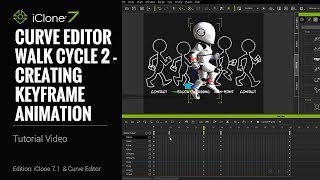
iClone 7.1 Tutorial - Creating a Walk Cycle Using Curve Editor
Learn to create a realistic walk cycle animation using iClone 7.1's Curve Editor. Master key techniques like torso twisting, mirroring poses, and adjusting body parts for smooth, natural-looking character movement.
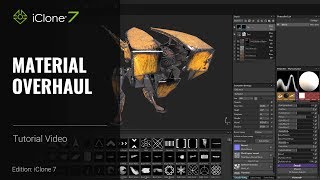
iClone 7 and Substance Painter Tutorial - Material Overhaul
Learn to modify textures and materials in iClone using Substance Painter. This beginner-friendly tutorial covers painting techniques, creating decals, emissive materials, and exporting textures for enhanced 3D visuals.
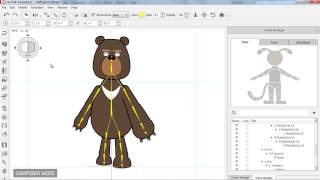
CrazyTalk Animator 2 Tutorial - Basic Character Creation in Flash
Learn to create custom characters in Adobe Flash and import them into CrazyTalk Animator 2. Master template customization, body mirroring, joint masks, multi-angle conversion, and animation testing.
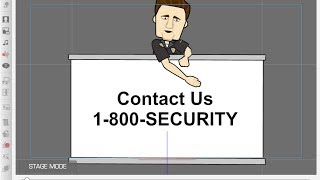
CrazyTalk Animator 2 Tutorial - Customize Animation Templates for PowerPoint-Keynote
Learn to customize CrazyTalk Animator 2 templates for presentations, including character swapping, text editing, animation customization, and logo addition for enhanced visual impact.
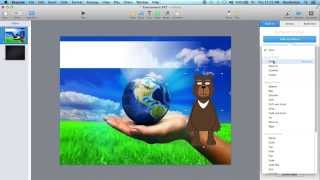
CrazyTalk Animator 2 Tutorial - Create Animated Effects in PowerPoint-Keynote
Learn to create and integrate animated effects in PowerPoint and Keynote using CrazyTalk Animator 2. Master character animations, GIF exports, and motion paths for engaging presentations.
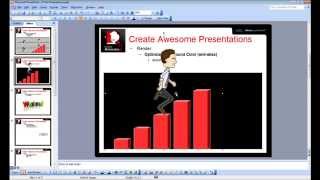
CrazyTalk Animator 2 Tutorial - Capture PNG and AniGIF for PowerPoint-Keynote
Learn to capture and export transparent PNGs and animated GIFs in CrazyTalk Animator 2 for use in presentations. Covers Windows and Mac environments, export range adjustment, and image quality optimization.
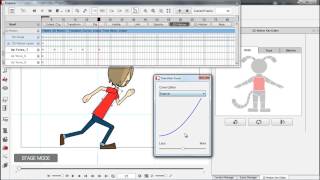
CrazyTalk Animator 2 Tutorial - 2D Motion Key Editor
Learn advanced 2D animation techniques like squash and stretch, easing, and body deformation to add cartoon-like touches to your animations using CrazyTalk Animator 2's Motion Key Editor.
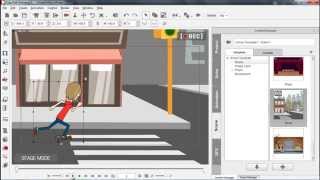
CrazyTalk Animator 2 Tutorial - 3D Motion Key Editor
Learn to create custom 2D character animations using HumanIK technology and 3D character rigging. Master motion blending, 3D clip manipulation, and advanced techniques for realistic movement and sprite refinement.

CrazyTalk Animator 2 Tutorial - Motion Clip Blending
Learn to blend motion clips in CrazyTalk Animator 2, including smooth transitions between angles, layer refinement, and using transition curves for cartoon-like effects. Master 3D motion editing techniques.
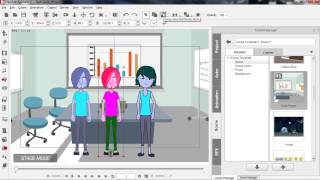
CrazyTalk Animator 2 Tutorial - Intro to Render Style
Learn to enhance scene moods using color schemes in CrazyTalk Animator 2. Explore Render Style features, advanced customization, and the Vector Grouping Tool for prop color categorization.

Create Talking Characters from Photos - CrazyTalk Animator Tutorial
Learn to create animated talking characters from photos using CrazyTalk Animator 2. Master face fitting, adding virtual features, background removal, and voice integration for lifelike 2D animations.
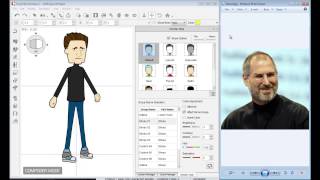
CrazyTalk Animator 2 Tutorial - Character Composer
Learn to create unique sprite characters using CrazyTalk Animator's Character Composer. Mix & match body parts, customize colors, and apply animations to bring your creations to life.
CrazyTalk Animator 2 Tutorial - iProp Action Menu and Sprite Library
Learn to create and animate iProps in CrazyTalk Animator 2, including sprite animations, motion clips, action menus, and sound effects for enhanced 2D animations.