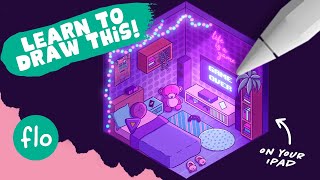
Anyone Can Draw This Isometric Room in Procreate
Learn to create an isometric room in Procreate with step-by-step guidance on sketching, coloring, and adding details like neon signs and textures. Perfect for beginners looking to enhance their digital art skills.
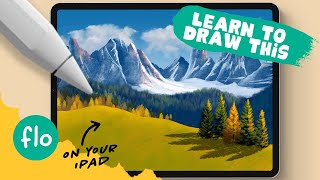
Anyone Can Draw This Mountain Landscape in Procreate
Learn to create a stunning mountain landscape in Procreate with step-by-step guidance. Master digital painting techniques, from clouds to trees, perfect for beginners seeking to enhance their iPad art skills.
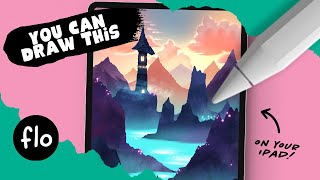
Anyone Can Draw This Landscape With a Tower in Procreate
Learn to create a magical landscape with a tower in Procreate. Master digital art techniques like smudging, texturing, and alpha lock while developing your iPad drawing skills.
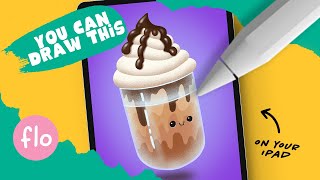
Anyone Can Draw This Iced Coffee in Procreate
Learn to draw an iced coffee in Procreate with easy-to-follow steps. Master digital art techniques like symmetry tools, layer masks, and shading to create a delightful, realistic beverage illustration.
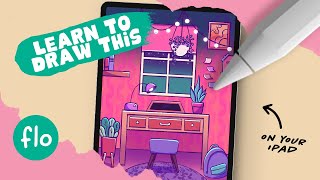
Anyone Can Draw This Study Room in Procreate
Learn to draw a cozy study room in Procreate with easy-to-follow steps. Master digital art techniques like layering, shading, and using the grid tool to create a charming interior scene.
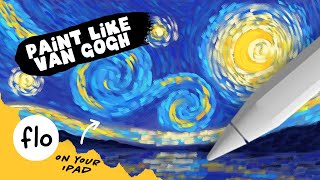
Paint Like Van Gogh on Your iPad in Procreate
Learn to paint a Starry Night-inspired artwork on iPad using Procreate. Master Van Gogh's style with special brushes, layering techniques, and step-by-step guidance for stunning digital art.
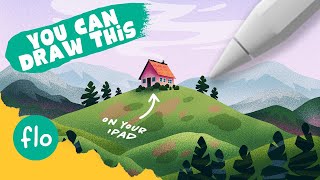
Anyone Can Draw This Landscape With a House in Procreate
Learn to draw a charming landscape with a house using Procreate. Master perspective tools, layering techniques, and texturing methods to create a stunning digital artwork on your iPad.
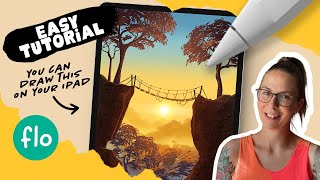
Anyone Can Draw This Landscape With a Ravine in Procreate
Learn to create a stunning digital landscape with a ravine in Procreate. Master gradients, textures, and custom brushes while developing essential iPad drawing skills.
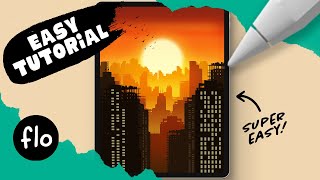
Draw This Sunset City Skyline in Procreate
Learn to create a stunning sunset city skyline in Procreate with step-by-step guidance. Master digital drawing techniques like gradients, layering, and detailing to bring your urban landscape to life.
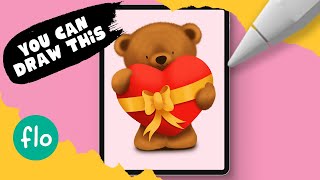
Draw This Love Bear in Procreate
Step-by-step tutorial for beginners to draw a cute teddy bear in Procreate. Learn digital drawing techniques like symmetry tool, curves, and layer clipping mask while creating a lovable bear illustration.
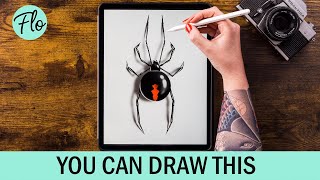
Draw a Spider in Procreate
Step-by-step tutorial for drawing a realistic spider in Procreate, covering body structure, leg details, highlights, patterns, and shadow effects to create a lifelike digital illustration.
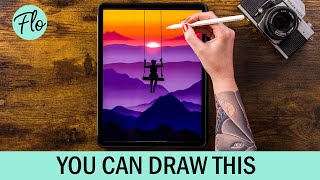
Draw This Sunset Landscape in Procreate
Step-by-step tutorial for creating a stunning sunset landscape in Procreate, covering techniques from basic mountains to adding mist and clouds for a realistic digital artwork.
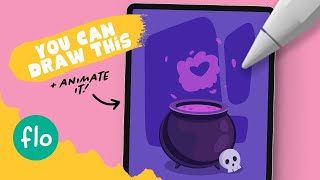
Draw This Love Potion in Procreate - Plus Procreate Animation
Step-by-step tutorial for drawing and animating a love potion cauldron in Procreate. Learn digital art techniques like symmetry tool, quick shape, and animation assist.
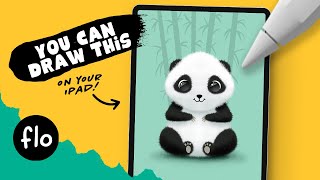
Draw a Panda in Procreate
Step-by-step tutorial for drawing a cute panda in Procreate, covering techniques like symmetry tool, layering, and shading. Suitable for beginners with free brushes available.
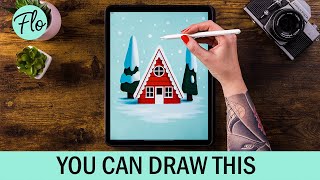
Drawing a House in Procreate
Step-by-step tutorial for drawing a cute winter house in Procreate, covering canvas setup, snow, house construction, details, trees, and shading techniques for beginners.

A Comic Page from A to Z with Krita
Comprehensive guide to creating a comic page using Krita, covering preproduction, drawing, inking, coloring, and post-production techniques. Includes tips on using Inkscape for text and speech bubbles.
Chaos and Evolution - Digital Painting Open Tutorial
Comprehensive digital painting tutorial covering sketching, drawing, coloring, and finishing techniques. Ideal for beginners, with practical tips on composition and viewer engagement.
Let's Draw Comics
Comprehensive tutorial on comic drawing using Krita, covering sketching, inking, shading, coloring, and special effects. Learn digital art techniques and workflow from start to finish.

How to Animate in Clip Studio Paint - Tutorial for Beginners
Learn animation basics in Clip Studio Paint: setup, drawing frames, onion skinning, tweening, camera work, lip-syncing, and coloring. Perfect for beginners looking to create their first animated sequences.

How to Animate in Photoshop CS6 & CC - Tutorial for Beginners
Learn to create animated GIFs and frame-by-frame animations in Photoshop CS6 & CC. Covers basics, advanced techniques, and practical tips for beginners to enhance their digital art skills.
Toon Boom Harmony Tutorial for Beginners - How to Make a Cartoon
Learn essential Toon Boom Harmony techniques: drawing tools, color palettes, lip-syncing, object manipulation, animation adjustments, gradients, brushes, importing, deformers, camera animation, and 3D scene setup.