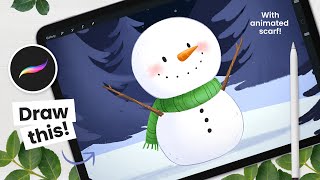
How to Draw a Cute Snowman - Procreate Animation Tutorial
Learn to draw and animate a charming snowman using Procreate on iPad. This step-by-step tutorial covers background painting, character drawing, and basic animation techniques for digital artists.
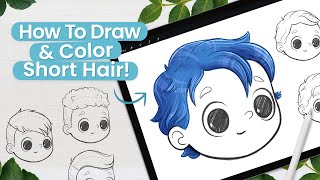
How to Draw Short Hair - 6 Styles and Coloring Demo
Learn to draw and color six styles of short hair in this digital art tutorial. Suitable for beginners, it covers sketching techniques and a coloring demo using Procreate, applicable to various digital art software.
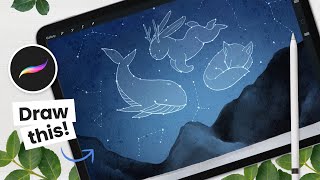
How to Paint a Nordic Night Sky - Procreate Tutorial
Step-by-step tutorial for creating a Nordic night sky with constellations using Procreate on iPad. Learn digital painting techniques to craft a stunning celestial scene with easy-to-follow instructions.
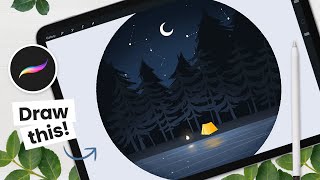
How to Draw a Camping Scene With Flickering Fire - Procreate Animation Tutorial
Learn to create and animate a forest scene with a flickering campfire using Procreate on iPad. Step-by-step instructions cover background painting and fire animation techniques.
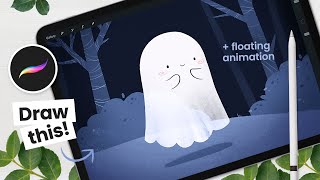
How to Draw a Floating Ghost - Procreate Animation Tutorial
Learn to draw and animate a cute floating ghost on iPad using Procreate. Step-by-step instructions cover background painting, ghost drawing, and animation basics for digital artists of all levels.
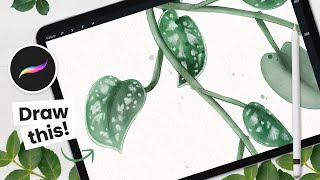
How to Draw Scindapsus Pictus (Satin Pothos) - Procreate Tutorial
Learn to create a stunning digital watercolor Scindapsus Pictus using Procreate on iPad. Master sketching, coloring, and detailing techniques for elegant plant illustrations suitable for various artistic projects.
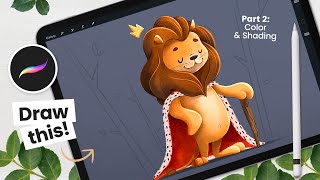
Drawing a Cute Lion - Colors and Basics of Shading
Learn to color and shade a cute lion illustration in Procreate. Master basic coloring techniques, understand shading principles, and refine your digital artwork with step-by-step guidance from an experienced illustrator.
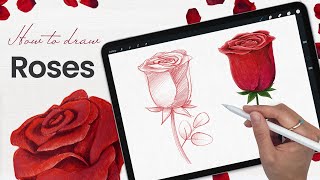
How to Draw a Rose - Paper, Pencil, or Procreate Tutorial
Learn to draw a beautiful rose using pencils or Procreate in this easy-to-follow tutorial. Perfect for Valentine's Day art projects or enhancing your floral drawing skills.

Pitch Your Ideas Better by Using the Magic of Visual Storytelling
Learn powerful visual storytelling techniques to enhance your presentations, emails, and communication. Discover how to create impactful visuals, use storytelling building blocks, and apply the 4-blocks framework for more engaging and memorable messages.
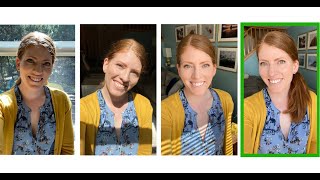
Take a New Profile Picture with an Easy Home Photo Shoot - And Just Your Phone
Learn to take professional-looking headshots at home using just your phone. Discover tips on lighting, location, posing, and editing to create high-quality profile pictures without hiring a photographer.

How to Be Your Own Vocal Coach
Learn vocal techniques from a renowned coach to enhance your voice's power and impact. Discover exercises and strategies to improve your speaking and singing abilities for personal and professional success.
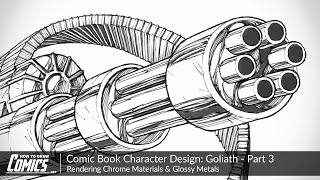
Comic Book Character Design: Goliath - Rendering Chrome Materials & Glossy Metals
Learn advanced techniques for rendering chrome and glossy metal surfaces in comic book art, focusing on minigun design for the character Goliath. Master line work, shading, and material representation.
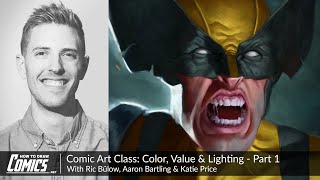
Comic Art Class - Color, Value & Lighting
Learn essential techniques for implementing base colors, values, and lighting schemes in comic art illustrations with expert guidance from professional artists.
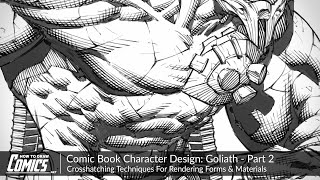
Comic Book Character Design: Goliath - Crosshatching Techniques for Rendering Forms
Explore advanced crosshatching techniques for comic book character rendering. Learn to control tone, create depth, and enhance form using hatch thickness, length, and spacing in Photoshop.
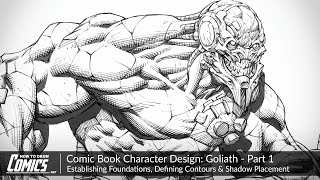
Comic Book Character Design- Goliath - Establishing Foundations, Defining Contours & Shadow
Learn to design a comic book character: establish foundations, define contours, and add shadows. Focus on pose, proportions, anatomy, and light source to create a detailed, hulking behemoth named Goliath.
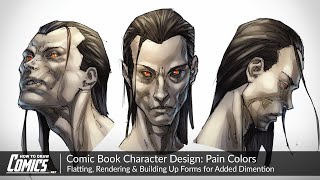
Comic Book Character Design - Pain Colors - Flatting, Rendering & Building Up Forms
Learn digital coloring techniques for comic book characters, focusing on flatting, rendering, and building forms to create vivid, dynamic designs with a mix of traditional and painterly styles.
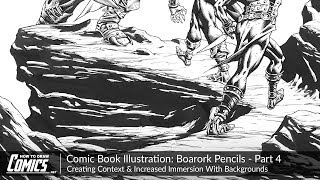
Comic Book Illustration - Creating Context & Immersion With Backgrounds
Learn to create immersive comic book backgrounds that enhance storytelling, set mood, and complement characters. Explore techniques for rendering natural environments, textures, and materials in a comic art style.
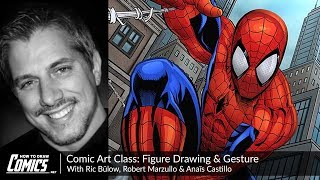
Comic Art Class - Figure Drawing & Gesture
Learn figure drawing and gesture techniques for comic art with expert instructors. Gain valuable insights on creating dynamic characters and expressive eyes in this comprehensive masterclass.
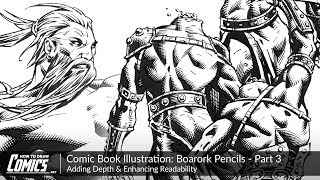
Comic Book Illustration - Boarork Pencils - Adding Depth & Enhancing Readability
Learn advanced comic illustration techniques to add depth and enhance readability, focusing on contours, shading, crosshatching, and balancing tones for visually appealing and impactful character designs.
Comic Art Class - Using References for Figure Drawing
Live workshop on using reference material for accurate figure drawing in comics, featuring instructor Aaron Bartling guiding student Katie Price through practical techniques and insights.
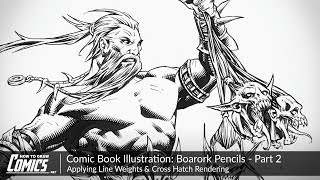
Comic Book Illustration - Boarork Pencils - Applying Line Weights & Cross Hatch Rendering
Enhance comic book illustrations with impactful line work, shadows, and cross-hatching. Learn techniques for creating depth, contrast, and dimension in your artwork using Manga Studio.