How to Make Smoke and Clouds in Photoshop
Learn to create realistic smoke and clouds in Photoshop using custom brushes. Master techniques for painting with depth, adding atmospheric effects to photos, and crafting your own brushes for unique designs.
Tips to Make Your Photos Better in Photoshop
Learn five essential techniques to enhance your photos, including composition, shadow/highlight adjustment, seasoning, vignetting, and sharpening for professional-looking results.
Realistic Page Turn Effect - Detailed Photoshop Tutorial
Learn advanced techniques for creating a realistic page turn effect in Photoshop, including object selection, pen tool usage, and shadow/highlight manipulation for designers and retouchers.
How to Make Things Move in Photoshop - Motion Graphics Basics
Learn to create animations and motion graphics in Photoshop, from setting keyframes to adding motion blur. Master techniques for animating icons and exporting as GIFs or videos.
Most Important File Types in Photoshop Explained
Comprehensive guide to essential Photoshop file formats, explaining when and how to use PSD, PSB, TIFF, JPG, PNG, and GIF for optimal results in various design scenarios.
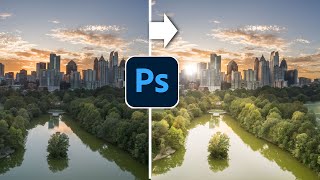
Paint with Light in Photoshop - Magically Transform a Photo
Transform flat photos into vibrant images by painting with light in Photoshop. Learn to add dynamic sunlight, highlights, and shadows for stunning visual effects.

How to Use Photoshop Layers for Beginners
Learn Photoshop layers basics: adding, stacking, hiding, adjusting opacity, and merging. Master essential techniques for effective image editing and manipulation in this beginner-friendly tutorial.
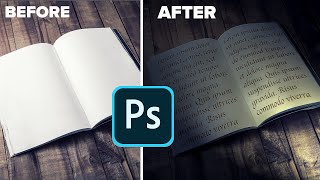
Day to Night in Photoshop - Super Realism with Gobos and Lighting Effects
Transform day scenes into dramatic night images using Photoshop's lighting effects and gobos. Master realistic shadows, studio lighting, and color adjustments for stunning photo transformations.
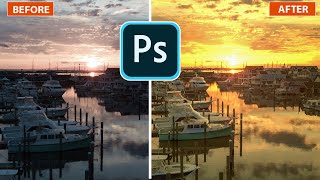
Lighting Golden Sunsets in Photoshop
Transform photos with golden hour lighting effects in Photoshop. Learn to create stunning sunset/sunrise atmospheres using lighting effects, enhancing your images with a warm, captivating glow.
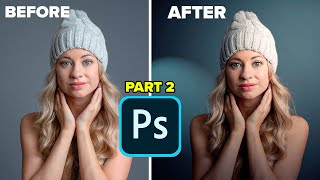
Lighting Portrait Photos in Photoshop - It's Amazing
Transform flat portraits into dramatic images using Photoshop's Lighting Effects. Learn to create studio-quality lighting, manipulate shadows, and enhance depth for stunning results.
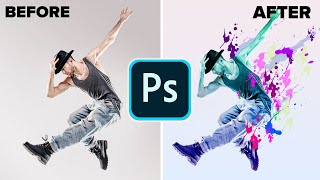
Make a Paint Splatter Effect With Custom Brushes in Photoshop
Learn to create dynamic photo art using custom splatter brushes in Photoshop. Discover techniques for making brushes, applying them, and adding gradients and color for stunning visual effects.

How to Make Icons in Photoshop for Your YouTube Videos and Channel Branding
Create scalable icons in Photoshop for video assets, branding, and print. Learn to build and reuse icons using Libraries in Photoshop CC, a valuable skill for creators and startups.
Editing Photos in Lightroom Like a Boss - Sliders + Order Explained in Plain English
Master Lightroom photo editing: Learn slider adjustments, optimal order, and techniques to enhance your images effectively. Understand key tools for impactful results.
Keying and Tracking in After Effects - Part 2
Learn advanced keying and compositing techniques in After Effects to seamlessly integrate green screen footage into background plates, using masks, color correction, and other professional tricks.
Keying and Tracking in After Effects - Part 1
Learn advanced compositing techniques in After Effects, including tracking, keying, and color correction. Master essential skills for integrating green screen footage with background plates to create seamless visual effects.
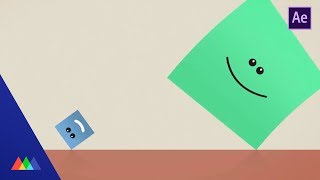
Roll and Rig a Cube in After Effects
Learn to create a realistic rolling cube animation in After Effects using expressions and rigging techniques. Master precise keyframing and curve manipulation for dynamic, physics-based motion.
Kinetic Typography in After Effects
Learn advanced kinetic typography techniques in After Effects, including creating dynamic fireballs, finishing touches, and finessing visual elements for a polished final animation.

How to Scale 3D Printed Armor
Learn various methods to accurately scale 3D printed armor for cosplay, including trial and error, measuring tools, test rings, ArmorSmith software, and 3D scanning techniques.

Building a Large Format 3D Printer - Upgrades!
Explore upgrades for a large format 3D printer, including enclosure construction, ABS printing challenges, and reliability improvements through advanced components and techniques.
Wireless 3D Printing With Octoprint - Advanced Hints and Tips
Advanced Octoprint tips for wireless 3D printing: Raspberry Pi setup, WiFi configuration, SSH access, plugin management, backups, and integration with Astroprint for enhanced 3D printer control.
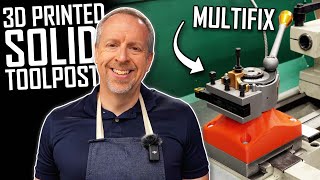
3D Printing with Fire and Iron - Making a Solid Multifix Toolpost Riser
Design and 3D print a casting pattern for a solid toolpost riser, enhancing lathe rigidity. Learn CAD, 3D printing, and foundry techniques to create a custom cast iron component for improved machining performance.