
Insane AI Features of New Luminar Neo
Discover 7 groundbreaking AI features in Luminar Neo for effortless photo editing, from AI masking to sky replacement, tested in real-world scenarios for both beginners and professionals.

The Secret to Creating a Realistic Mockup - Photoshop Tutorial
Learn advanced Photoshop techniques to create realistic bottle mockups, including warping, blending modes, and adding reflections. Master the art of wrapping designs around objects and enhancing them with professional finishes.

How to Create Shadows from Scratch in Photoshop
Learn to create realistic shadows in Photoshop using layer techniques, opacity, and blur filters. Master shadow hardness, intensity, and natural gradients for professional-looking results.

A.I. Does High-End Skin Retouching with 1-Click - Photoshop Plugin Review
Explore an AI-powered Photoshop plugin for automatic high-end skin retouching. Learn its features, compare with manual techniques and other tools, and decide if it's right for your workflow.

The Best Way to Apply Precise Colors in Photoshop
Master precise color application in Photoshop using HSB values, blend modes, and color masking. Learn two techniques to accurately match brand colors or client guidelines for various design projects.
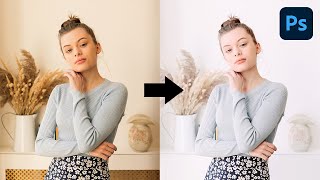
Create High-Key Effect with Simple Steps in Photoshop
Master the high-key effect in Photoshop using advanced techniques like targeted brightening, color adjustments, and unique curves to create airy, impactful images with enhanced lighting and atmosphere.

Ways to Add Depth to Your Composite in Photoshop
Learn three effective techniques to add depth to your Photoshop composites, including color matching, lighting adjustments, and depth-of-field effects for natural-looking blends.
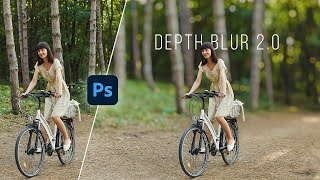
Photoshop's New Depth Blur
Exploring Photoshop 2022's new "Depth Blur" feature, comparing it with Luminar's Portrait Bokeh AI, and evaluating its performance, quality, and usability for creating background blur effects in images.

Photoshop's New Sky Replacement Update
Explore Photoshop's updated Sky Replacement feature, learn to create custom sky presets, and discover tips for better sky matching. Compare with Luminar AI and gain insights on reflections and potential improvements.
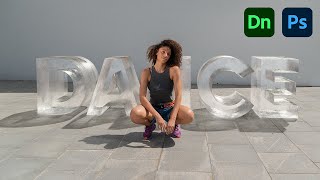
Create 3D Ice Text With Dimension and Photoshop
Learn to create realistic 3D ice text using Adobe Dimension and Photoshop. Master techniques for matching perspectives, adding materials, and enhancing the final image for a stunning visual effect.
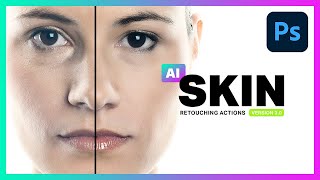
AI Skin Retouching Photoshop Actions - Is It Really AI?
Explore AI Skin Retouching Photoshop Actions: effectiveness, techniques, and the truth behind AI claims. Learn to create your own actions for portrait enhancement.

Quick Ways to Reduce Photoshop File Size
Discover 10 practical techniques to significantly reduce Photoshop file sizes while maintaining quality. Learn to optimize your PSD documents for improved workflow and storage efficiency.

Best AI to Auto-Color Black and White Photos
Explore cutting-edge AI technology for colorizing black and white photos, with practical Photoshop techniques to enhance results and comparisons to other tools.
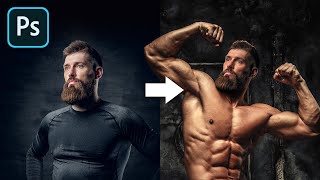
The Most Realistic Way to Swap Head in Photoshop
Learn realistic head-swapping techniques in Photoshop, covering essential criteria, proper placement, light and shadow matching, and skin tone blending for seamless and natural-looking results.

How to Replace a Sky in Photoshop
Master sky replacement in Photoshop with expert techniques for selecting, blending, and matching new skies. Learn to enhance images realistically by considering lighting, focus, and color harmony.

How to Make a Poster or Collage in Photoshop
Master the art of creating impactful posters and collages in Photoshop, from planning and resource gathering to assembly and final touches. Perfect for projects, advertisements, and campaigns.
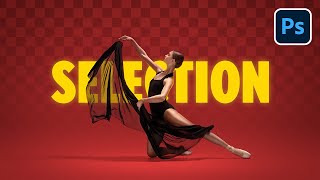
Select Transparent Objects and Match Them in Photoshop
Master Photoshop techniques for selecting and blending transparent objects, creating realistic shadows, and matching subjects with backgrounds using advanced masking and color adjustment methods.

Erase Extreme Tattoos Effortlessly in Photoshop
Master Photoshop techniques to remove tattoos, from simple healing tools to advanced frequency separation and skin reconstruction, creating realistic results for various tattoo complexities.

Select Transparent Stuff with Blend Modes - Photoshop Tutorial
Learn to mask transparent objects, create realistic reflections, and match backgrounds in Photoshop using blend modes and Blend-If. Master techniques for natural composites with glass objects.
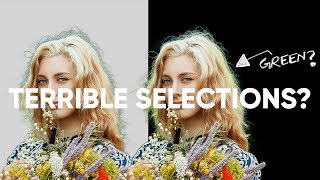
Hair Selection and Color Cast Correction in Photoshop
Learn advanced Photoshop techniques to remove color casts, fix fringes, and perfect subject selection for seamless composites. Master the art of creating flawless hair selections and enhancing image quality.
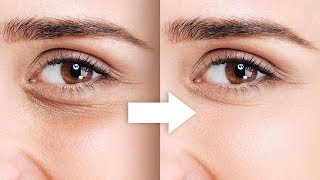
Remove Dark Circles with Frequency Separation in Photoshop
Learn to naturally remove dark circles using Frequency Separation in Photoshop. Master skin sculpting techniques for smooth, beautiful results while preserving expressions and achieving a natural look.