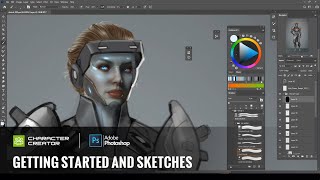
Concept Art - Getting Started and Sketches with Character Creator and Photoshop
Learn to create concept art using Character Creator and Photoshop. Explore sketching, color concepts, and digital techniques to transform 3D avatars into unique character designs.
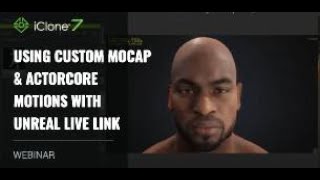
Using Custom Mocap and ActorCore Motions with Unreal Live Link
Explore advanced animation techniques in iClone 7, including ActorCore motions, facial mocap, and real-time integration with Unreal Engine using Live Link for efficient 3D character animation workflows.
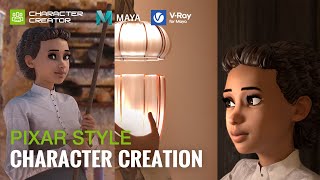
Pixar Style Character Creation with Character Creator, Maya and V-Ray - by José Tijerín
Learn to create Pixar-style 3D characters using Character Creator, Maya, and V-Ray. Master techniques for realistic skin, hair, eyes, and materials to achieve high-quality, stylized renderings.
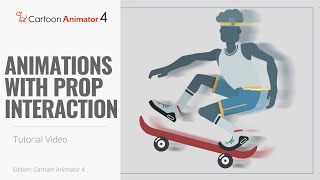
Cartoon Animator 4: Smart IK Animation Tutorial - Prop Interaction Techniques
Learn to create natural character movements and prop interactions using Smart IK, end effectors, constraints, and linking in Cartoon Animator 4. Includes skateboarding and bar swinging examples.
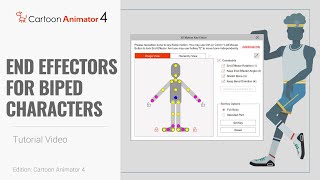
Cartoon Animator 4: Smart IK Animation Tutorial - End Effectors for Biped Characters
Learn to animate biped characters using Smart IK and End Effectors in Cartoon Animator 4. Master precise character posing, scene interaction, and motion adaptation for powerful 2D animations.
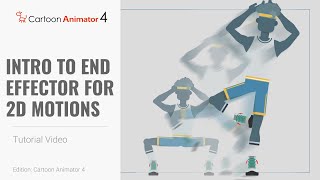
Smart IK Animation Tutorial - Intro to End Effectors for 2D Motions in Cartoon Animator 4
Learn to create precise 2D character animations using Smart IK and End Effectors in Cartoon Animator 4. Master keyframe animation techniques and enhance your cartoon creation skills.
iClone 7.1 Curve Editor Tutorial - Animating Props and Characters
Explore iClone 7.1's Curve Editor to enhance motion control, animate props, and fine-tune character movements. Learn practical techniques for creating dynamic and precise animations beyond timeline capabilities.
Creating an Action Movie Sequence with iClone 7
Learn to create action movie previsualization using iClone 7's motion tools and special effects. Discover efficient techniques for producing explosive sequences and streamlining production budgets.
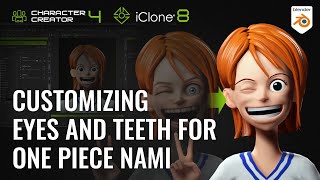
Customizing Eyes and Teeth for One Piece Nami in Blender and Character Creator
Learn to transform realistic avatars into stylized characters using Blender and Character Creator. Master customizing eyes, teeth, and facial features for unique, reusable assets in 3D character design.
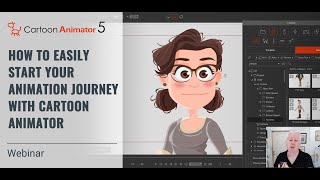
How to Start Your 2D Animation Journey with Cartoon Animator - Webinar
Learn to animate your drawings with Cartoon Animator in this webinar. Professional illustrator Garry Pye guides beginners through easy techniques, time-saving features, and practical tips to kickstart your 2D animation journey.
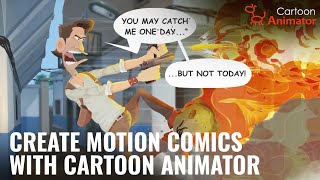
Creating Professional Motion Comics with Cartoon Animator 5
Learn to create professional motion comics using Cartoon Animator 5. Master character rigging, scene setup, camera animation, special effects, and rendering for compelling 2D animated storytelling.
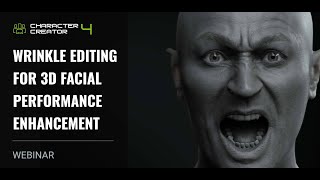
Wrinkle Editing for 3D Facial Performance Enhancement
Learn to enhance 3D facial animations with realistic wrinkles using Character Creator 4.2. Master wrinkle feature basics, customization, and application in various scenarios to add depth and emotion to facial performances.
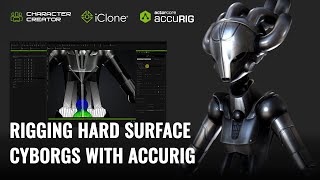
Rigging Hard Surface Cyborgs with AccuRIG - Character Creator and iClone Tutorial
Learn advanced techniques for rigging and animating cyborg characters, including rigid armor, mixed structures, and robotic systems, using Character Creator 4 and iClone 8 for realistic and distortion-free results.
Create High Converting Commercial Animations that Drive Sales
Learn to create impactful animated commercial trailers using Cartoon Animator 5. Discover planning strategies, basic functions, concept visualization, and advanced animation techniques to boost sales and engagement.
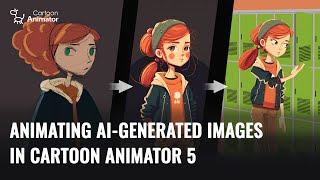
Animating AI-Generated Images in Cartoon Animator 5
Learn to create and animate AI-generated 2D characters using Cartoon Animator 5. Explore techniques for optimizing sketches, enhancing designs, and bringing characters to life with 3D motion conversion.
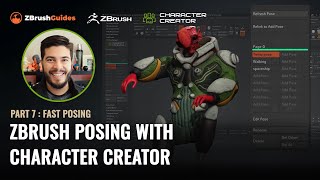
ZBrush Posing with Character Creator - Fast Posing Techniques - Part 7
Learn to create and manage multiple character poses quickly in ZBrush using the CC Pose Manager plugin. Discover techniques for tweaking poses, adding details, and efficiently managing your character's various poses.
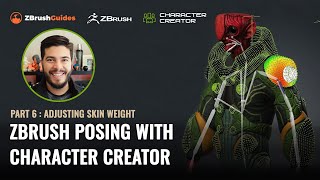
ZBrush Posing with Character Creator - Adjusting Skin Weight and Hard Surface Details - Part 6
Learn advanced techniques for refining character poses in ZBrush, including skin-weight painting, hard surface adjustments, and motion fine-tuning. Enhance your 3D character creation skills.
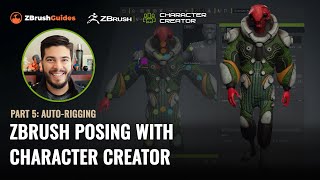
ZBrush Posing with Character Creator - Auto-Rigging and Texturing - Part 5
Master rigging and posing in ZBrush with Character Creator 4. Learn seamless GoZ round-trip process, texture handling, and advanced rigging techniques to transform 3D sculpts into animated characters.
Blender Launcher - Update Blender and Manage Multiple Builds
Learn to efficiently manage multiple Blender versions with Blender Launcher, a free tool for easy installation, updates, and organization of different Blender builds in a user-friendly interface.
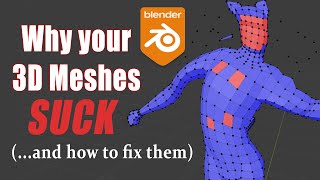
Blender 2.8-2.9 - Best 3D Modeling Practices - Why Your Meshes Suck
Learn best practices for 3D modeling in Blender, covering mesh quality, symmetry, normals, and common issues. Improve your skills to create cleaner, more efficient models for rigging and game engines.
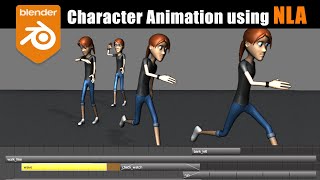
Blender Character Animation Using NLA - Nonlinear Animation
Learn character animation in Blender using the Nonlinear Animation Editor. Master complex techniques like smooth transitions, mixing IK/FK actions, and additive animations for creating dynamic and fluid character movements.