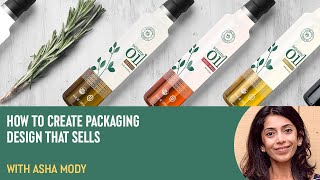
How to Create Packaging Design That Sells with Asha Mody
Discover effective packaging design strategies with Asha Mody. Learn buyer psychology, differentiation techniques, and practical tips through real-world examples and a hands-on demonstration of oil bottle packaging.
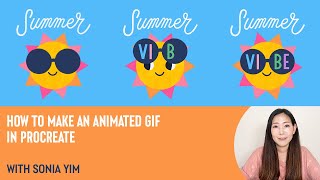
How to Make an Animated GIF in Procreate with Sonia Yim
Learn to create animated GIFs in Procreate with illustrator Sonia Yim. Master sketching, frame animation, layer organization, and easy tips for crafting cute, sun-themed animations using Design Cuts resources.
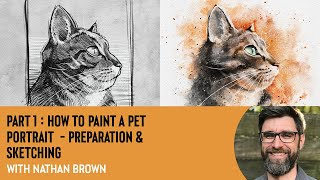
How to Paint a Pet Portrait - Preparation & Sketching With Nathan Brown
Learn pet portrait preparation and sketching techniques in Procreate with illustrator Nathan Brown. Master reference selection, rough sketching, eye detailing, value studies, and line guides for capturing animal expressions and fur textures.
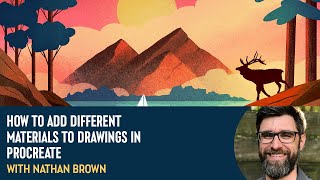
How to Add Different Materials to Drawings in Procreate With Nathan Brown
Explore layering techniques in Procreate with Nathan Brown, learning to add diverse materials like water and wood to illustrations for enhanced creativity and visual depth.
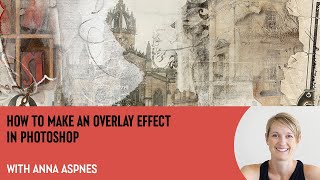
How to Make an Overlay Effect in Photoshop With Anna Aspnes
Learn to create seamless overlays in Photoshop with expert Anna Aspnes. Master techniques for dynamic digital art, including clipping masks, transfers, brushes, and layering to elevate your storytelling and artistic expression.
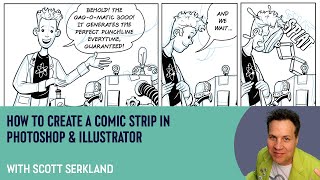
How to Create a Comic Strip in Photoshop and Illustrator with Scott Serkland
Learn to create comic strips using Photoshop and Illustrator with Scott Serkland. Explore panel layouts, digital tools, and techniques for crafting engaging visual narratives in a retro-future style.
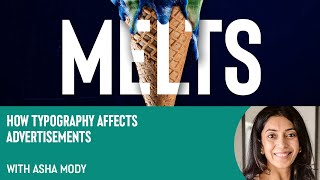
How Typography Affects Advertisements with Asha Mody
Explore typography's impact on advertising with designer Asha Mody. Learn font selection, layout principles, and creative techniques to enhance ad effectiveness and visual appeal.
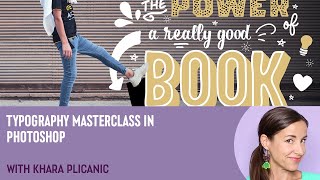
Typography Masterclass in Photoshop with Khara Plicanic
Elevate your Photoshop typography skills with expert techniques on ligatures, contextual alternates, swashes, and more. Learn to create visually striking designs through advanced font manipulation and layout strategies.
Building Personalised Presentations Using Fonts with James Martin
Learn to create personalized presentations using fonts with branding expert James Martin. Discover techniques for font selection, custom typography, and design consistency to enhance your visual storytelling.
How to Draw a Beautiful Butterfly in Procreate with Claudia Riveros
Learn to create a stunning butterfly illustration in Procreate with expert guidance. Master techniques for drawing, coloring, and adding intricate details to bring your digital artwork to life.
Tips for Mixed Media Painting in Fresco with Nathan Brown
Explore mixed media painting techniques in Adobe Fresco with expert Nathan Brown. Learn to create a stunning leopard portrait using various tools, layers, and textures for realistic results.
How to Use Assets to Enhance Images in Photoshop with Hazel Meredith
Learn to enhance images in Photoshop using textures, overlays, and masks with award-winning photographer Hazel Meredith. Discover techniques for adding drama, lighting effects, and borders to create unique and captivating visuals.
How to Use Overlays to Create Realistic Lighting with Denise Love
Learn to enhance photos with realistic lighting using overlays. Discover techniques for sharpening, adding textures, and creating stunning lighting effects to elevate your photography and digital art.
Tips and Tricks for Editing in Lightroom with Tamer Ghoneim
Discover expert Lightroom editing techniques from photographer Tamer Ghoneim. Learn to enhance photos using tools like histogram, gradient, and HSL for stunning results.
How to Draw a Cute Bunny Character in Procreate with Lisa Glanz
Learn to create a charming bunny character in Procreate with Lisa Glanz. Master outlining, coloring, shading, and adding fine details to bring your whimsical illustration to life using digital dry media techniques.
How to Paint Watercolor Florals in Procreate With Abbie Nurse
Learn to create stunning watercolor florals in Procreate with expert illustrator Abbie Nurse. Master techniques for composition, masking, backgrounds, and color adjustments to elevate your digital art skills.
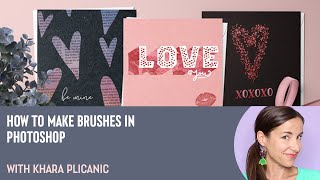
How to Make Brushes in Photoshop with Khara Plicanic
Learn to create custom Photoshop brushes using various techniques, from basic shapes to text and photographs. Master effects, color dynamics, and textures to enhance your digital artwork and design projects.
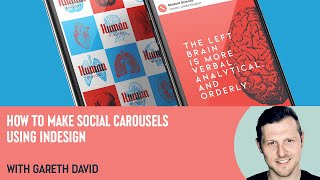
How to Make Social Carousels Using InDesign with Gareth David
Learn to create engaging social media carousels using InDesign with expert Gareth David. Master dimensions, compositing, content organization, and design techniques to elevate your Instagram presence.
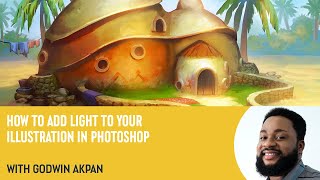
How to Add Light to Your Illustration in Photoshop with Godwin Akpan
Learn to enhance illustrations with light in Photoshop. Master techniques like cast shadows, field light, bounce light, ambient occlusion, and specular lighting to bring your artwork to life.
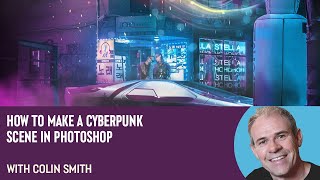
How to Make a Cyberpunk Scene in Photoshop with Colin Smith
Learn to create a stunning cyberpunk scene in Photoshop with expert Colin Smith. Master techniques for backgrounds, neon effects, lighting, and atmosphere in this comprehensive tutorial.
How to Speed Up Your Workflow in Illustrator With Lisa Glanz
Illustrator expert Lisa Glanz shares time-saving techniques, including shortcuts, workspace optimization, toolbar customization, and efficient use of layers, actions, image trace, and clipping masks.