
Using the Render Tree Filter in Photoshop - Tutorial
Learn to master Photoshop's Render Tree Filter, overcome its limitations, and create stunning composites using photos, generative fill, and various tools like curves, hue/saturation, and pattern overlay.

Change Any Color to Any Color in Photoshop - Comprehensive Techniques
Master color transformation techniques in Photoshop using Curves, Hue/Saturation, and Masking. Learn to change any color, including black and white, with precision and versatility.
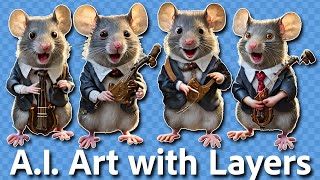
Separating AI-Generated Images into Layers Using Photoshop
Learn techniques to separate AI-generated images into editable layers in Photoshop, enhancing flexibility and control over individual elements for improved image manipulation and refinement.
Full Edit Tutorial: Mountain View Image Using TK9 Plugin for Photoshop
Comprehensive Photoshop editing tutorial using TK9 plugin, demonstrating advanced techniques on a mountain landscape image with step-by-step guidance and downloadable resources.
How to Create a Fun, Red-Haired Boy Character in Adobe Photoshop
Learn to design a lively, red-haired boy character in Photoshop using sketching, shapes, layer styles, and brush techniques to bring your creation to life.
Create a Chalkboard Icon Using Photoshop and IconBuilder
Learn to craft a chalkboard icon in Photoshop, mastering layer styles, brushes, and IconBuilder. Gain essential skills for creating professional-quality icons with a vintage touch.
How to Create a Rusty Texture in Photoshop
Learn to create realistic rusty textures using Photoshop's layers, filters, and color adjustments for enhancing your digital illustrations and designs.
How to Create a Fantasy Landscape Photo Manipulation
Learn to craft enchanting fantasy landscapes using simple Photoshop techniques. Master stock selection and manipulation to bring imaginative scenes to life.
Stormy Electric Effect Tutorial in Photoshop
Create a stormy electric effect using Photoshop's powerful tools and techniques. Learn to manipulate layers, blend modes, and filters for dramatic results.
How to Create a Modern Business Card Using Adobe Photoshop
Learn to design impactful business cards in Photoshop using shapes, text formatting, and positioning. Create a powerful networking tool that makes a lasting first impression in just 21 minutes.
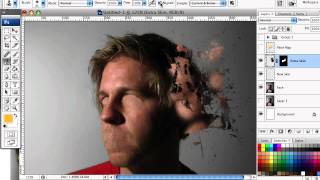
How to Mold Paint Splatter to a Face in Photoshop
Learn to apply splattered paint brushes to a model's face contours in Photoshop, creating artistic effects with a simple yet impactful technique.
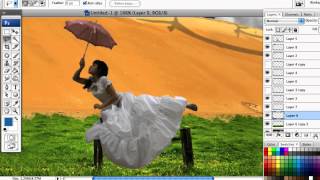
How to Create a Dark Surreal Illustration in Photoshop
Create a dark surreal illustration using Photoshop techniques. Learn to combine images, apply color settings, and add finishing touches for a polished, atmospheric artwork.
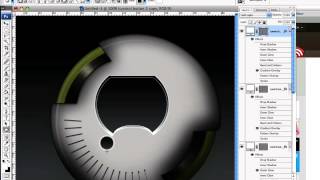
How to Create a Detailed Audio Player in Photoshop
Learn to design a realistic, vector-based audio player GUI in Photoshop using Shape Tools and Layer Styles. Master techniques for creating resizable, detailed interface elements from scratch.
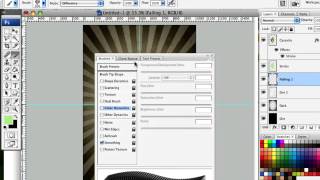
How to Design a Rockin' 80s Party Poster
Learn to create a vibrant 80s-themed party poster with photo manipulation, custom textures, and retro design elements in this step-by-step graphic design tutorial.
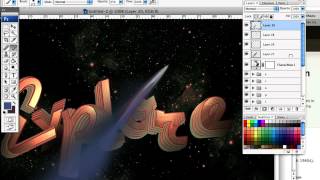
Design a Rocket-Powered Retrofuturistic Digital Illustration
Create a retrofuturistic space exploration illustration using 3D typography in Illustrator and Photoshop techniques for an out-of-this-world digital artwork.
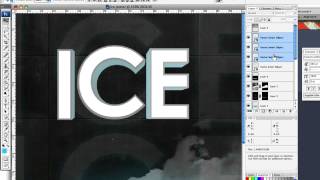
How to Create an Ice-cold Poster with 3D Text
Create an eye-catching poster combining 3D text and stock images with an icy theme. Learn effective techniques for text placement, color manipulation, and image blending to achieve a striking visual impact.
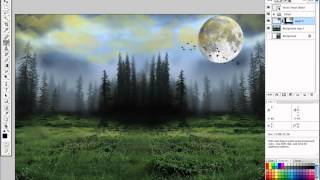
How to Create a Fantasy Photo Manipulation
Learn to craft captivating fantasy worlds through photo manipulation techniques, blending multiple images to create an enchanting visual narrative.
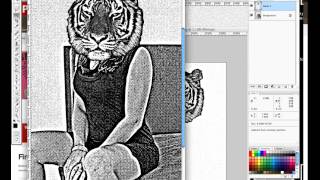
Design a High Impact Gig Poster Suitable for Screen-Printing
Learn to create stylized, high-impact posters for screen-printing, focusing on a 3-color design that's effective for digital display, home printing, and silk-screen methods.
How to Simulate Fractals in Photoshop
Create stylized fractal designs using Photoshop techniques, exploring repeating shapes and swirling patterns to produce visually stunning images without complex mathematics.
Create a Watercolor-Themed Website Design with Photoshop
Learn to design trendy watercolor-themed websites using Photoshop's Art History Brush and custom brushes. Create stunning background headers through creative experimentation and techniques.
Create a Caricature Painting in Photoshop
Learn to create a caricature painting in Photoshop, focusing on digital art techniques for beginners. Transform photos into stunning digital artwork and develop skills for concept art and matte paintings.