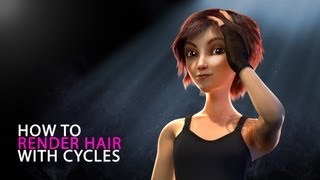
How to Render Hair with Cycles
Learn advanced techniques for realistic hair rendering in Blender using Cycles, exploring strand capabilities and achieving lifelike results.

Blender Beginner Tutorial - Rendering
Learn efficient rendering techniques in Blender using Eevee and Cycles, focusing on key settings for optimal results in minimal time.
Realtime Architectural Visualization with Blender and Eevee - Part 1
Learn to create realistic interior scenes using Blender 2.8's Eevee renderer. Master light bleed fixes, optimal sky lighting techniques, and soft shadow settings for stunning architectural visualizations.
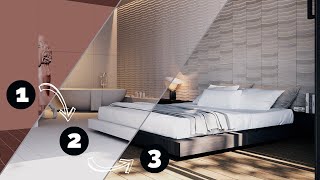
Full Interior Rendering
Learn to create stunning interior architectural renders using V-Ray 6 for 3ds Max. Master composition, lighting, materials, and postproduction in this comprehensive tutorial.
Daz Studio PLP Framework – Lighting
Comprehensive guide to Daz Studio lighting techniques, covering environment modes, light types, positioning, and color theory for enhanced 3D renders. Includes practical demonstrations and bonus considerations.
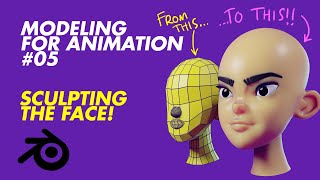
Modeling for Animation - Sculpting the Face - Lecture 5
Learn face sculpting techniques for 3D animation, from basic blocking to detailed refinement. Master eye sockets, eyelids, lips, and ears. Includes remeshing, eyebrow modeling, and rendering tips.
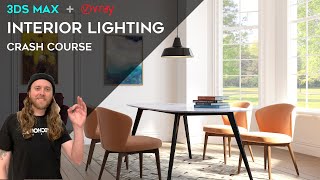
3ds Max + V-Ray - Interior Lighting Crash Course
Learn three methods for lighting interior scenes in 3ds Max with V-Ray: HDRI mapping, V-Ray lights, and V-Ray sun with Skylight Portals. Master techniques to achieve perfect architectural renderings for various lighting scenarios.
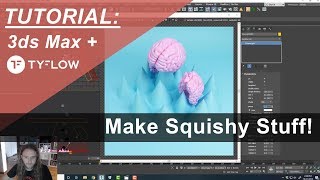
3ds Max + TyFlow - Soft Body Dynamics and Render Setup
Explore soft-body simulations in 3ds Max and TyFlow, covering voxel creation, physics binding, and skinning. Learn scene setup, lighting, and render settings for Vray and Fstorm.
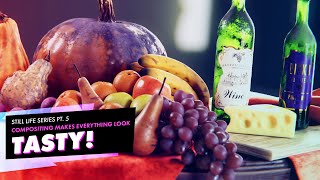
Enhancing 3D Renders in Post-Production - Still Life Tutorial Part 5
Enhance 3D renders using post-processing techniques like depth of field, color correction, lens distortions, and cryptomattes. Learn to manipulate render passes in the compositor for professional-looking results.
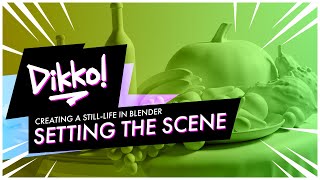
Creating a Still Life in Blender - Setting the Scene (Part 1)
Learn to set up a captivating still life scene in Blender, covering import techniques, camera composition, and essential 3D modeling skills for realistic renders.
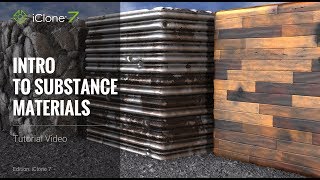
iClone 7 Tutorial - Introduction to Substance Materials
Explore iClone 7's embedded Substance materials: learn to apply, customize, and create unique effects for metallic, stone, and wood textures in 3D projects.
Creating Realistic Bitmap2Material Textures for iClone - Part 1
Learn to create realistic textures using Bitmap2Material, extract various maps, and import them into iClone for enhanced 3D projects. Master mapping techniques and tiling for diverse surfaces.
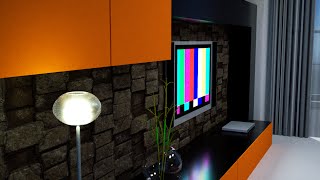
3DXchange 6 Tutorial - Rendering Sketchup Interiors in Indigo - Part 2
Learn to enhance Sketchup interiors in Indigo using 3DXchange 6. Master lighting, shaders, and materials to create stunning architectural renders with iClone and Indigo integration.
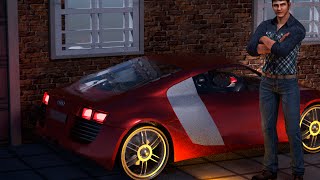
3DXchange 6 Tutorial - Rendering Sketchup Files in Indigo for Realistic Car Rendering
Learn to create realistic car renders using iClone 6 and Indigo. Master mesh refinement, material assignment, shader application, and subdivision techniques for high-quality 3D visualizations from Sketchup files.

Daz to iClone 6 Tutorial - Rendering Daz Genesis 2 Characters in Indigo
Learn to render Daz Genesis 2 characters in Indigo using iClone 6. Master applying bump and specular maps, adjusting material values, and tone mapping for visually appealing results.
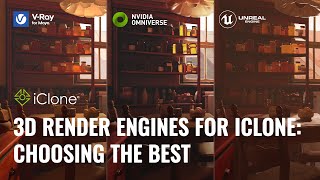
3D Render Engines for iClone - Choosing the Best
Explore top 3D render engines for iClone with digital artist José Tijerín. Compare Omniverse, Unreal Engine 5, and V-Ray for showcasing 3D sculptures and animations in game development.
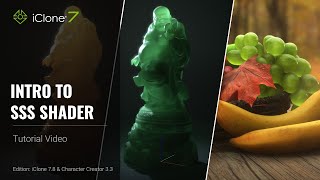
Introduction to SSS Shader in iClone 7.8 and Character Creator 3.3
Learn to enhance character visuals using Sub-surface Scattering (SSS) Shader in iClone 7.8 & CC 3.3. Explore light settings, texture adjustments, and shader conversion for more realistic skin rendering.
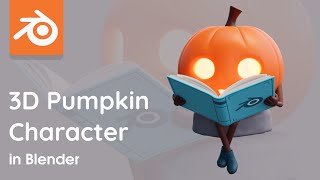
3D Character Modeling - Mr Pumpkin in Blender Timelapse
Watch a timelapse of 3D character modeling in Blender, showcasing the creation of a simple pumpkin character. Learn techniques and processes for bringing charming concepts to life in 3D.
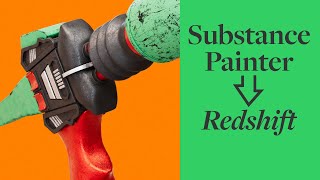
Texturing from Substance Painter to Redshift with UDIMs - Martian Gun Tutorial
Learn to texture a Martian gun model using Substance Painter and import the textures into Redshift, covering ID mat creation, 3D painting techniques, and seamless integration between software.

Macro Coffee Beans Blender Tutorial
Create stunning macro-style renders of coffee beans in Blender with this tutorial. Learn techniques for realistic closeups, inspired by macro photography, to produce beautiful visuals in minutes.

Beginner Blender 4.0 Tutorial - Rendering and Pre-Rendering Checklist - Part 13
Learn essential rendering techniques in Blender 4.0, including sample count, image sequences, and a comprehensive pre-rendering checklist to enhance your 3D projects' final output.