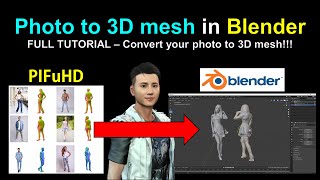
PIFuHD - Converting Photos to 3D Meshes in Blender
Learn to convert photos into 3D meshes using PIFuHD in Blender. Step-by-step guide covers mesh creation, UV texturing, rigging, and animation, with real-time demonstrations and helpful resources.

iClone 7 and Character Creator 3 Beginner's Tutorial
Comprehensive step-by-step guide for beginners to create simple animation videos using iClone 7 and Character Creator 3, covering avatars, objects, props, and scenes.
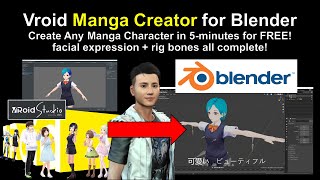
Vroid to Blender and FBX Conversion Tutorial
Step-by-step guide to import Vroid characters into Blender, convert to FBX, and add animations and facial expressions. Includes software setup and troubleshooting tips.
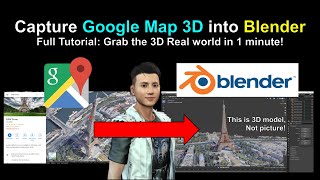
Google Map 3D Models to Blender Tutorial
Learn to capture and import Google Maps 3D models into Blender using RenderDoc. Step-by-step guide covers setup, model extraction, and integration for 3D projects.
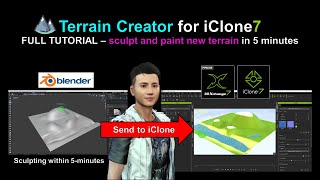
Sculpting New Terrain for iClone Using Blender
Learn to sculpt and paint custom terrain for iClone using Blender in this step-by-step tutorial. Master real-time 3D landscape creation techniques to enhance your animation projects.
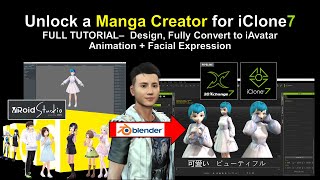
Vroid Studio to Blender and iClone - Manga Character Creation and Animation
Learn to create manga characters in Vroid Studio and import them into iClone for 3D animation, including step-by-step guidance on design, conversion, and adding facial expressions.
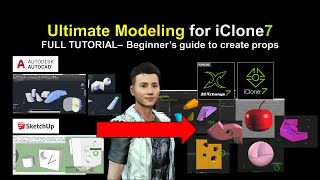
SketchUp and AutoCAD Modeling for iClone - Ultimate 3D Prop Creation Tutorial
Learn to export 3D models from SketchUp and AutoCAD into iClone for animation. Master creating custom props, shapes, and geometries to enhance your 3D designs and boost creativity.
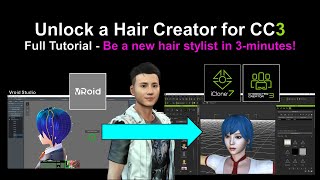
Creating New Hair for Character Creator 3 Using VRoid - Tutorial
Learn to create custom hairstyles using Vroid Studio and import them into Character Creator 3, expanding your character design capabilities with step-by-step guidance and practical tips.
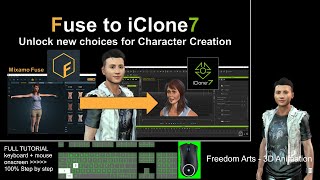
Exporting Mixamo Fuse Characters to iClone - Rigging and Animation Tutorial
Step-by-step guide for exporting Mixamo Fuse character creations to iClone with full rigging, facial animation, expressions, and morphs. Learn to utilize multiple 3D software tools for seamless character integration.
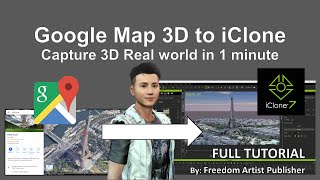
Google Map 3D to iClone - Importing 3D Models from Google Maps
Unlock Google Map 3D models and import them into iClone and Blender. Learn to extract buildings, terrain, and other 3D elements for use in animation projects.

Importing Vroid Characters into iClone - Episode 1
Step-by-step guide for importing Vroid characters into iClone, covering essential software and techniques for creating and animating manga-style characters in 3D animation projects.

Make a Neuron in Blender - Tutorial
Create a detailed 3D neuron model using Blender's sculpting tools, tree structures, and lighting techniques in this step-by-step tutorial.
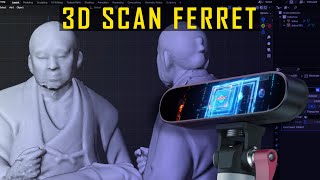
The Latest 3D Scanner- Creality CR-Scan Ferret 3D Scanner - REVIEW
Comprehensive review of Creality CR-Scan Ferret 3D Scanner, covering unboxing, software, scanning process, results, and exporting. Ideal for those interested in 3D scanning technology.

Blender - Make a Stunning Ring - Easy Tutorial
Learn to create a beautiful, stunning ring using Blender in this easy-to-follow tutorial, perfect for beginners and intermediate users looking to enhance their 3D modeling skills.
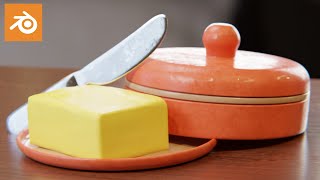
How to Make a Butter Tray Scene in Blender
Create a realistic butter tray scene in Blender with step-by-step guidance. Master 3D modeling techniques to craft lifelike food objects and enhance your CGI skills in just 17 minutes.
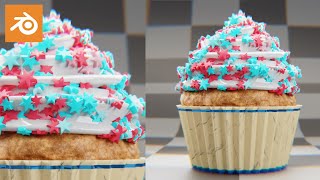
Blender Tutorial - Make a Fancy Cupcake Easy
Create a visually appealing cupcake model in Blender with this step-by-step tutorial, perfect for beginners looking to enhance their 3D modeling skills and create mouth-watering digital treats.
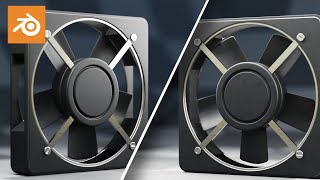
Model a Computer Fan in Blender
Learn to create a realistic 3D computer fan model using Blender in this concise tutorial, covering essential modeling techniques and enhancing your 3D design skills.
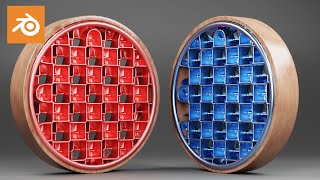
Blender Tutorial - Abstract Scene That Anyone Can Make
Create an easy abstract render in Blender with step-by-step guidance. Perfect for beginners looking to explore 3D design and create visually striking scenes quickly.
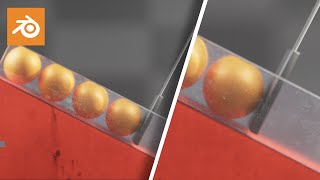
Blender Tutorial - Push & Fall Simulation
Create a captivating rigid body simulation in Blender with this easy-to-follow tutorial on push and fall effects, enhancing your 3D animation skills and adding dynamic elements to your projects.
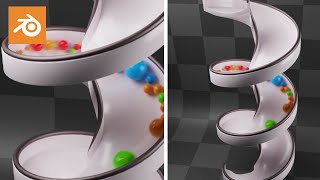
Blender Tutorial - Spiral Tower Rigid Bodies, So Satisfying & Easy
Create a mesmerizing spiral tower physics simulation in Blender. Learn step-by-step techniques for a visually satisfying and easy-to-follow rigid body animation.
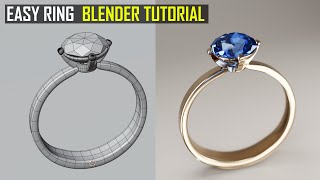
Easy Ring in Blender - Tutorial
Create a simple yet elegant ring using Blender 3.3 in this quick tutorial, perfect for beginners looking to enhance their 3D modeling skills.