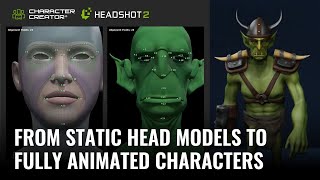
Turning Static Head Models into Fully Animated Characters with Headshot 2
Learn to transform static 3D head models into fully animated characters using Headshot 2, Character Creator, and ZBrush. Master techniques for creating unique stylized characters with expert tips and step-by-step guidance.
Creating and Animating 3D Heads with Headshot 2.0
Learn to create and animate realistic 3D heads using Headshot 2.0. Explore image and mesh workflows, facial animation tools, motion capture techniques, and skin customization with SkinGen.
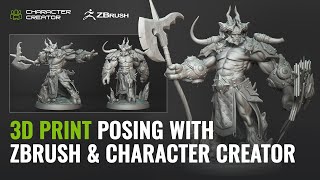
3D Printing and Character Posing with ZBrush and Character Creator - One Sculpture, Infinite Poses
Explore seamless character posing between ZBrush and Character Creator 4 with the new Pose Tools plugin. Learn to create, rig, and modify 3D characters for printing and digital art.
Creating a Wool Cat Animation: Blender to Cartoon Animator Workflow
Learn to create a charming wool cat animation using Blender and Cartoon Animator. This step-by-step guide covers 3D to 2D conversion, spring dynamics, free-form deformation, and video compositing.
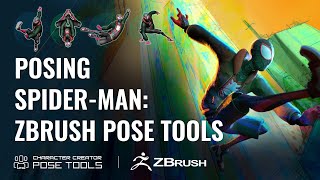
Efficient Character Posing in ZBrush - Pose Tools and Character Creator Integration
Learn efficient character posing in ZBrush using Pose Tools and Character Creator 4. Master techniques for creating, storing, and managing poses, enhancing your 3D character design workflow.
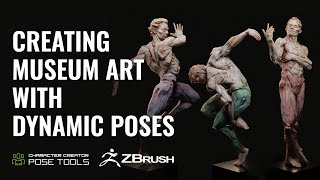
Dynamic Character Poses in ZBrush - Evoking Motion and Grace in Fine Art Sculptures
Learn to create dynamic character poses in ZBrush using CC4, guided by expert Deryck Pelegrini. Master techniques for evoking motion and grace in fine art sculptures through a unique creative workflow.
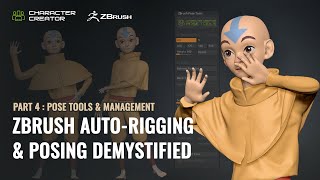
ZBrush Pose Management and Tools - Part 4: Advanced Techniques
Explore advanced ZBrush posing techniques using Pose Tools and Character Creator. Learn efficient workflows for character design, including dynamic simulations and layer management.
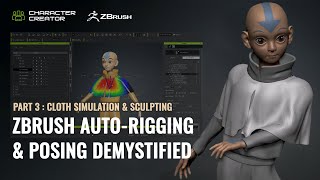
ZBrush Auto-Rigging and Posing - Part 3: Cloth Simulation and Character Creator Pose Tools
Learn advanced techniques for auto-rigging, posing, and cloth simulation in ZBrush and Character Creator. Master the motion library, GoZ workflow, and create dynamic character designs efficiently.
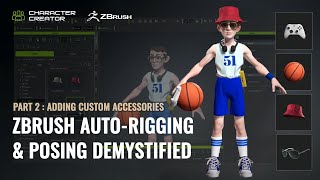
ZBrush Auto-Rigging and Posing - Custom Accessories and Character Creator Tools - Part 2
Learn advanced techniques for custom accessory creation, rigging, and posing in ZBrush and Character Creator. Master polycount optimization, texture transfer, AccuRig, and the ZBrush Pose Link plugin for enhanced 3D character design workflows.
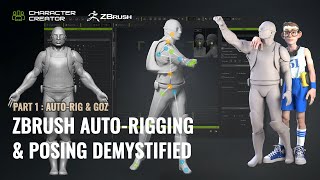
ZBrush Auto-Rigging and Posing with Character Creator - Part 1: Auto-Rig and GoZ
Learn to auto-rig and pose 3D characters using ZBrush and Character Creator. Master essential techniques like resizing, AccuRIG, and GoZ for seamless workflow between software.
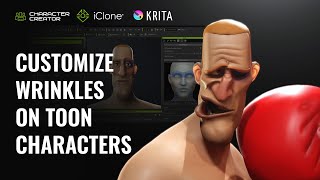
Creating Distinctive Dynamic Wrinkles for Toon Characters in Krita and Character Creator
Learn to create unique cartoon character wrinkles using Krita and Character Creator. Master customizing preset wrinkles, sculpting expressions, and combining personalized wrinkles for distinctive animated characters.
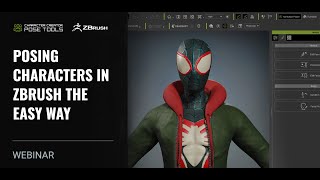
Posing Characters in ZBrush - The Easy Way with Character Creator 4
Learn advanced techniques for dynamic character posing using ZBrush and Character Creator 4. Explore pose tools, AccuRig, and Pose Link to create lifelike, expressive 3D character poses efficiently.
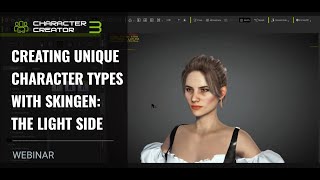
Creating Unique Character Types with SkinGen - Character Customization and Lighting
Explore SkinGen plug-in for detailed character customization, including makeup, aging, and blemishes. Learn to enhance characters with strategic lighting and facial animation in iClone.
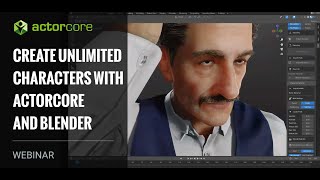
Create Unlimited Characters with ActorCore and Blender
Explore ActorCore character creation, material editing in Substance Player, and rendering in Blender. Learn to combine ActorCore motions with facial mocap for quick scene creation in iClone.
Headshot Head Generation for iClone Projects
Explore AI-powered 3D character generation with Headshot plug-in for Character Creator. Learn auto and pro modes, troubleshooting techniques, and basic facial animation tools for quick, realistic digital humans.
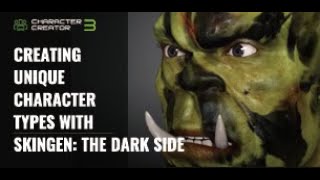
Creating Unique Character Types with SkinGen - The Dark Side
Explore advanced character creation techniques using SkinGen to craft unique, dark-themed characters with detailed skin customization and dramatic lighting in iClone.
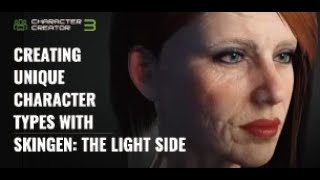
Creating Unique Character Types with SkinGen: The Light Side
Explore SkinGen plug-in for detailed character creation, from basic UI to customizing makeup, aging effects, and outdoor lighting in iClone. Learn to craft lifelike digital personas.
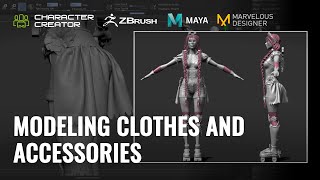
Modeling Clothes and Accessories for Game Characters - Part 2
Learn to model clothes and accessories for game characters using ZBrush, Maya, and Marvelous Designer. Create detailed outfits, from blocking to final models, and import them into Character Creator for game-ready results.
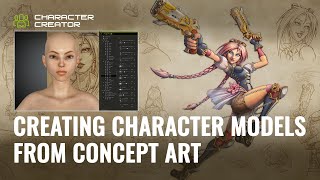
Creating Character Models from Concept Art - Part 1
Learn to create game character models from concept art using Character Creator, ZBrush, and GoZ. Master body proportions, facial features, and sculpting techniques for realistic 3D characters.
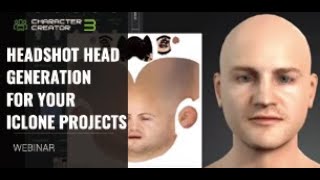
Headshot Head Generation for iClone Projects
Learn to generate and animate 3D digital humans from a single photo using Headshot, an AI-powered Character Creator plug-in. Explore Auto and Pro modes, troubleshooting techniques, and basic facial animation tools in iClone.
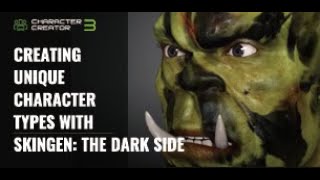
Creating Unique Character Types with SkinGen - The Dark Side
Explore advanced character creation techniques using SkinGen in Character Creator 3, focusing on dark and exotic looks, with practical demonstrations and iClone lighting methods.