Description:
Save Big on Coursera Plus. 7,000+ courses at $160 off. Limited Time Only!
Grab it
Learn how to create a stunning rope text effect in Adobe Illustrator using a custom pattern rope brush in this 36-minute tutorial. Master the process of crafting a simple rope brush from scratch, starting with the Rectangle Tool and employing basic blending and vector shape building techniques. Explore the Live Corners feature to refine your design. Discover efficient methods to multiply rope pieces and craft rope ends. Delve into creating pattern brush components using the Shape Builder Tool and essential moving techniques. Finally, apply your newly created rope pattern brush to produce an eye-catching text effect. Gain valuable skills in Illustrator brush creation and text manipulation, enhancing your vector design capabilities.
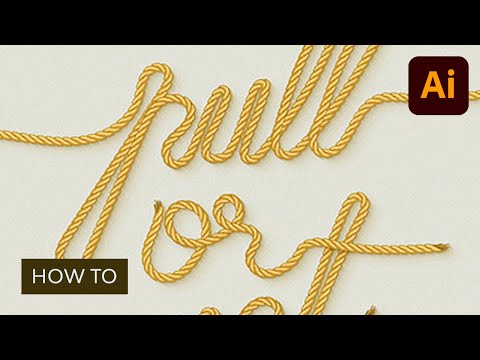
Use a Pattern Rope Brush to Create a Rope Text Effect in Illustrator
Add to list
#Art & Design
#Digital Media
#Adobe
#Adobe Illustrator
#Design & Creativity
#Graphic Design
#Typography
#Visual Arts
#Digital Art
#Text Effects
#Pattern Brushes