Description:
Save Big on Coursera Plus. 7,000+ courses at $160 off. Limited Time Only!
Grab it
Dive into a comprehensive 43-minute video tutorial that explores the world of Smart Objects in Photoshop. Learn why Smart Objects are essential, discover the advantages of using RAW images as Smart Objects, and master the 'pixel' concept. Explore practical examples comparing Smart Objects to regular raster layers, and learn techniques such as blurring backgrounds with Smart Filters and creating mockups. Understand the power of Smart Groups, the 'Replace Contents' feature, and the differences between embedded and linked Smart Objects. Gain insights into making duplicate Smart Objects unique, creating smart reflections, and the limitations of Smart Objects. Conclude with an understanding of non-destructive editing techniques. The tutorial includes downloadable resources and timestamps for easy navigation through various topics, making it an invaluable resource for both beginners and advanced Photoshop users looking to enhance their skills in compositing, designing, and image editing.
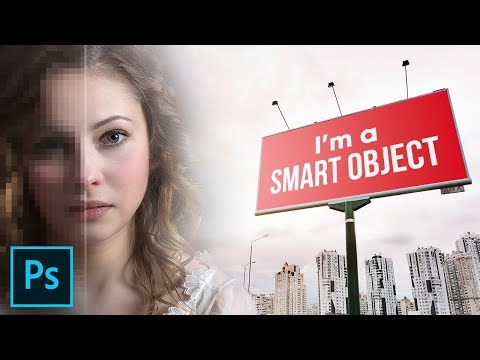
The Complete Guide to Smart Objects in Photoshop
Add to list
#Art & Design
#Design & Creativity
#Graphic Design
#Image Editing
#Smart Objects
#Visual Arts
#Photography
#Non-destructive Editing
#Film & Theatre
#Filmmaking
#Film Production
#Visual Effects
#Compositing