Description:
Learn how to transform a UI design into a functional iOS app in this fifth and final part of a comprehensive Swift tutorial series. Follow along as the instructor guides you through the process of creating a to-do app, covering topics such as embedding view controllers, adding progress bars, setting row heights, creating container view controllers, and implementing delegate functions. Gain practical experience in iOS app development and enhance your Swift programming skills. Access the start and finished project files on GitHub to support your learning journey.
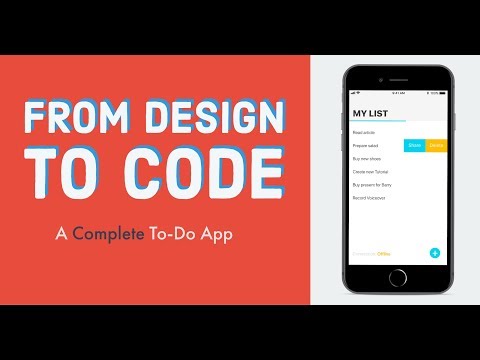
Swift Tutorial - From UI Design to Real iOS App
Add to list