Description:
Discover three essential Photoshop tips in this eye-opening tutorial divided into three chapters. Learn to use the Selective Color Adjustment Tool for efficient color correction and creative effects with minimal masking. Master the Auto Align Layers command to streamline your workflow and let Photoshop handle precise alignments. Explore the Masking Properties box to optimize your mask settings and significantly reduce retouching time. Dive into practical examples, including vignette creation, and enhance your photo editing skills with these time-saving techniques suitable for photographers of all levels.
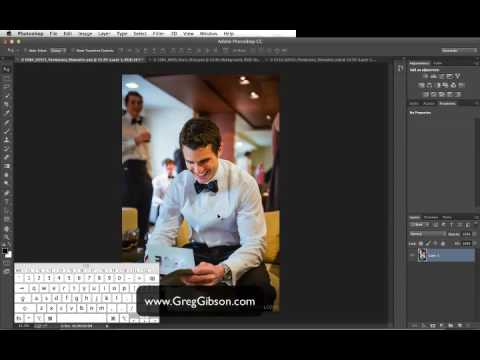
Three Essential Photoshop Tips for Efficient Retouching
Add to list
#Art & Design
#Digital Media
#Adobe
#Adobe Photoshop
#Photo Editing
#Video Editing
#Color Correction