Description:
Learn to design a Raspberry Pi camera module holder for the SMARS quad robot using Fusion 360 in this comprehensive tutorial. Follow along step-by-step, from initial sketching to final STL file output, as the process of creating a custom camera mount is demonstrated. Gain insights into measuring, sketching, and modeling techniques specific to this project. Access free resources, including a PDF with all necessary measurements and dimensions, as well as the finished Thingiverse model. Explore topics such as ribbon cable insertion, creating support structures, and optimizing the design for 3D printing. This video is part of a series covering various aspects of the SMARS Quad robot, from assembly to advanced features like computer vision and voice recognition.
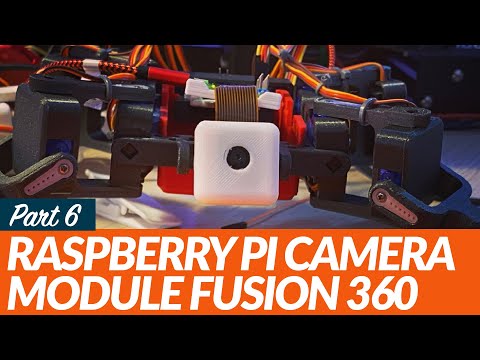
Raspberry Pi Camera Module Design in Fusion 360 for SMARS Quad
Add to list
#Engineering
#Robotics
#SMARS
#Computer Science
#Internet of Things
#Raspberry Pi
#CAD
#Autodesk Fusion 360