Description:
Learn to design a Plummer block in Creo Parametric through this comprehensive 44-minute tutorial. Follow step-by-step instructions to create the body, extrude, make cuts, revolve, add rounds, and design the cap. Master techniques for removing material, extruding faces, and creating bearing bottom halves. Explore advanced features like bolt creation, threading, and hexagon nut design. Conclude by assembling all components, including the body, cap, bolts, and soft parts, to complete the Plummer block assembly.
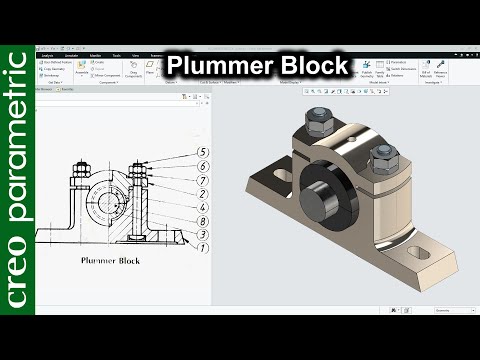
Plummer Block Assembly Design in Creo Parametric
Add to list
#Engineering
#Creo Parametric
#Mechanical Engineering
#Art & Design
#Visual Arts
#3D Design
#3d Modeling
#Manufacturing
#Extrusion
#Parametric Design
#Assembly Modeling