Description:
Learn to create a cinematic movie poster design in Photoshop using the 'Versus' typeface, free stock photos, and a movie poster credits template. Master techniques like solid color adjustment layers, gradient tools, overlay effects, and masking to composite a visually striking image. Explore advanced features such as removing backgrounds, adding clouds, adjusting blend modes, and applying global adjustments. Follow step-by-step instructions to craft an 'Ultra' cool poster that's ready to smash box office records, while gaining valuable skills in typography, image manipulation, and professional design techniques.
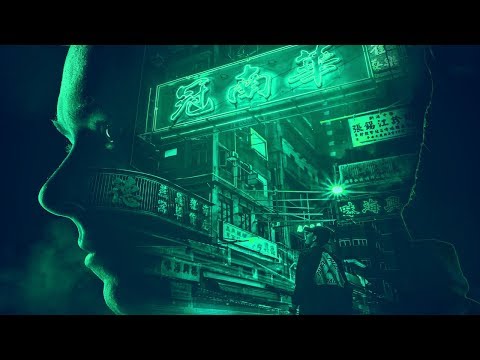
How to Create an Epic Movie Poster Design in Photoshop
Add to list
#Art & Design
#Digital Media
#Adobe
#Adobe Photoshop
#Design & Creativity
#Graphic Design
#Typography
#Visual Arts
#Digital Art