Description:
Learn to create an elegant watercolor wedding invitation design in Photoshop with this comprehensive 33-minute tutorial. Master techniques for incorporating beautiful floral illustrations, stylish typefaces, and decorative elements to add sophistication and charm. Follow step-by-step instructions to build a document, add flower wreaths and bouquets, insert wedding text and ornaments, and customize bride and groom names, date, time, and location. Apply adjustments, save the design, and create a mockup scene complete with card, envelope, and floral patterns. Gain valuable skills in digital design and presentation, perfect for aspiring designers or couples planning their special day.
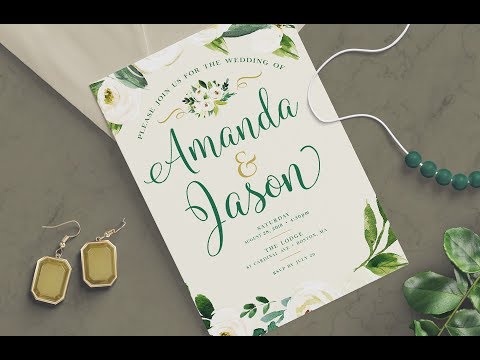
How to Create a Wedding Invitation Design in Photoshop
Add to list
#Art & Design
#Digital Media
#Adobe
#Adobe Photoshop
#Design & Creativity
#Graphic Design
#Typography
#Typefaces
#Programming
#Web Development
#Web Design
#Mockups
#Floral Illustration