Description:
Learn the essential features and tools of Marvelous Designer in this beginner-friendly video tutorial. Explore importing avatars, adjusting simulation resolution, cutting holes, resetting patterns, and mastering various sewing techniques. Discover how to create buttons, use offset as internal lines, apply stitching, and utilize the pin tool. Follow along with practical examples and gain foundational skills for digital fashion design and 3D clothing creation.
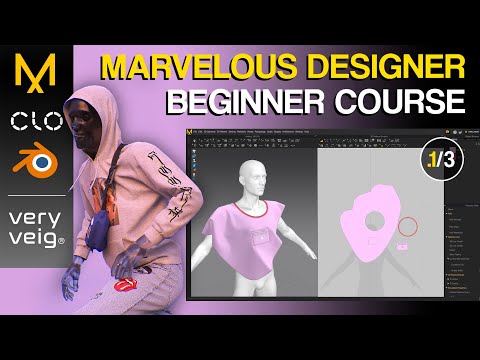
Marvelous Designer Beginner Course - The Basics
Add to list