Description:
Dive into the second lesson of a comprehensive Fusion 360 tutorial series designed for absolute beginners. Learn essential 3D design techniques including setting dimensions, using the fillet tool, copying and pasting, working with sketch levels, creating rectangular patterns, and extruding. Master the process of changing dimensions and offsets, and discover how to print your design. Follow along step-by-step to create your first 3D design in Fusion 360, building a solid foundation for future projects.
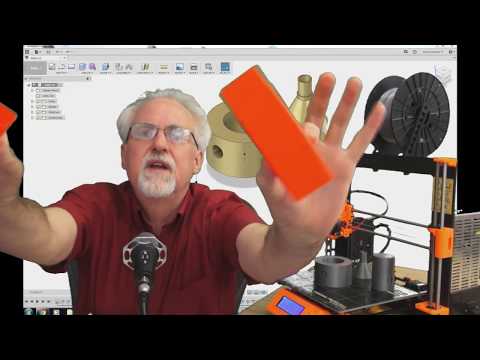
Learn Fusion 360 or Die Trying - First 3D Design for Absolute Beginners
Add to list
#Engineering
#CAD
#Autodesk Fusion 360
#Art & Design
#Digital Media
#3D Printing
#Visual Arts
#3D Design
#Drawing
#Sketching