Description:
Follow step-by-step instructions to create a 3D printable gear box with stacked herringbone gears in Fusion 360. Learn how to design helical and herringbone gears, move the body, create stacked and multi-level gears, use modify combine and create copy functions, build and extrude the base, and make post-dimension adjustments. Gain insights into printing the gear box on both Raise3D and Prusa 3D printers. Enhance your Fusion 360 skills and 3D printing knowledge through this comprehensive tutorial.
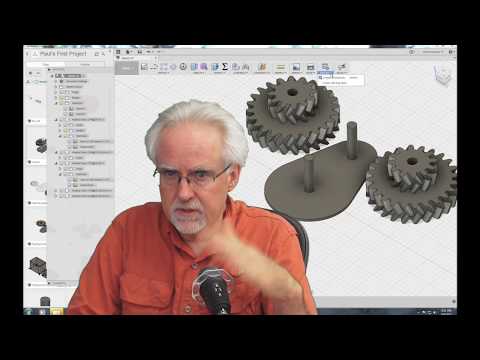
Learn Fusion 360 or Die Trying - Design Gear Box with Stacked Gears for 3D Printing
Add to list
#Engineering
#CAD
#Autodesk Fusion 360
#Art & Design
#Digital Media
#3D Printing
#Mechanical Design
#Mechanical Engineering
#Gear Design