Description:
Learn the fundamentals of using Grasshopper for industrial design in this comprehensive tutorial. Explore the process of creating a Hex Based attractor and applying it to Alias and Illustrator. Gain hands-on experience with Rhino and Grasshopper, utilizing the Lunchbox plugin available on food4Rhino.com. Master essential skills including installing Grasshopper, importing surfaces, adding numbers, scaling, working with domains, organizing your workflow, and exporting curves. Discover how to seamlessly integrate your work into Alias, enhancing your industrial design capabilities.
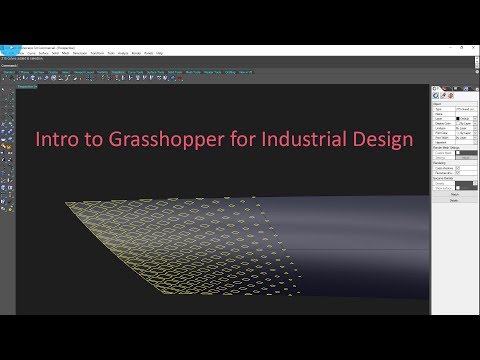
Intro to Grasshopper for Industrial Design
Add to list
#Art & Design
#Visual Arts
#3D Design
#Rhinoceros 3D
#Computer Science
#Software Engineering
#Scaling
#Engineering
#Industrial Design