Description:
Learn logo and packaging design using Adobe Illustrator and Photoshop in this comprehensive tutorial. Join graphic designer Dany Vo as he demonstrates the creation of packaging for a plant-based cake-pop company. Discover how to interpret design briefs, create moodboards, and develop typography and logos. Explore front and back packaging design, stock photo integration, and competitor shelf-mockup creation. Gain insights into project initiation, brand strategy, inspiration sources, font customization, mockup usage, and illustration techniques. Master essential skills like working with paths, custom shapes, and color experimentation. Benefit from expert advice on logo presentation, client communication, and the nuances of designing in RGB vs CMYK color spaces.
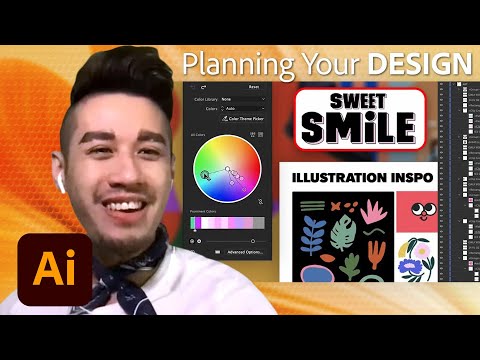
Designing Logos and Packaging with Illustrator and Photoshop - Efficient Design Tutorial Part 2
Add to list
#Art & Design
#Design & Creativity
#Graphic Design
#Business
#Marketing
#Branding
#Digital Media
#Adobe
#Adobe Photoshop
#Adobe Illustrator
#Typography
#Visual Arts
#Digital Art
#Logo Design
#Color Theory
#Programming
#Web Development
#Web Design
#Mockups
#Packaging Design
#Vector Illustration