Description:
Learn to design and 3D print a custom enclosure for any PCB board using Fusion 360 CAD software in this comprehensive step-by-step tutorial. Follow along as the instructor demonstrates the process using a Raspberry Pi as an example, covering everything from creating mechanical drawings and adding walls to incorporating screws, making adjustments, and adding custom text. Master techniques such as offset faces, sketch creation, body splitting, and rectangular patterns. By the end of this hour-long video, gain the skills to design professional-looking enclosures for your own projects, ready for 3D printing with devices like the Creality ENDER 3 V2.
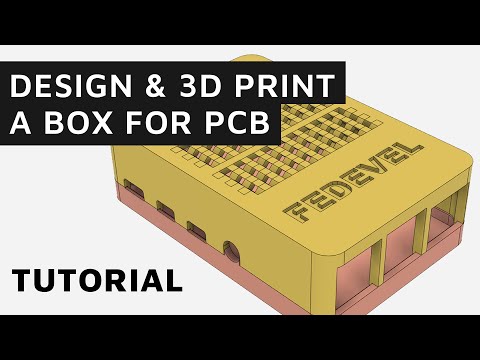
How to Build Your Own Box for a PCB Board Using Free Fusion 360 Software - Step by Step Tutorial
Add to list
#Engineering
#Electrical Engineering
#Circuits
#PCB Design
#Computer Science
#Internet of Things
#Raspberry Pi
#Art & Design
#Digital Media
#3D Printing
#CAD
#Autodesk Fusion 360