Description:
Explore personal branding techniques in this comprehensive Adobe Live session with communications designer Ester Wikström. Learn how to create a professional portfolio using Adobe Illustrator and InDesign, focusing on logo design, wordmark creation, color palette selection, and typography. Discover best practices for showcasing your work, including whether to use a PDF or website portfolio. Gain insights into cultural design differences, effective color selection using Adobe Color, and developing essential teamwork and collaboration skills. Follow along as Wikström demonstrates front page design, text placement, image placeholder setup, master page utilization, hyperlink creation, and resume page development. Address common project challenges and learn problem-solving strategies. Conclude with an artist spotlight, a recap of the two-day project, and instructions on exporting a portfolio PDF from InDesign.
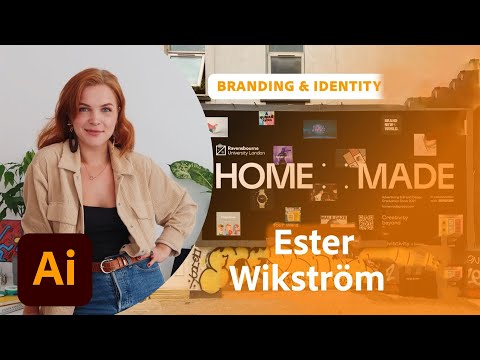
Personal Branding and Portfolio Design in Adobe Illustrator and InDesign - Part 2
Add to list
#Personal Development
#Career Development
#Personal Branding
#Art & Design
#Digital Media
#Adobe
#Adobe Illustrator
#Design & Creativity
#Graphic Design
#Typography
#Adobe InDesign
#Communication Skills
#Teamwork
#Logo Design
#Color Theory
#Adobe Creative Cloud
#Adobe Color